25
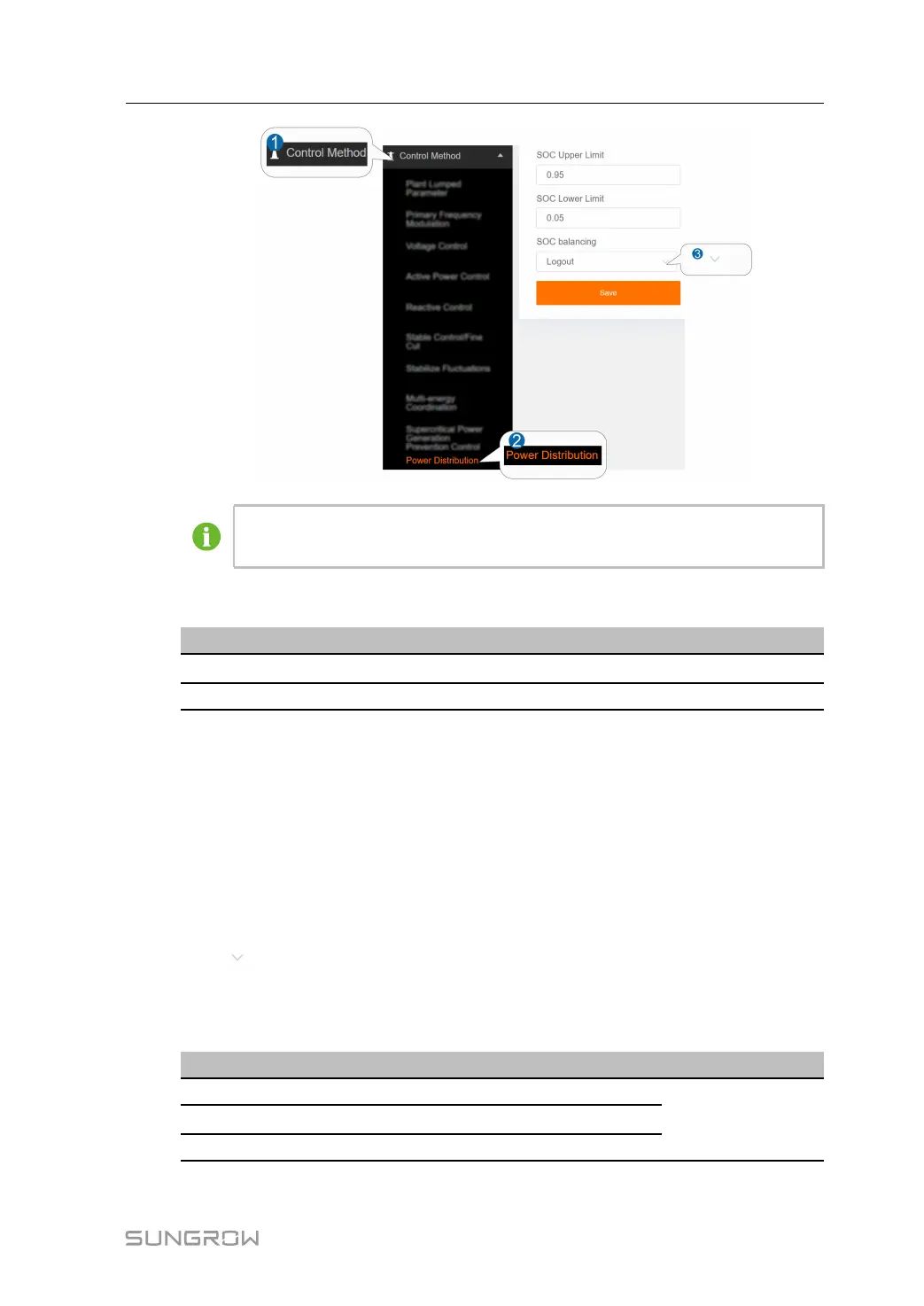
The figure is for reference only. The actual interface may be different and shall
prevail.
The default values of the parameters are shown below.
PPaarraammeetteerrss DDeeffaauulltt vvaalluueess
SSOOCC uuppppeerr lliimmiitt
0.95
SSOOCC lloowweerr lliimmiitt 0.05
step 3 Click SSaavvee to complete the settings.
-- -- EEnndd
6.11 PID Control
6.11.1 Active Power Parameters
step 1 Click CCoonnttrrooll MMeetthhoodd→→PPIIDD CCoonnttrrooll→→AAccttiivvee PPoowweerr PPaarraammeetteerrss to enter the
corresponding interface.
step 2 Click
to set the status of the PPrreesseett PPaarraammeetteerrss.
The preset parameters are divided into: quick, slow and custom, and the default values
of the parameters for the different methods are shown below.
PPaarraammeetteerrss QQuuiicckk
SSllooww CCuussttoomm
Scale factor 0.800 0.100
User set-upIntegral coefficient
0.100 0.010
Differential coefficient 0.000 0.000
User Manual 6 Control Method



 To Next Page