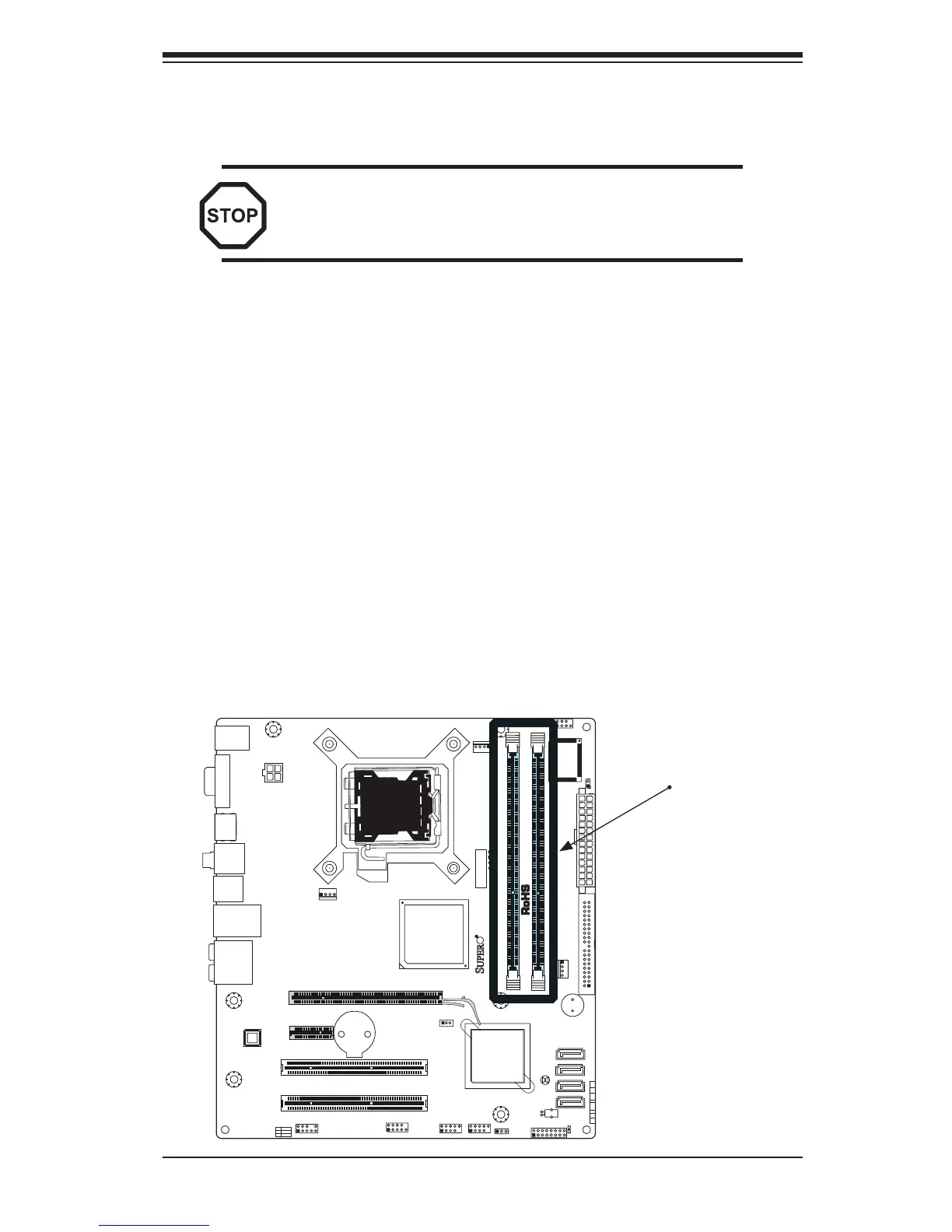
2-4 Installing DDR3 Memory
Note: Check the Supermicro web site for recommended memory modules.
CAUTION
Exercise extreme care when installing or removing
DIMM modules to prevent any possible damage.
DIMM Installation
Insert the desired number of DIMMs into the memory slots, starting with 1.
DIMM1A. Insert each DIMM module vertically into its slot. Pay attention to
the notch along the bottom of the module to prevent incorrect DIMM module
installation.
Gently press down on the DIMM module until it snaps into place in the slot. 2.
Repeat step 1 to install DIMM1B if needed.
Memory Support
The C2G41 supports up to 4GB of Unbuffered Non-ECC DDR3 (1066/800 MHz) in
2 DIMM slots. Populating these DIMM modules with a pair of memory modules of
the same type and same size will result in interleaved memory, which will improve
memory performance.
Installing and Removing DIMMs
Memory
Banks



 To Next Page