Chapter 2: Installation
2-29
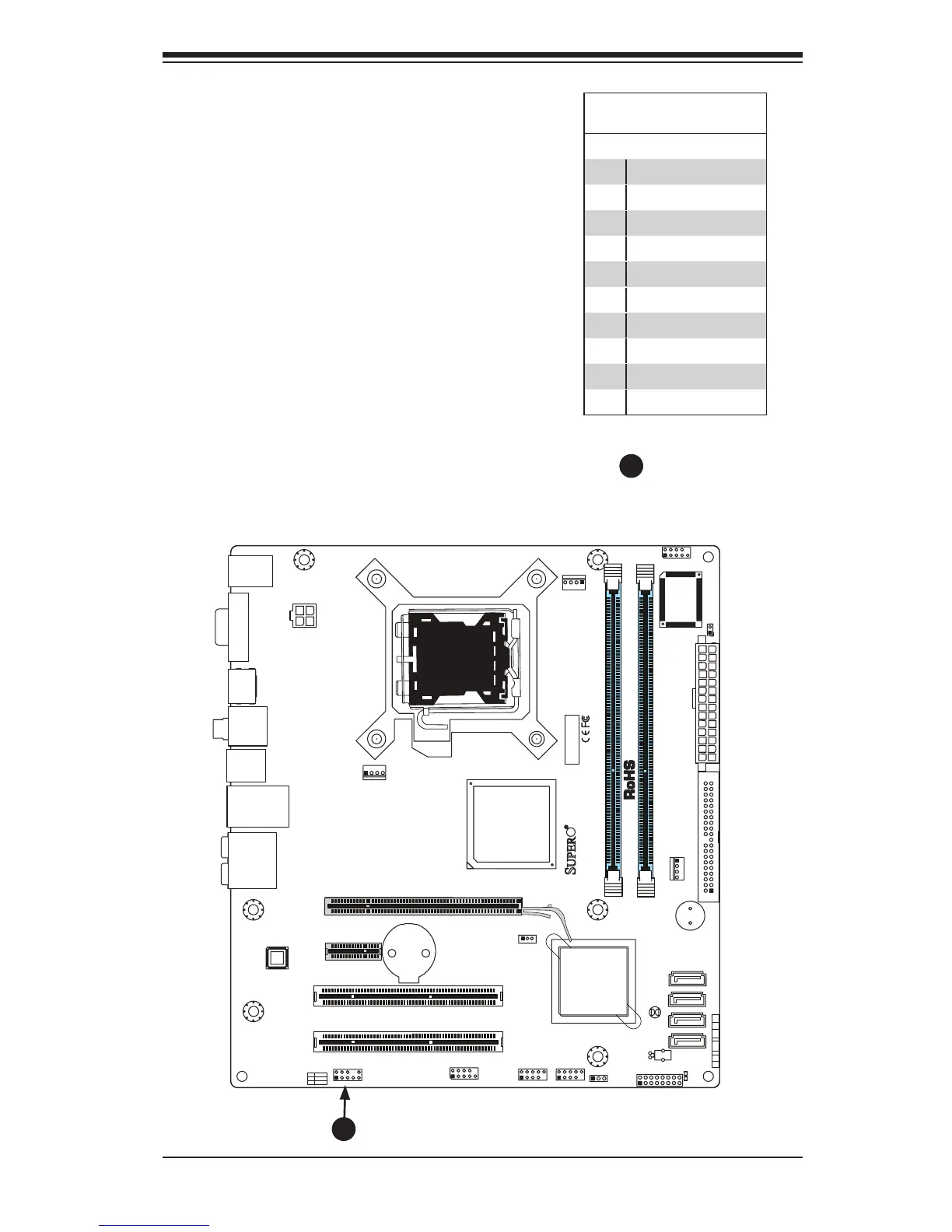
Front Panel Audio Control
When front panel headphones are plugged
in, the back panel audio output is disabled.
This is done through the FP Audio header
(AUDIO FP). If the front panel interface
card is not connected to the front panel
audio header, jumpers should be installed
on the header pin pairs: 1-2, 5-6, and
9-10. If these jumpers are not installed,
the back panel line out connector will
be disabled and microphone input Pin
1 will be left oating, which can lead to
excessive back panel microphone noise
and cross talk. See the table below for
pin denitions.
HighDenitionFronPanel
Audio
Pin# Signal
1 MC_L
2 AUD_GND
3 MC_R
4 FP_Audio-Detect
5 Line_2_R
6 SENSE1_RETURN
7 AUD_GND
8 Key
9 Line_2_L
10 SENSE2_RETURN
A. Front Panel Audio



 To Next Page