4-2
C2G41 User’s Manual
Starting the Setup Utility
Normally, the only visible POST (Power On Self Test) routine is the memory test.
As the memory is being tested, press the <Delete> key to enter the main menu of
the AMI BIOS Setup Utility. From the main menu, you can access the other setup
screens. An AMI BIOS identication string is displayed at the left bottom corner of
the screen, below the copyright message.
Warning!! Do not shut down or reset the system while updating BIOS
to prevent possible boot failure.
4-2 Main Setup
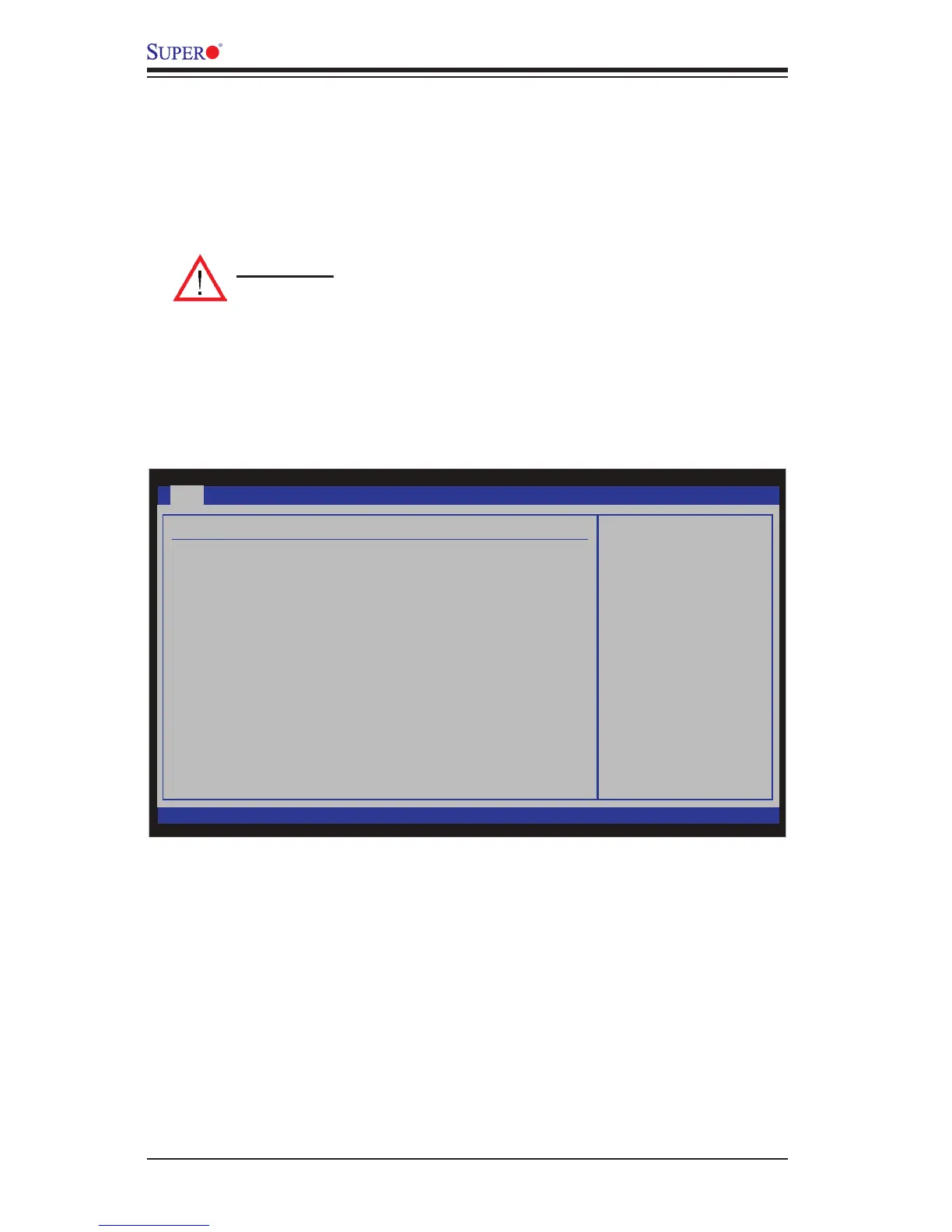
When you rst enter the AMI BIOS Setup Utility, you will enter the Main setup screen.
You can always return to the Main setup screen by selecting the Main tab on the
top of the screen. The Main BIOS Setup screen is shown below.
System Overview: The following BIOS information will be displayed:
System Time/System Date
Use this option to change the system time and date. Highlight System Time or Sys-
tem Date using the arrow keys. Enter new values through the keyboard. Press the
<Tab> key or the arrow keys to move between elds. The date must be entered in
BIOS SETUP UTILTY
Main Advanced
Security
Boot
Exit
Select Screen
Select Item
+- Change Field
Tab Select Field
F1 General Help
F10 Save and Exit
ESC Exit
vXX.XX (C) Copyright 1985-2009, American Megatrends, Inc.
System Overview
System Time [09:20:40]
System Date [Tue 06/14/2009]
Supermicro C2G41
Version : 1.00
Build Date : 06/09/09
ID : 10607000
Processor
Intel(R) Core(TM) 2 Duo CPU E8400 @ 3.00GHz
Speed : 3000MHz
Physical Count : 1
Logical Count : 2
System Memory
Populated Size : 2048MB
Available Size : 2048MB
Use [ENTER], [TAB]
or [SHIFT-TAB] to
select a field.
Use [+] or [-] to
configure system time.



 To Next Page