Starting and Operating Starting and Operating
7. 3
7. 4
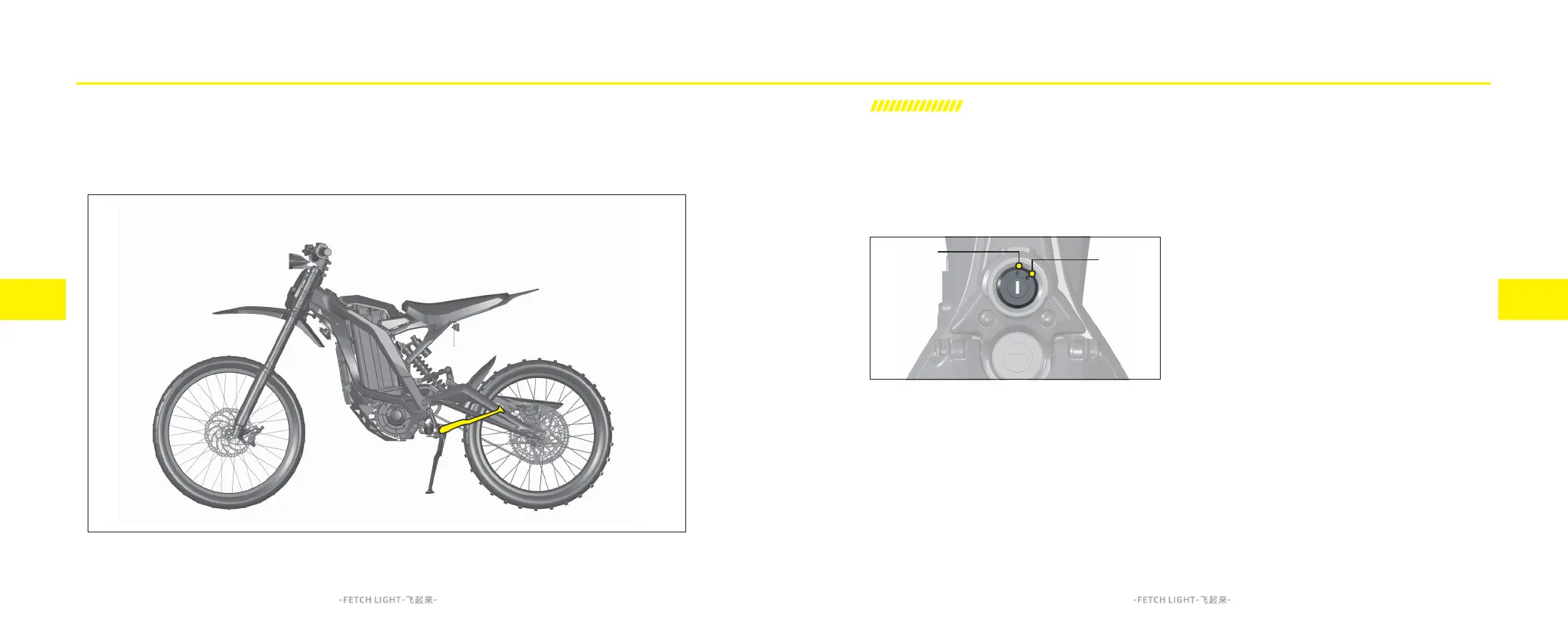
This is a two-position switch located on the USB
charging port holder. The functions are as follows:
OFF A
ON B
OFF Position
This position is to turn off the Light Bee electric
motorcycle, thereby turn off all the electrical
system. The key can also be removed from this
position.
ON Position
This position is to turn on the Light Bee electric
motorcycle. The following changes occur when
switch to this location:
Dashboard ON.
Headlight ON.
Tail light ON.
Operating the Key Switch:
1. Insert the key into the key switch and turn clock-
wise to switch the key from OFF position to ON
position to power on the Light Bee electric motor-
cycle.
2. When the Light Bee electric motorcycle is
powered on, turn the key counterclockwise to
switch the key from ON position to OFF position,
then the Light Bee electric motorcycle is powered
off. Remove the key immediately after turn off the
key switch and safely park the motorcycle to
prevent the theft.
Electrical System
Check whether the headlight and tail light are functioning properly.
Check whether the side stand switch and tilt switch are functioning properly.
Key Switch
A
B



 To Next Page