Troubleshooting Troubleshooting
11.9
11.10
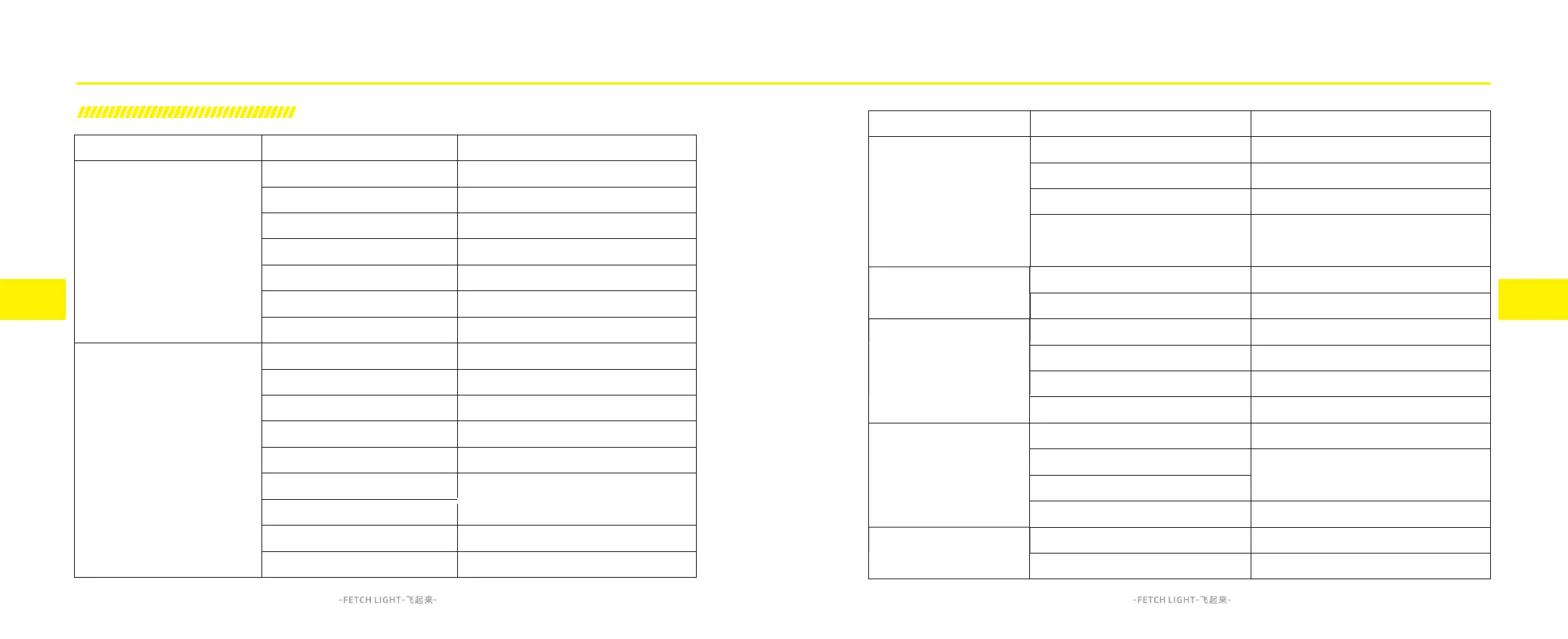
Fault Description
Vehicle does not power on
Vehicle powered on but
not moving
Fault Description
Possible Cause
Battery plug not connected properly
Battery level too low
Battery enters temperature protection
Main cable fuse blown
Key switch not properly engaged
DC Converter failure
Battery failure
Side stand switch protection
Brake override switch protection
Tilt switch is triggered and not reset
Throttle not in idle position
when powered on
Battery low level protection
Motor temperature too high
Controller temperature too high
Side stand switch failure
Tilt switch failure
Troubleshooting solution
Check battery plug
Charge the batter pack
Wait the temperature back
to working condition
Check all cables and replace fuse
Check key switch cable connection
or replace new key switch
Replace DC converter
Repair or replace the battery at
Surron after-sales points
Retract the side stand
Check brake signal switch
Turn off the key switch and turn on again,
after lift up the motorcycle
Check and adjust throttle travel
Charge the battery pack
Stop riding and wait for
the temperature cool down
Disconnect or replace side stand switch
Disconnect or replace tilt switch
Common Troubleshooting
Possible Cause
Throttle contact is poor or damaged
Controller plugs are in poor contact
Motor encoder is in poor contact
Battery indicator not connected properly
Battery indicator broken
Battery enters temperature protection
The charger plug is in poor contact
Charger failure
Battery failure
Battery level too low
Battery temperature protection
Motor or controller temperature too high
Riding mode switch broken
USB plug is in poor contact
USB converter failure
Troubleshooting solution
Replace throttle
Reinsert the plugs of the controller
Check motor encoder connection
Repair or replace the battery at
Surron after-sales points
Repair or replace the battery at
Surron after-sales points
Wait the temperature back
to working condition
Reinsert the charging plug
Replace charger
Repair or replace the battery at
Surron after-sales points
Charge the battery pack
Replace riding mode switch
Check USB plug connection
Replace USB converter
Controller or motor
encoder failure
Repair/replace the controller or motor at
Surron after-sales points
Wait the temperature
back to working condition
Vehicle powered on but
not moving
Vehicle powered on but
no battery display
Charger not working
Invalid riding
mode/power limited
USB port no power



 To Next Page