Getting started
Note
• If the auto presetting is canceled during presetting, some channels not yet preset may not be received.
• The selection will depend on how you receive the TV channels.
Press [RETURN ] or [SETUP] to cancel the auto presetting during scanning.
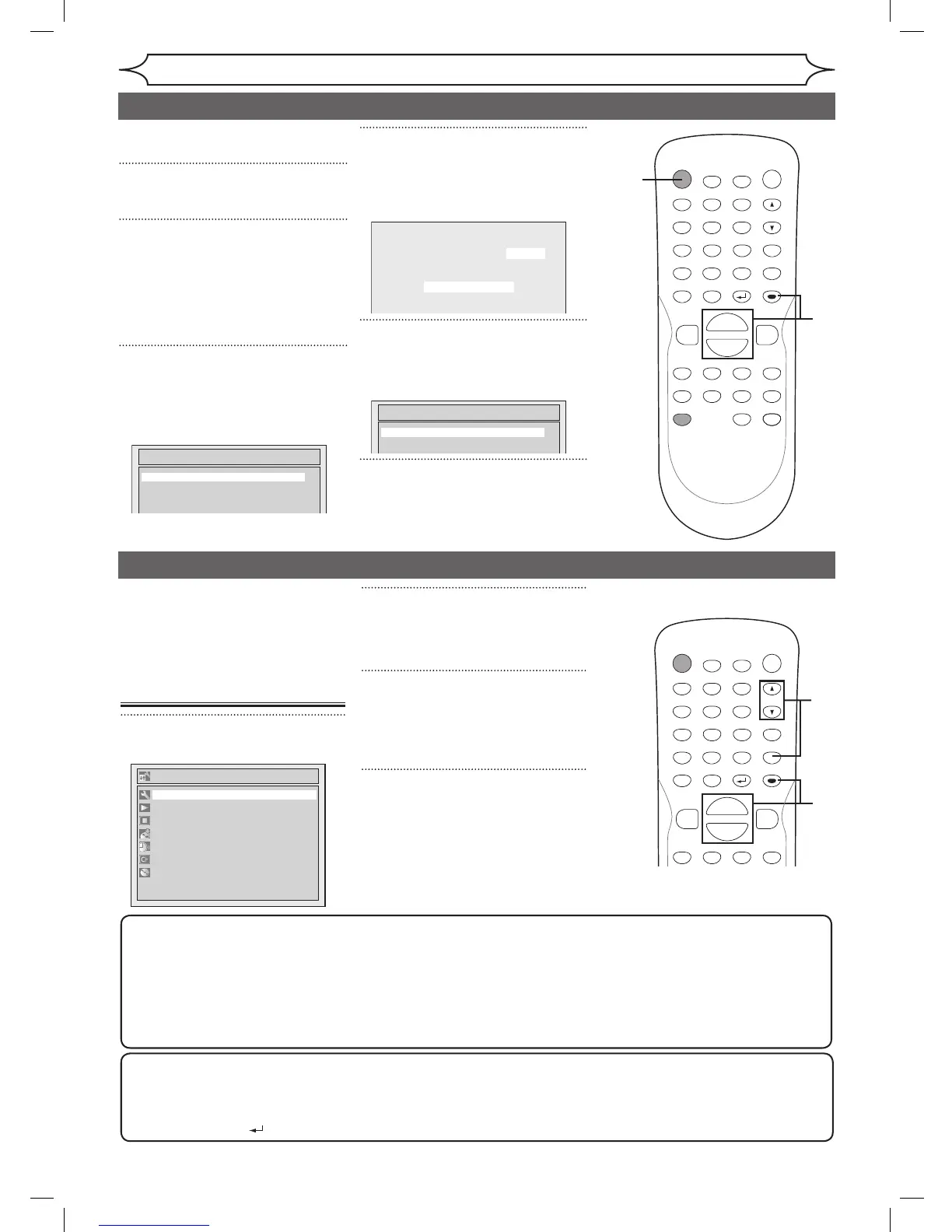
Initial setting
Turn on this unit for the first time,
you need to follow these steps.
1
Press [POWER].
2
Turn the TV on. Select the input
to which the unit is connected.
Refer to the table on page 15.
“Initial Setting” will automatically
appear.
3
Using [K / L], select your
desired language for the OSD.
Then press [ENTER] to go to
next step.
4
Press [ENTER] to start Channel
Preset.
The unit will start getting channels
available in your area.
5
After channel setting is finished,
“Clock Setting” will appear.
Then press [ENTER].
6
Follow to step 3 on page 22 to
“Manual Clock Setting”.
Channel setting
2
Using [K / L], select “Channel”.
Press [ENTER].
Channel menu will appear.
3
Using [K / L], select “Auto
Preset”. Press [ENTER].
The unit will start getting channels
available in your area.
4
Press [SETUP] to exit.
• You can select only the
channels memorized in this unit
by using
[CHANNEL L / K] or
[CH K / L].
To select a channel
You can select a channel by directly entering channel using the Number buttons on the remote control.
Notes for using the Number buttons:
• When selecting cable channels which are higher than 99, enter channel numbers as a three-digit number.
(For example: 117, press
[1], [1], [7])
• You must precede single-digit channel numbers with a zero (For example: 02, 03, 04 and so on).
• You can select the line input mode (“L1” or “L2”). To select “L1” by pressing
[0], [0], [1]. To select “L2” by
pressing
[0], [0], [2]. Details are on pages 33-34.
1
2
3
4



 To Next Page