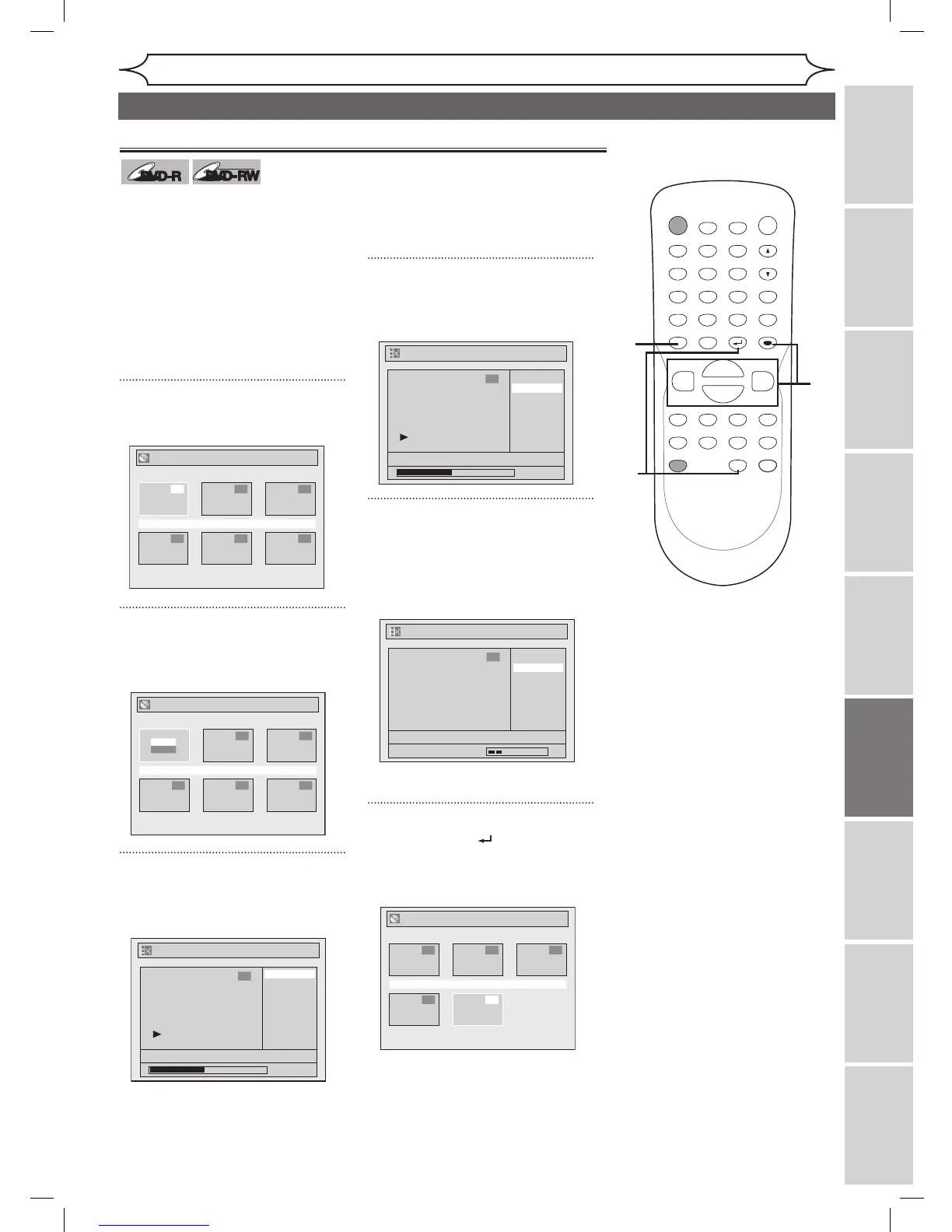
You can delete titles which you do
not need anymore.
Be advised that the titles once
deleted cannot be brought back to
the disc.
When the last title in the title list on
DVD-RW disc is deleted, the disc
space to record will be increased.
For DVD-R disc, the disc space to
record will not be changed.
1
Press [TOP MENU].
Title List will appear.
2
Using [K / L / { / B], select the
desired title. Press [ENTER].
Option window will appear.
3
Using [K / L], select “Edit”.
Press [ENTER].
Edit menu will appear.
You cannot select “Chapter Mark”
when a DVD-R disc is inserted into
the unit.
“Chapter Mark” does not work on
the title less than 5 minutes.
4
Using [K / L], select “Title
Delete”. Press [ENTER].
Confirmation window will appear.
5
Using [K / L], select “Yes”.
Press [ENTER].
After that, “Are you sure?” will
appear, so that select “Yes” with
[K / L] and then press [ENTER].
Title will be deleted.
6
Press [RETURN ] or [STOP C]
to exit.
Data will be written onto the disc
momentarily.



 To Next Page