Changing the Setup menu
Recording Playing discs EditingBefore you start Connections Getting started Others Español
5
Press [SETUP] to exit.
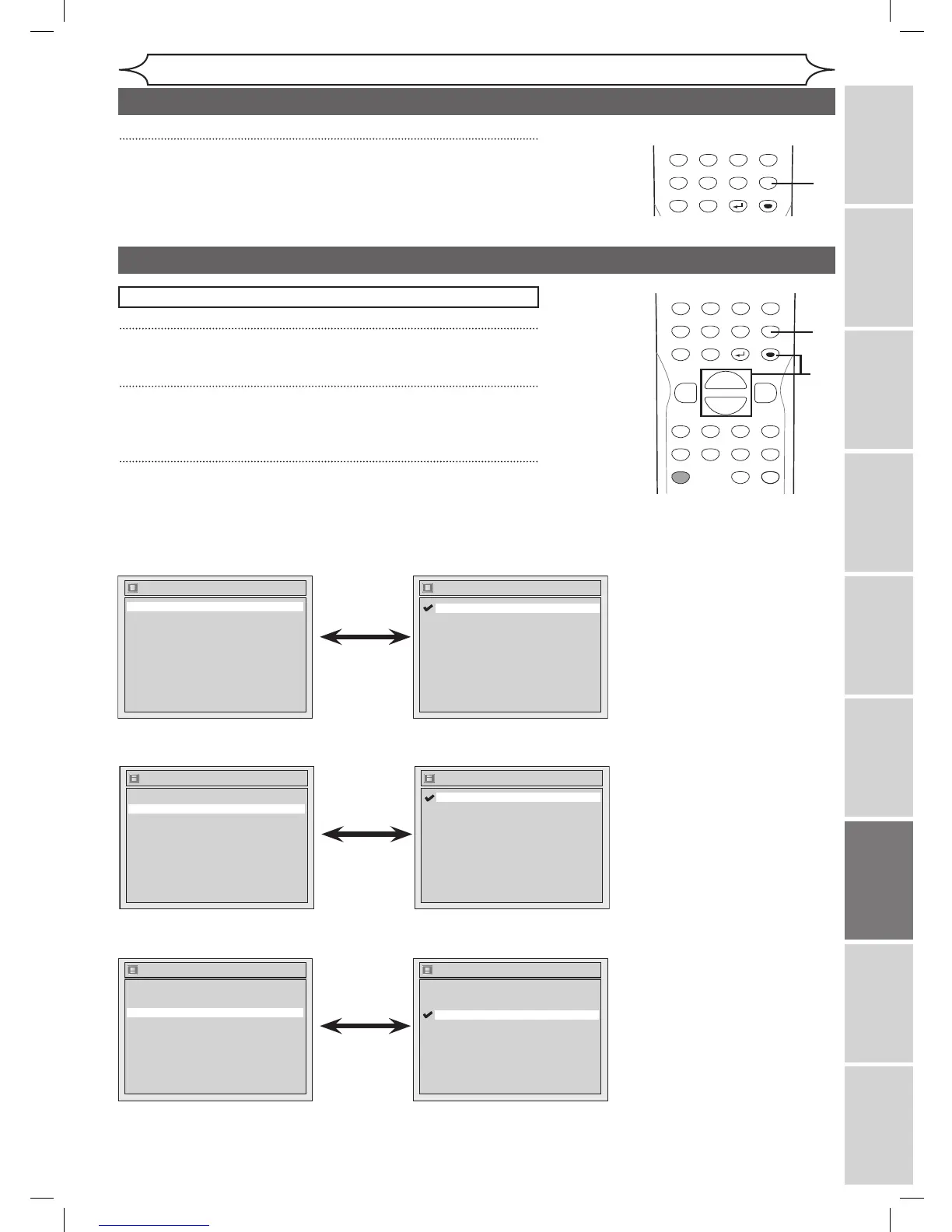
Display setting
1
Press [SETUP].
2
Using [K / L], select “Display”. Press [ENTER].
Display menu will appear.
3
Using [K / L], select a desired item. Press [ENTER].
Press [STOP C] if you are playing a disc.
Instructions continue on the next page.
POWER
ZOOM
DISPLAY
SETUP
T
OP MENU
MENU/LIST
REC SPEED
REC/OTR
PAUSESKIP SKIP
PL
AY
CM SKIP
REPEAT
OPEN/CLOSE
TIMER
PROG.
FWD
REV
CLEAR
1
2
3
4
5
6
7
8
9
SPACE
0
A
H G
ENTER
CH
RETURN
.@/:
ABC
DEF
GHI
JKL
MNO
PQRS
TUV
WXYZ
B
C
{
B
K
L
h
g
F
STOP
B
x1.3/0.8
POWER
ZOOM
DISPLAY
SETUP
T
OP MENU
MENU/LIST
REC SPEED
REC/OTR
PAUSESKIP SKIP
PL
AY
CM SKIP
REPEAT
OPEN/CLOSE
TIMER
PROG.
FWD
REV
CLEAR
1
2
3
4
5
6
7
8
9
SPACE
0
A
H G
ENTER
CH
RETURN
.@/:
ABC
DEF
GHI
JKL
MNO
PQRS
TUV
WXYZ
B
C
{
B
K
L
h
g
F
STOP
B
x1.3/0.8
1
2
3
Language setting (cont’d)
Changing the
Setup menu
Display
Angle Icon ON
Screen Saver
FL Dimmer
10 minutes
Bright
OSD Language English
OSD Language
Français
Español
English
• Using [K / L], select a
setting. Press [ENTER].
Your setting will be activated.
OSD Language (Default : English)
Set the language for OSD.
Display
Angle Icon ON
Screen Saver
FL Dimmer
10 minutes
Bright
OSD Language English
• Using [K / L], select a
setting. Press [ENTER].
Your setting will be activated.
Angle Icon (Default : ON)
Set to ON or OFF.
Display
Angle Icon ON
Screen Saver
FL Dimmer
10 minutes
Bright
OSD Language English
Screen Saver
5 minutes
10 minutes
OFF
15 minutes
30 minutes
• Using [K / L], select a
setting. Press [ENTER].
Your setting will be activated.
Screen Saver (Default : 10 minutes)
Set the time to work the screen saver function on the screen.
DVR91DG_E7A01UD.indd 67 2006/02/15 17:26:52



 To Next Page