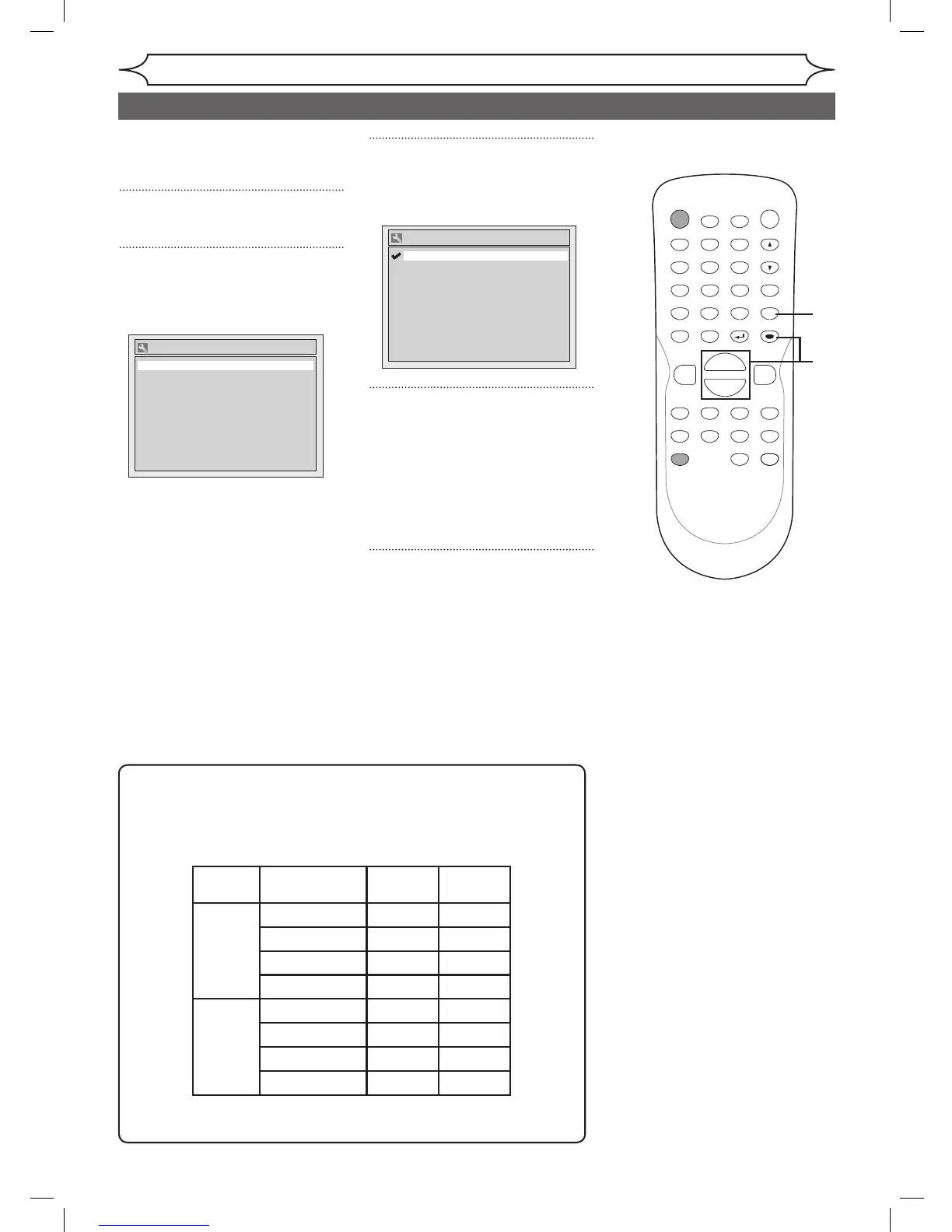
Selecting the TV stereo or SAP
Getting started
You can select a sound channel
to output from TV. “Stereo” has
been selected as the default.
1
Press [SETUP].
2
Using [K / L], select “Required
Setting”. Press [ENTER].
Required Setting menu will appear.
3
Using [K / L], select “TV Audio
Select”. Press [ENTER].
Option window will appear.
4
Using [K / L], select “Stereo” or
“SAP”. Press [ENTER].
Stereo:
Outputs main audio.
SAP (Secondary Audio Program):
Outputs sub audio.
5
Press [SETUP] to exit.
1
2
3
4
5
Notes on TV channel audio
• When you record a TV program available in second audio or stereo
on a DVD-RW/R, you have to select either Stereo or SAP in the
Channel Preset screen beforehand. Refer to the following table to
check an appropriate setting.
• You can only play the disc in second audio if a TV program is
available in second audio and you set “ TV Audio Select ” to “ SAP ”.



 To Next Page