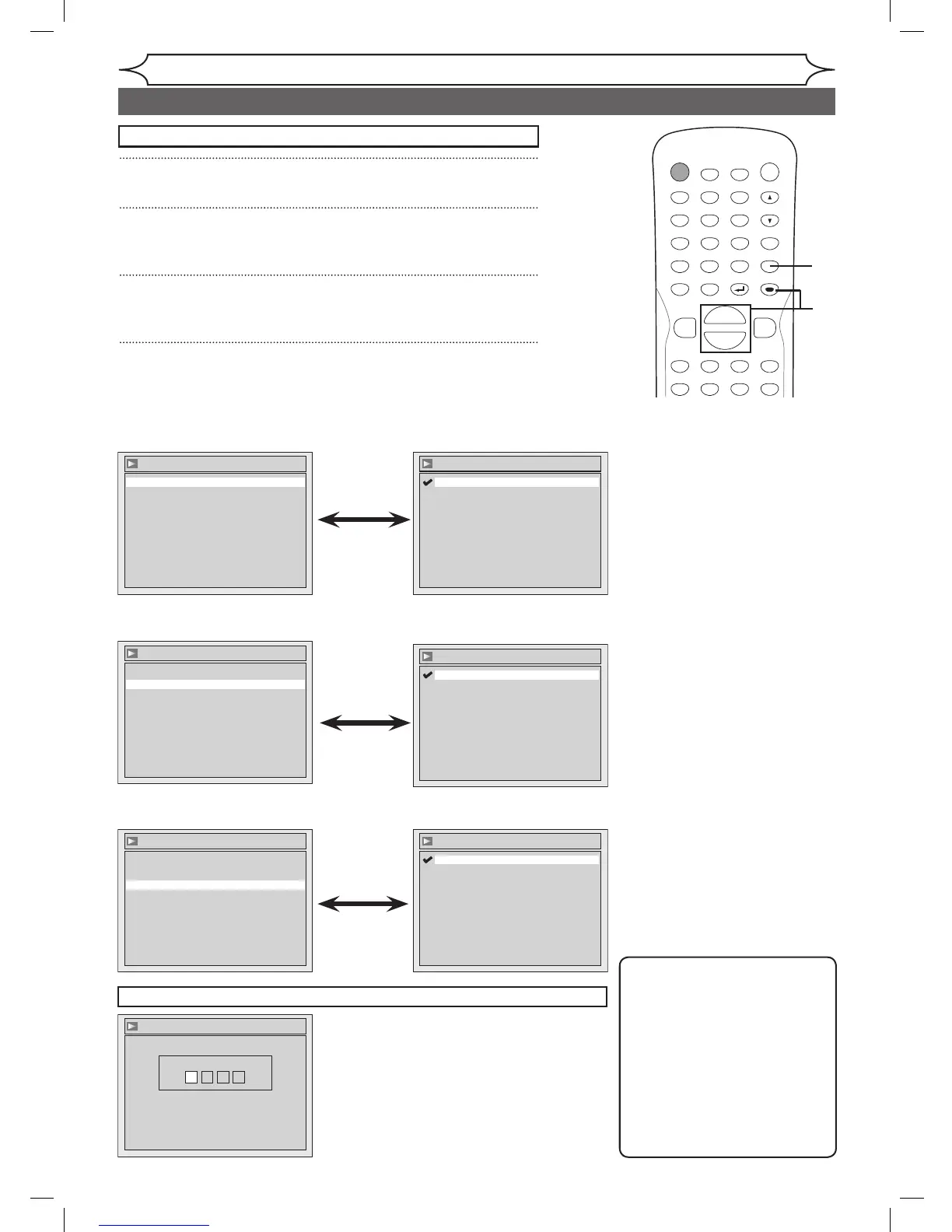
• When you finish entering
the code, press [ENTER].
Refer to “Language code”
on page 75.
Note
• Only the languages supported
by the disc can be selected.
• Audio Language setting may
not be available to some
discs.
• You can change or switch off
the subtitles on a DVD disc
also from the Disc menu if it
is available.
• Press
[CLEAR] or [s] to erase
numbers entered incorrectly.
Disc Menu Language (Default : English)
Set the language for Disc Menu.
• Using [K / L], select a
setting. Press [ENTER].
Your setting will be activated.
• Using [K / L], select a
setting. Press [ENTER].
Your setting will be activated.
• When Original is selected, the
audio language will be in the
disc’s default language.
• Using [K / L], select a
setting. Press [ENTER].
Your setting will be activated.
Audio Language (Default : Original)
Set the Audio language.
Subtitle Language (Default : OFF)
Set the Subtitle language.
1
Press [SETUP].
2
Using [K / L], select “Playback”. Press [ENTER].
Playback menu will appear.
3
Using [K / L], select “Language”. Press [ENTER].
Language menu will appear.
4
Using [K / L], select a desired item. Press [ENTER].
Press [STOP C] if you are playing a disc.



 To Next Page