Editing
Note
• If a selected picture for a
thumbnail is deleted by
deleting a part of a title,
a default picture will be
selected.
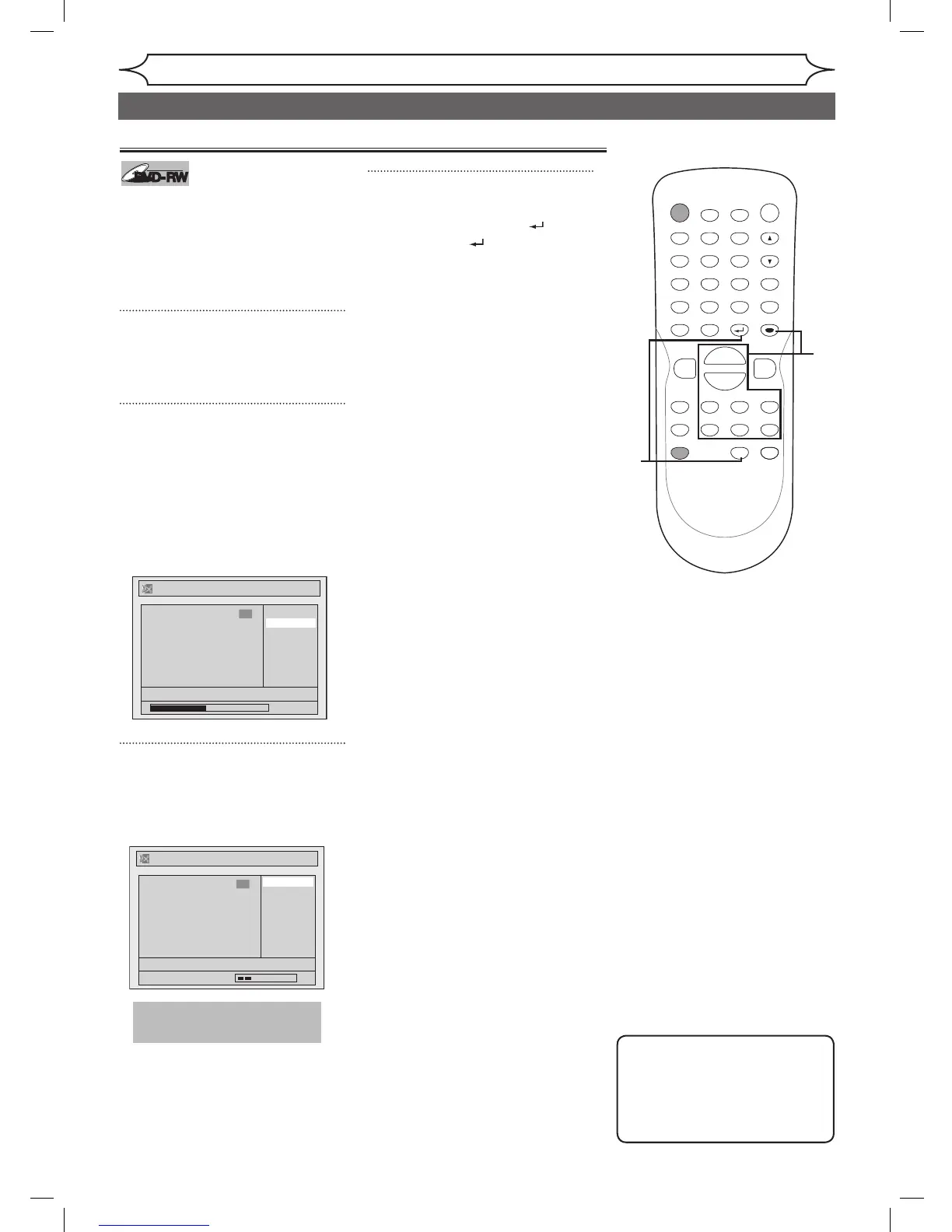
Setting pictures for thumbnails
You can set a picture to each title
for a thumbnail. It helps you to
remember the contents of the title
you are playing. The beginning
picture has been selected as the
default.
1
Follow steps 1 to 3 on page 61
to display Original or Playlist
menu.
2
Use [SKIP H / G],
[REV E], [FWD D], [PLAY B]
and [PAUSE F] to decide the
picture you want to select as a
thumbnail. Using [K / L], select
“Index Picture”. Press [ENTER].
Confirmation window will appear.
<Playlist>
3
Using [K / L], select “Yes”.
Press [ENTER].
A picture for thumbnail will be set.
<Playlist>
4
After this operation is com-
pleted, press [RETURN ] and
then [RETURN ] or [STOP C]
to exit.
Data will be written onto the disc
momentarily.



 To Next Page