Changing the Setup menu
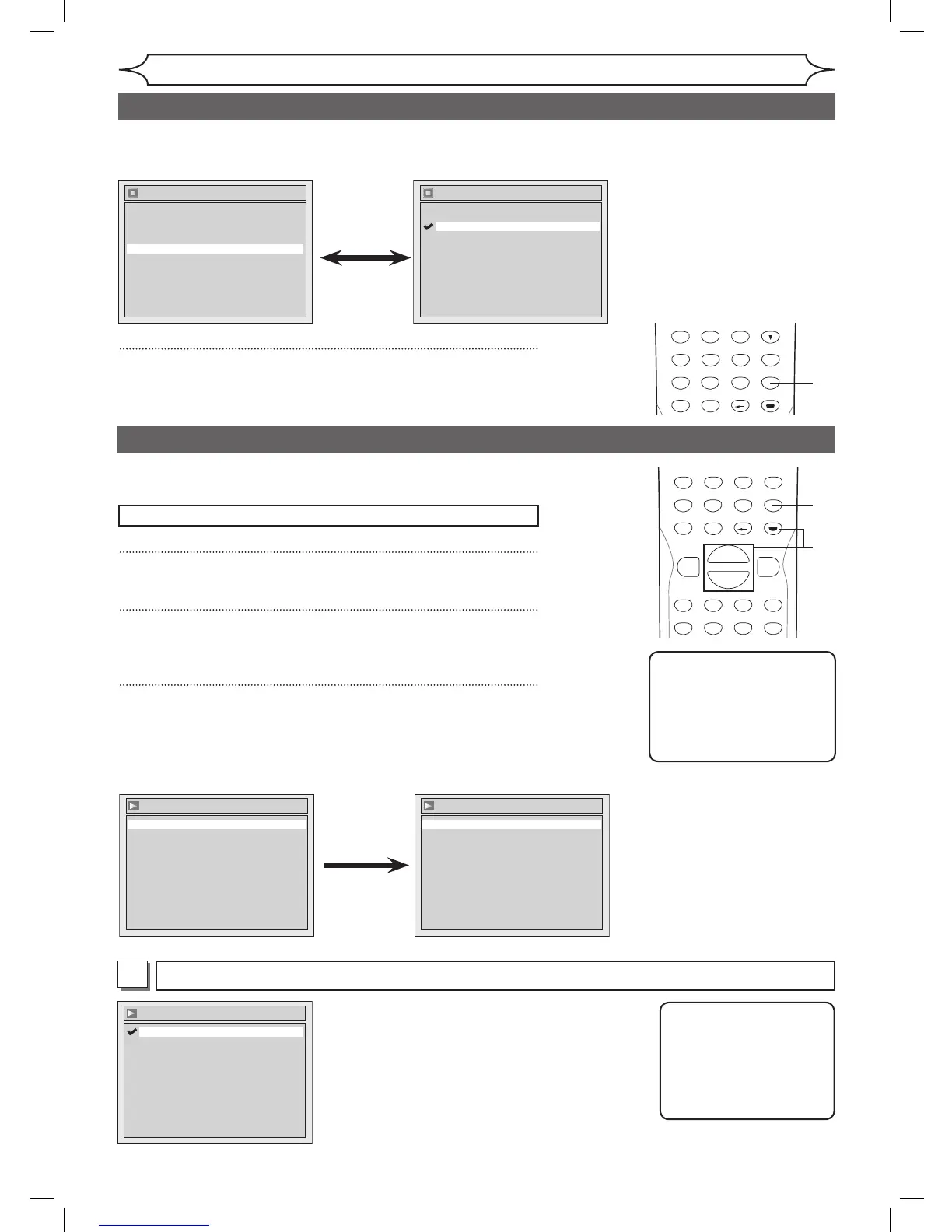
Digital Out
Set the digital audio output.
• Using [K / L], select a
setting. Press [ENTER].
Option window will appear.
Proceed to step A or B.
Settings for PCM (Default : 48kHz)
• Using [K / L], select a setting. Press [ENTER].
Your setting will be activated.
48kHz :If your amplifier/decoder is NOT
compatible with 96kHz PCM, select
“48kHz”. 96kHz sound will be output in
48kHz.
96kHz :If your amplifier/decoder is compatible
with 96kHz PCM, select “96kHz”. 96kHz
sound will be output.
A
Note
When playing disc with
copyright protection
• Even if you select
“96kHz”, the sound will
be down sampled at
48kHz.
Note
• Dynamic Range Control
function is available only
on the discs which are
recorded in the Dolby
Digital format.
• Using [K / L], select a
setting. Press [ENTER].
Your setting will be activated.
• If “Auto” is selected, the
display is shown brighter when
the power is on, darker when
the power is off.
FL Dimmer (Default : Bright)
Set the brightness of front panel display.
You can choose one among “Auto”, “Bright” and “Dark”.
4
Press [SETUP] to exit.
1
Press [SETUP].
2
Using [K / L], select “Playback”. Press [ENTER].
Playback menu will appear.
3
Using [K / L], select “Audio”. Press [ENTER].
Press [STOP C] if you are playing a disc.
Choose the appropriate Audio settings for your equipment.
It will only affect DVD discs during playback.
Audio setting



 To Next Page