Channel setting (cont’d)
Getting started
Recording Playing discs EditingBefore you start Connections Getting started
Changing the
Setup menu Others Español
4
Select the channel number to
add or delete.
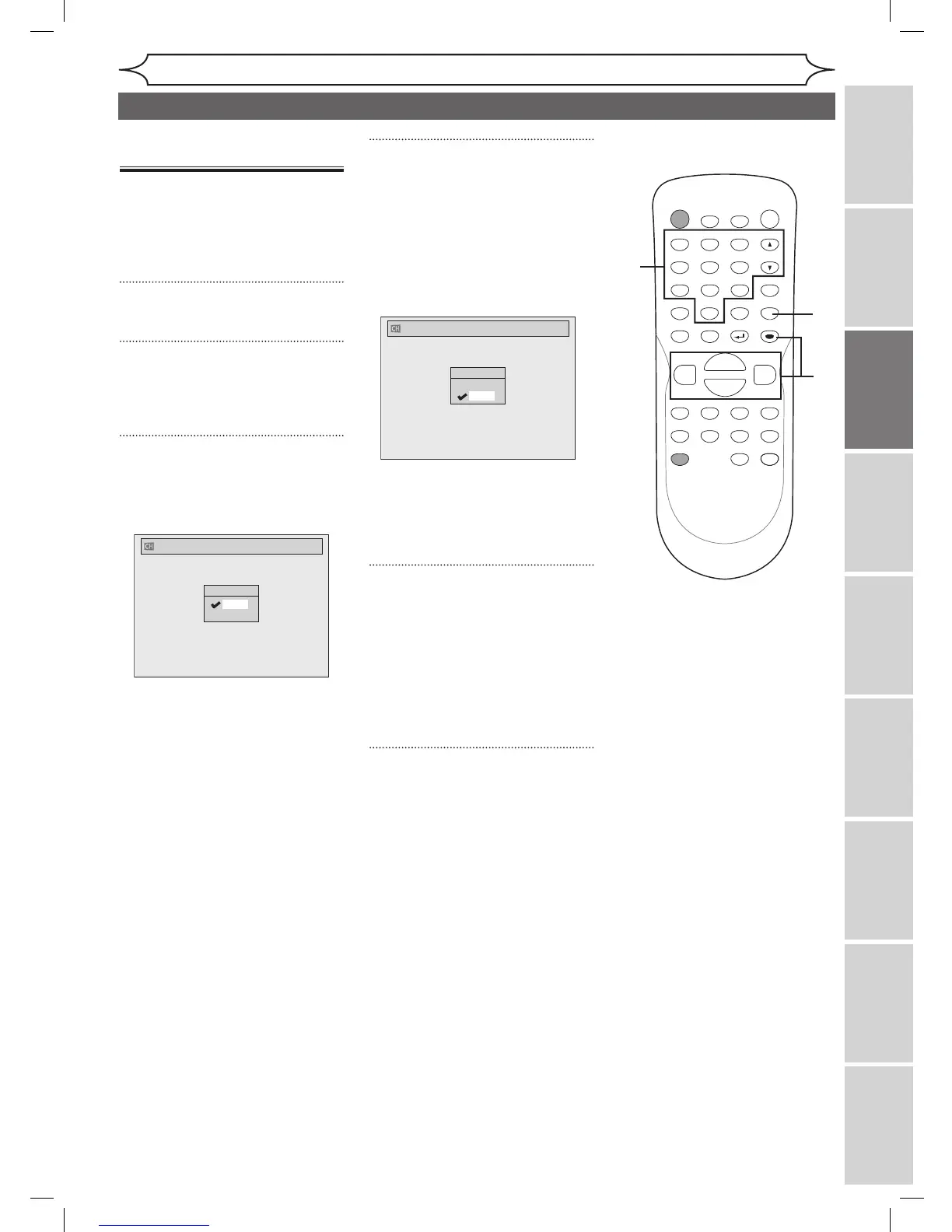
Press
[{] or [CH L] to move to a
lower channel number.
Press
[B] or [CH K] to move to a
higher channel number.
Press
the Number buttons to
select a channel number directly.
• [CH K / L] works on the
memorized channel in this unit.
• [{ / B] works on all of channel
numbers.
5
Using [K / L], select “Add” or
“Delete”. Press [ENTER].
The channel number will be
added or deleted from the channel
memory. Then the next channel
number will appear so that you
can continue adding or deleting
channels.
6
Press [SETUP] to exit.
Adding/deleting
channels
The channels you no longer
receive or seldom watch can
be deleted from the memory.
You also may add channels into
memory.
1
Press [SETUP].
2
Using [K / L], select “Channel”.
Press [ENTER].
Channel menu will appear.
3
Using [K / L], select “Manual
Preset”. Press [ENTER].
Manual Preset menu will appear.



 To Next Page