You can divide a title into two new
titles.
1
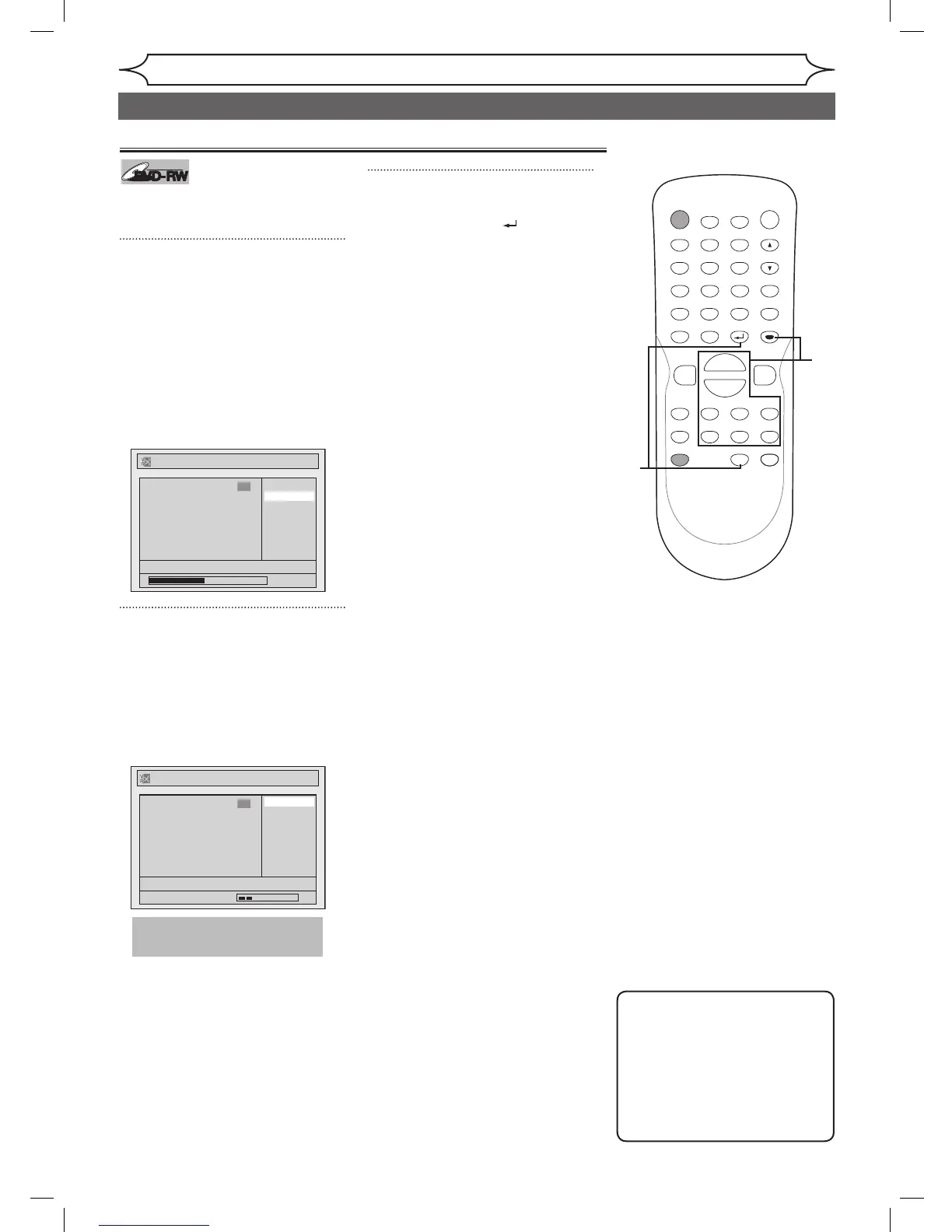
Follow steps 1 to 3 on page 57 to
display the Playlist menu.
Using [K / L], select “Title
Dividing”. Use [SKIP H / G],
[REV E], [FWD D],
[PLAY B] and [PAUSE F] to
decide the point at which you
will divide the title.
Press [ENTER].
Confirmation window will appear.
2
Using [K / L], select “Yes”.
Press [ENTER].
The title will be divided into two
new titles.
Both title names are identical, and
index pictures are reset to first
scene at this point.
3
After this operation is complet-
ed, press [RETURN ] or
[STOP C] to exit.
Data will be written onto the disc
momentarily.
Note
• You cannot divide a title of
the disc on which the number
of recording title comes up to
the maximum (99), and the
number of recording chapter
comes up to the maximum
(999).



 To Next Page