EasyManua.ls Logo

Sylvania DVR91DG - Setting Titles To Protect

Sylvania DVR91DG
82 pages
Print Icon
To Next Page IconTo Next Page
To Previous Page IconTo Previous Page
Loading...
55
EN
Editing
Recording Playing discs EditingBefore you start Connections Getting started
Changing the
Setup menu Others Español
DVD-RW
DVD-RW
VR
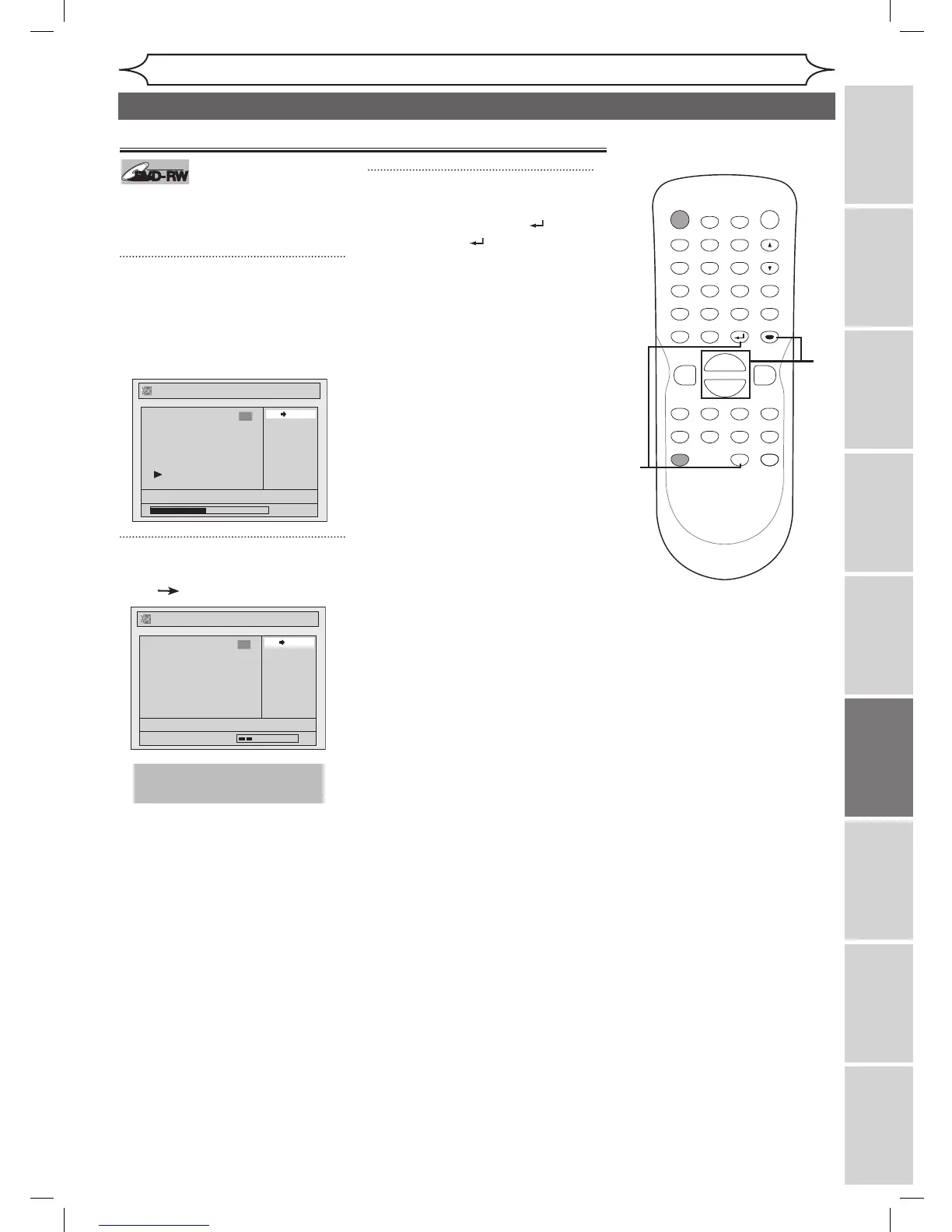
To prevent accidental editing, or
erasing the titles, you can protect
them from the Original menu.
1
Follow steps 1 to 3 on page 54 to
display the Original menu.
Using [K / L]], select “Protect”.
Press [ENTER].
Option window will appear.
2
Confirm the indication
“OFF ON”. Press [ENTER].
The protect icon will appear on the
title in the Original list.
3
After this operation is com-
pleted, press [RETURN ] and
then [RETURN ] or [STOP C]
to exit.
Data will be written onto the disc
momentarily.
To protect a whole disc
(DVD-RW VR mode Only):
Select “Disc Protect OFF
ON”
from the Disc menu, then select
“Yes”. Refer to “Setting a disc to
protect” on page 34.
Setting titles to protect

POWER
ZOOM
DISPLAY
SETUP
T
OP MENU
MENU/LIST
REC SPEED
REC/OTR
PAUSESKIP SKIP
PL
AY
CM SKIP
REPEAT
OPEN/CLOSE
TIMER
PROG.
FWD
REV
CLEAR
1
2
3
4
5
6
7
8
9
SPACE
0
A
H G
ENTER
CH
RETURN
.@/:
ABC
DEF
GHI
JKL
MNO
PQRS
TUV
WXYZ
B
C
{
B
K
L
h
g
F
STOP
B
x1.3/0.8
3
1
2
This operation may take a
while to be completed.
Original - Protect
OFF ON
JAN/ 1/06 1:00AM CH12 XP
1
Wait for a moment.
Original - Protect
OFF ON
JAN/ 1/06 1:00AM CH12 XP
0:00:59
1
Editing discs in VR mode (Original) (cont’d)
DVR91DG_E7A01UD.indd 55 2006/02/15 17:26:42

Table of Contents

Other manuals for Sylvania DVR91DG

Related product manuals