Playing discs
Note
• The A-B Repeat playback can
only be set with in the current
title (for DVDs), or current
track (for Audio CDs).
• To cancel the repeat
playback, select “OFF” at
step 2. The repeat setting will
also be canceled when you
stop playback.
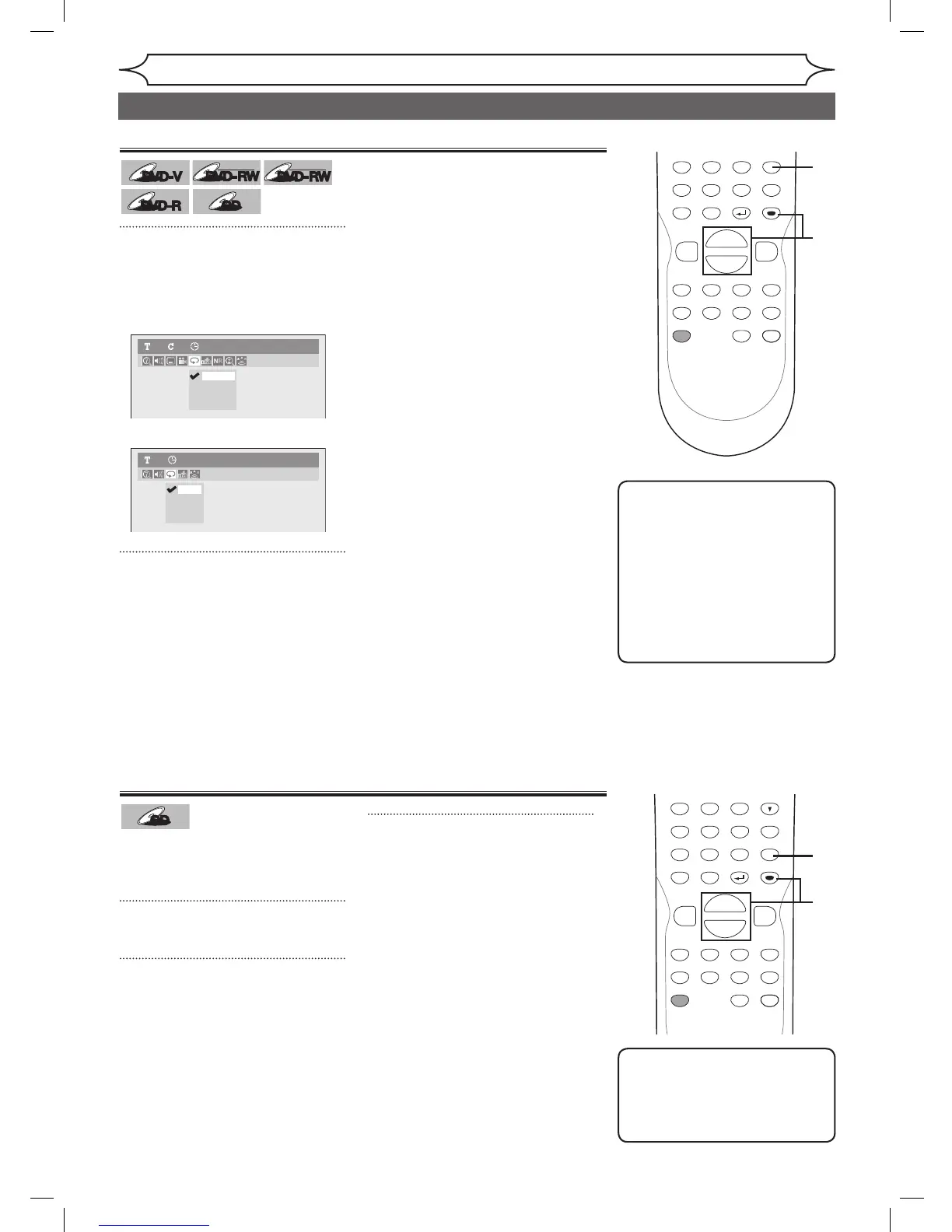
Repeat playback
1
During playback, press
[REPEAT].
Repeat menu will appear.
<DVD-Video>
<Audio CD>
2
Using [K / L], select a desired
option to repeat. Press [ENTER].
The selected repeat play will start.
Title:
The current title will be played
repeatedly. (DVD only)
Chapter:
The current chapter will be played
repeatedly. (DVD only)
All:
The current disc will be played
repeatedly. (CD, DVD-RW (VR
mode) only)
A-B:
The A-B point will be played
repeatedly.
When pressing
[ENTER] while A-B
is highlighted, A-B repeat is set.
Press
[ENTER] again to decide
the starting point (A).
Press
[ENTER] after setting point
A to select the ending point (B).
Track:
The current track will be played
repeatedly. (CD only)
POWER
ZOOM
DISPLAY
SETUP
T
OP MENU
MENU/LIST
REC SPEED
REC/OTR
PAUSESKIP SKIP
PL
AY
CM SKIP
REPEAT
OPEN/CLOSE
TIMER
PROG.
FWD
REV
CLEAR
1
2
3
4
5
6
7
8
9
SPACE
0
A
H G
ENTER
CH
RETURN
.@/:
ABC
DEF
GHI
JKL
MNO
PQRS
TUV
WXYZ
B
C
{
B
K
L
h
g
F
STOP
B
x1.3/0.8
1
Note
• To cancel random play,
press
[STOP C] twice during
random play. “Playmode OFF”
appears on the screen.
Random play
With this function, you can play a
disc randomly instead of playing in
the original order.
1
Press [SETUP].
2
Using [K / L], select “CD
Playback Mode”. Press [ENTER].
CD Playback Mode menu will
appear.
3
Using [K / L], select “Random
Play”. Press [ENTER].
Random play will start.
POWER
ZOOM
DISPLAY
SETUP
T
OP MENU
MENU/LIST
REC SPEED
REC/OTR
PAUSESKIP SKIP
PL
AY
CM SKIP
REPEAT
OPEN/CLOSE
TIMER
PROG.
FWD
REV
CLEAR
1
2
3
4
5
6
7
8
9
SPACE
0
A
H G
ENTER
CH
RETURN
.@/:
ABC
DEF
GHI
JKL
MNO
PQRS
TUV
WXYZ
B
C
{
B
K
L
h
g
F
STOP
B
x1.3/0.8
Track
All
A-B
OFF
Audio CD1 0:00:00
Title
Chapter
A - B
OFF
DVD-Video1 1 0:00:00
Repeat/Random/Program playback
DVR91DG_E7A01UD.indd 46 2006/02/15 17:26:33



 To Next Page