Playing discs
Step by step playback
1
During playback, press [PAUSE F].
Play will pause and sound will be
muted.
2
Press [SKIP G] repeatedly.
The play will advance one frame
(or step) at a time when you press
[SKIP G] with the sound muted.
To play step by step backward:
Press
[SKIP H] repeatedly.
Every time you press the button,
the play will go backward by one
frame.
• Press and hold
[SKIP H / G] to reverse/
advance continuously.
3
Press [PLAY B] to resume play.
Slow forward / Slow reverse play
1
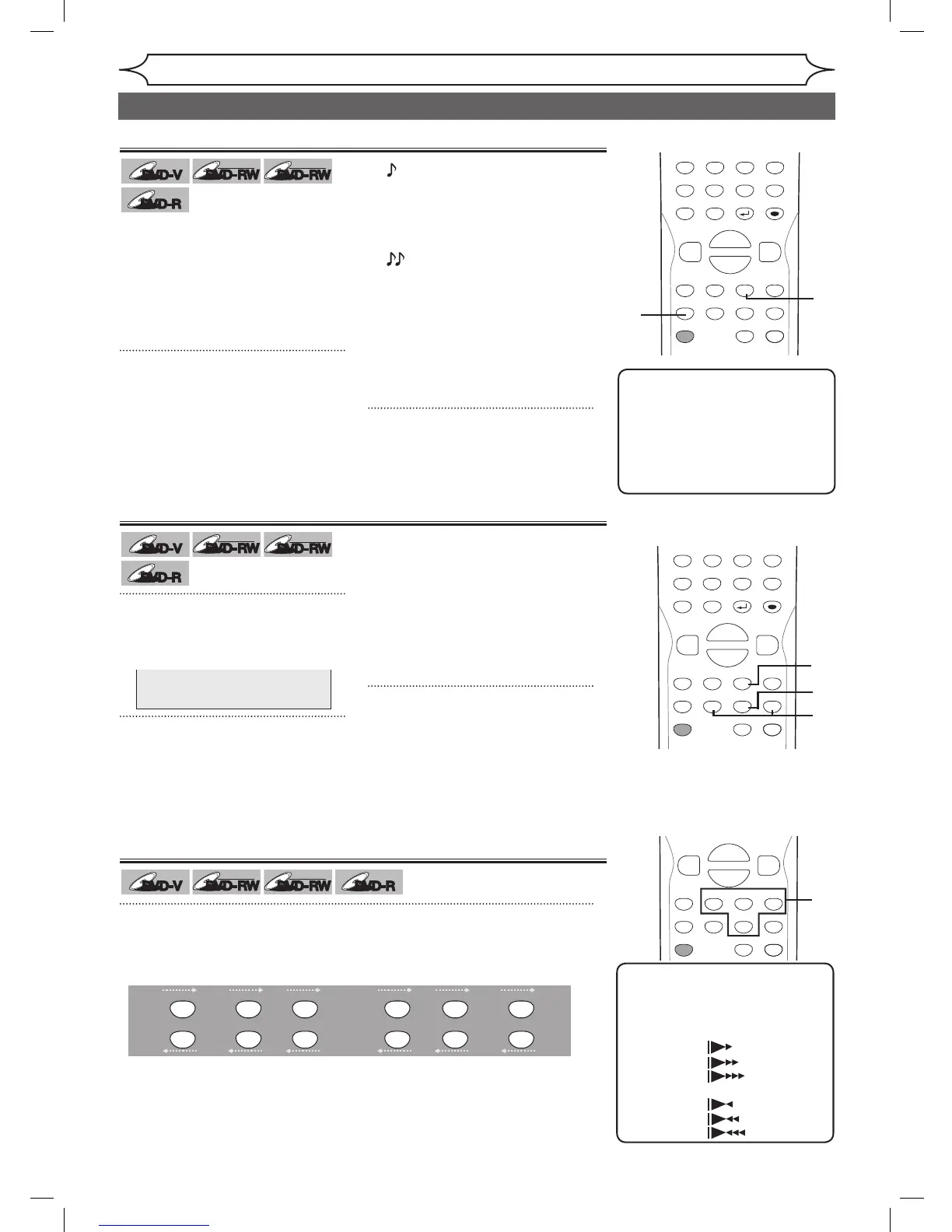
During playback, press [PAUSE F]. Then press [FWD D] or [REV E].
Every time you press
[FWD D] or [REV E], approximate speed will be
changed as follows. (The sound will remain muted.)
To return to the normal play, press
[PLAY B].
POWER
ZOOM
DISPLAY
SETUP
T
OP MENU
MENU/LIST
REC SPEED
REC/OTR
PAUSESKIP SKIP
PL
AY
CM SKIP
REPEAT
OPEN/CLOSE
TIMER
PROG.
FWD
REV
CLEAR
1
2
3
4
5
6
7
8
9
SPACE
0
A
H G
ENTER
CH
RETURN
.@/:
ABC
DEF
GHI
JKL
MNO
PQRS
TUV
WXYZ
B
C
{
B
K
L
h
g
F
STOP
B
x1.3/0.8
POWER
ZOOM
DISPLAY
SETUP
T
OP MENU
MENU/LIST
REC SPEED
REC/OTR
PAUSESKIP SKIP
PL
AY
CM SKIP
REPEAT
OPEN/CLOSE
TIMER
PROG.
FWD
REV
CLEAR
1
2
3
4
5
6
7
8
9
SPACE
0
A
H G
ENTER
CH
RETURN
.@/:
ABC
DEF
GHI
JKL
MNO
PQRS
TUV
WXYZ
B
C
{
B
K
L
h
g
F
STOP
B
x1.3/0.8
x1/8
Pause
x1/16 x1/8x1/16 x1/3x1/4
FWD
g
REV
g
REV
g
REV
g
REV
g
REV
g
REV
g
FWD
g
FWD
g
FWD
g
FWD
g
FWD
g
Note
• Slow forward/slow reverse
speed will be indicated with
icons as follows.
Forward (Approx. Speed)
x1/16:
x1/8:
x1/3:
Reverse (Approx. Speed)
x1/16:
x1/8:
x1/4:
Rapid Play
Rapid Play function is available
only during playback.
Available only on discs recorded
in the Dolby Digital format, Rapid
Play plays back in a slightly
faster/slower speed while keeping
the sound quality just as normal
playback.
1
During playback, press
[Bx1.3/0.8].
2
Press [PLAY B] to continue the
normal playback.
B :
Press
[Bx1.3/0.8] once
during playback.
Plays back approximately
at 0.8 times of normal
playback.
B :
Press [Bx1.3/0.8] twice
during playback.
Plays back approximately
at 1.3 times of normal
playback.
B :
Press [Bx1.3/0.8] three
times to play back in
normal speed.
No effects.
Note
• Audio (language) setting
cannot be changed while
using this mode.
• This feature may not work at
some point in a disc.
• Audio is PCM during Rapid
play mode.
POWER
ZOOM
DISPLAY
SETUP
T
OP MENU
MENU/LIST
REC SPEED
REC/OTR
PAUSESKIP SKIP
PL
AY
CM SKIP
REPEAT
OPEN/CLOSE
TIMER
PROG.
FWD
REV
CLEAR
1
2
3
4
5
6
7
8
9
SPACE
0
A
H G
ENTER
CH
RETURN
.@/:
ABC
DEF
GHI
JKL
MNO
PQRS
TUV
WXYZ
B
C
{
B
K
L
h
g
F
STOP
B
x1.3/0.8
2
1
Special playback (cont’d)
DVR91DG_E7A01UD.indd 42 2006/02/15 17:26:28



 To Next Page