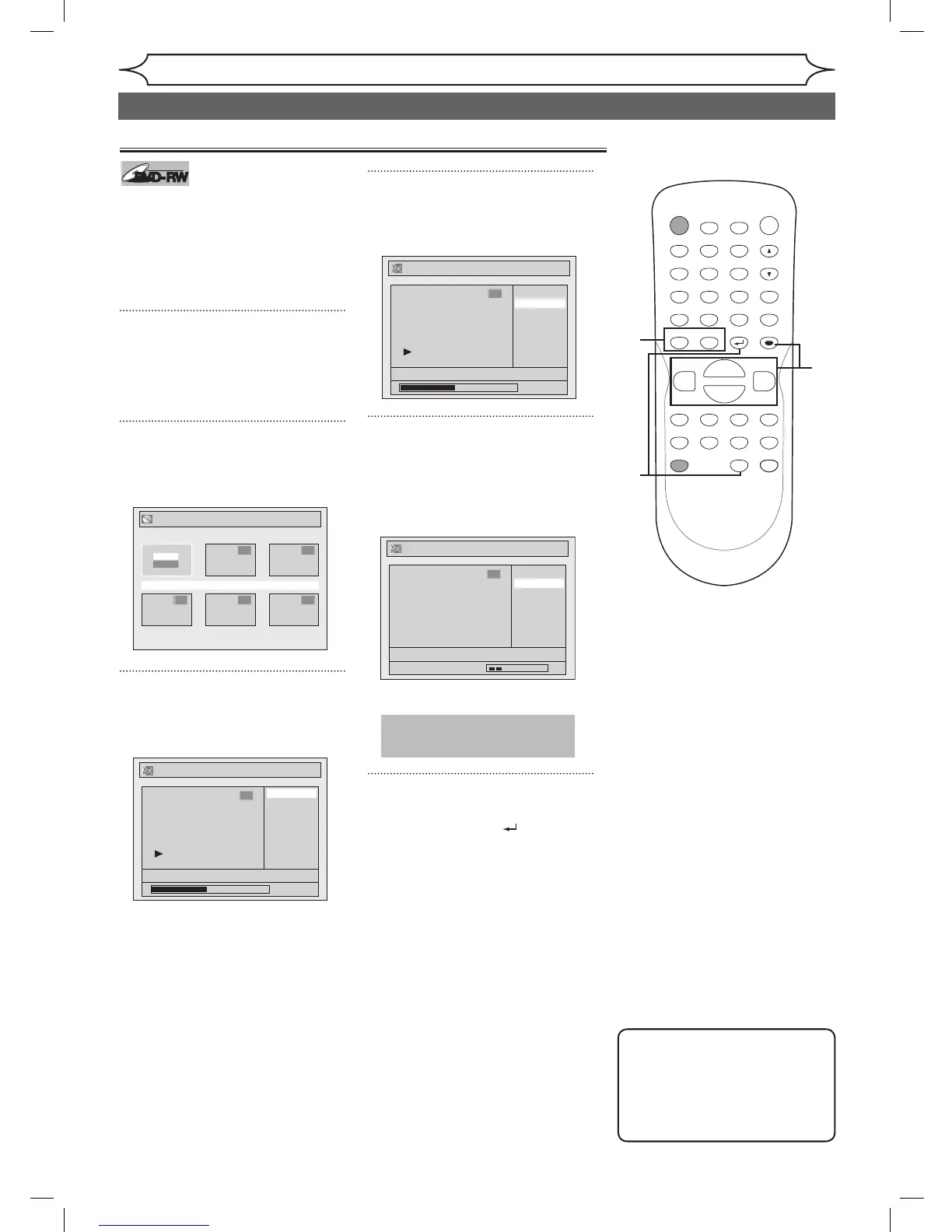
When a title is deleted from an
Original list in VR mode, the disc
space to record will be increased.
Be advised that the titles once
deleted cannot be brought back to
the disc.
1
Press [TOP MENU], and then
press [MENU / LIST] to change
“Playlist” to “Original”.
Original list will appear.
2
Using [K / L / { / B], select the
desired title. Press [ENTER].
Option window will appear.
3
Using [K / L], select “Edit”.
Press [ENTER].
Original menu will appear.
4
Using [K / L], select “Title
Delete”. Press [ENTER].
Confirmation window will appear.
5
Using [K / L], select “Yes”.
Press [ENTER].
After that, “Are you sure?” will
appear, so that select “Yes” with
[K / L] and then press [ENTER].
Title will be deleted.
6
After this operation is complet-
ed, press [RETURN ] or
[STOP C] to exit.
Data will be written onto the disc
momentarily.
Editing discs in VR mode (Original)
5
Note
• Original titles once edited
will not remain as recorded
originally. When you want to
leave the original as it is, edit
the Playlist as you prefer.



 To Next Page