Althoughthe defaultcode"0000" issuppliedwiththe unit,youcanset
yourownPINCode.
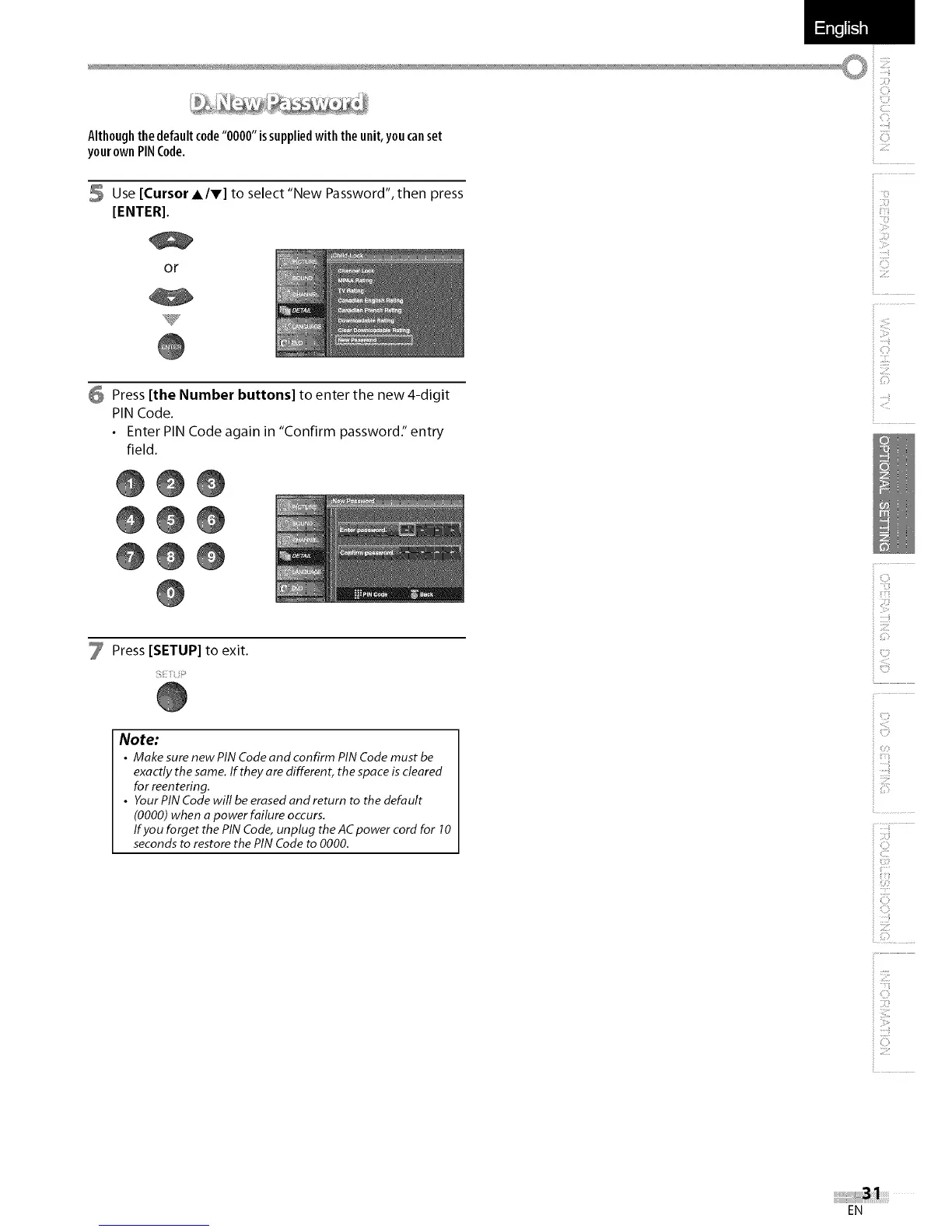
5 Use [Cursor A/V] to select "New Password", then press
[ENTER].
or
6 Press [the Number buttons] to enter the new 4-digit
PIN Code.
• Enter PIN Code again in "Confirm password:' entry
field.
@@@
@@@
@@@
Press [SETUP] to exit.
Note:
• Make sure new PIN Code and confirm PIN Code must be
exactly the same. If they are different, the space is cleared
for reentering.
• YourPINCodewillbeerasedandreturn to thedefault
(0000) when a power failure occurs.
If you forget the PIN Code, unplug the AC power cord for 10
seconds to restore the PIN Code to 0000.
i
i 0
i ,,ili_ii_i
i iTi
i::ili!,i!
i ii:__!il
i iiiii_ii!i
o
i c}
i ci;!
i __i__
iUi!i
i i::!!
i ;i_i!ii'il
i f-
i'
i 0
i i;!i;i:il
EN















 To Next Page