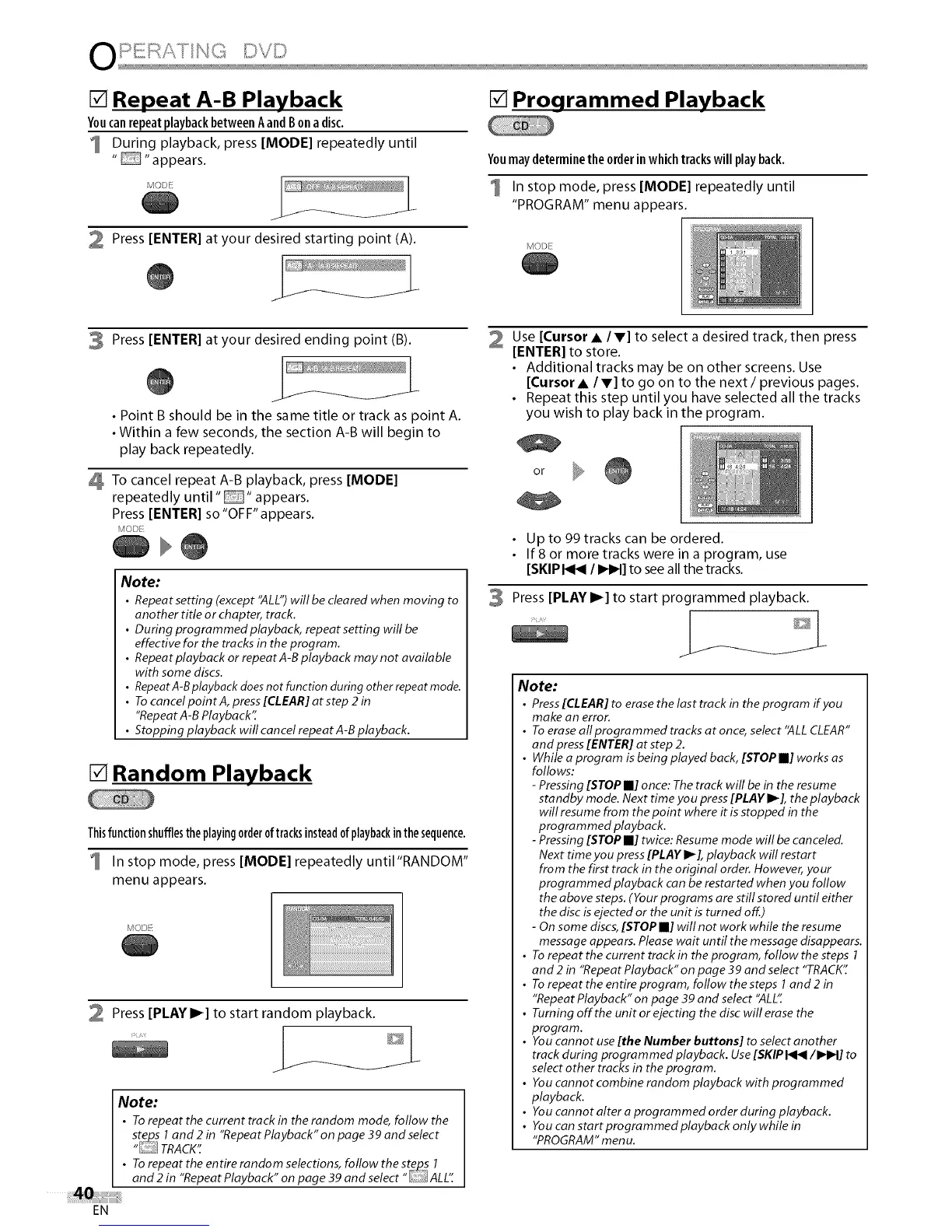
[] Repeat A-B Playback
Youcan repeat playback between Aand B on a disc.
1 During playback, press [MODE] repeatedly until
.... appears.
J
2 Press [ENTER] at your desired starting point (A).
@
[] Programmed Playback
Youmaydeterminethe orderinwhichtrackswillplayback.
1 In stop mode, press [MODE] repeatedly until
"PROGRAM" menu appears.
MODE
3 Press [ENTER] at your desired ending point (B).
@
• Point B should be in the same title or track as point A.
• Within a few seconds, the section A-Bwill begin to
play back repeatedly.
To cancel repeat A-B playback, press [MODE]
repeatedly until .... appears.
Press [ENTER] so"OFF'appears.
MODI
Note:
• Repeat setting (except 'ALL") will be cleared when moving to
another tire or chapter, track.
• During programmedplayback, repeatsetting wifl be
effective for the tracks in the program.
• Repeat playback or repeat A-B playback may not available
with some discs.
• RepeatA-Bplayback does not function during other repeat mode.
• To cancel point A, press [CLEAR] at step 2 in
"Repeat A-B Playback':
• Stopping playback wifl cancel repeat A-B playback.
[] Random Playback
Thisfunctionshufflestheplayingorderof tracksinsteadofplaybackinthesequence.
1 In stop mode, press [MODE] repeatedly untiI"RANDOM"
menu appears.
MODE
Press [PLAY I_] to start random playback.
/
Note:
• To repeat the current track in the random mode, follow the
stej2s i and 2 in "Repeat Playback" on page 39 and select
"L i TRACK':
• To repeat the entire random selections, follow the st_s 1
and 2 in "Repeat Playback" on page 39 and select" ALL"
Use [Cursor • / V] to select a desired track, then press
[ENTER] to store.
• Additional tracks may be on other screens. Use
[Cursor • /V] to go on to the next/previous pages.
• Repeat this step until you have selected all the tracks
you wish to play back in the program.
or
3
Up to 99 tracks can be ordered.
If 8 or more tracks were in a program, use
[SKIP I_1_1/ IHH] to see all the tracks.
Press [PLAY I_] to start programmed playback.
/
Note:
• Press [CLEAR] to erase the last track in the program if you
make an error.
• To erase all programmed tracks at once, select "ALL CLEAR"
and press [ENTER] at step 2.
• While a program is being played back, [STOP II] works as
follows:
- Pressing [STOP m] once: The track will be in the resume
standby mode. Next time you press [PLAY I_], the playback
will resume from the point where it is stopped in the
program med playback.
- Pressing [STOP II] twice: Resume mode will be canceled.
Next time you press [PLAY I_ ], playback will restart
from the first track in the original order. However, your
programmed playback can be restarted when you follow
the above steps. (Your programs are still stored until either
the disc is ejected or the unit is turned off.)
- On some discs, [STOP II] will not work while the resume
message appears. Please wait until the message disappears.
• To repeat the current track in the program, follow the steps 1
and 2 in "Repeat Playback" on page 39 and select "TRACK"
• To repeat the entire program, follow the steps I and 2 in
"Repeat Playback" on page 39 and select "ALL"
• Turning offthe unit or ejecting the disc will erase the
program.
• You cannot use [tEe Number buttons] to select another
track during programmed playback. Use [SKIP I<1</IHIH] to
select other tracks in the program.
• You cannot combine random playback with programmed
playback.
• Youcannotalteraprogrammedorderduringplayback.
• You can start programmed playback only while in
"PROGRAM" menu.
EN















 To Next Page