[] Current Software Info
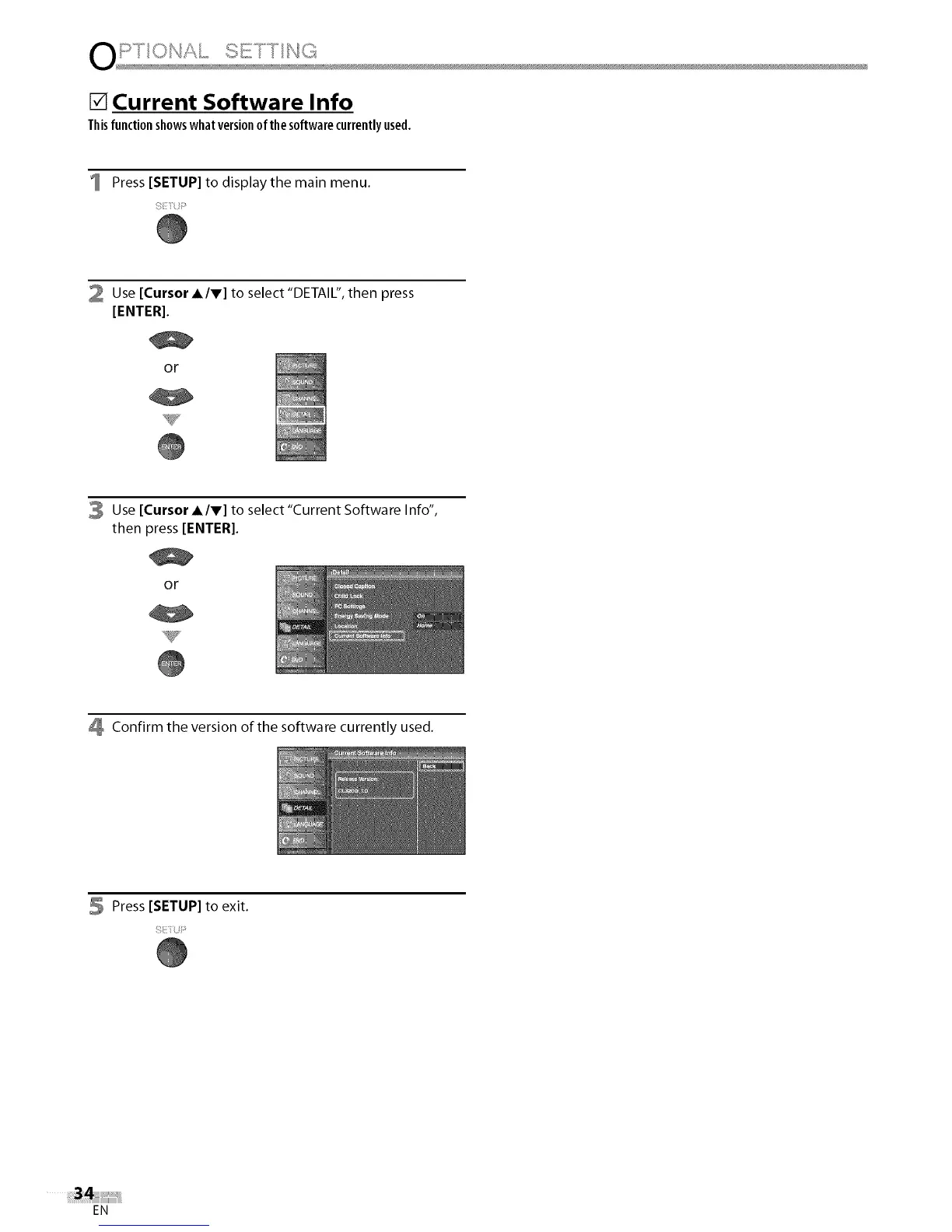
Thisfunctionshowswhatversionof thesoftwarecurrentlyused.
Press [SETUP] to display the main menu.
2 Use [Cursor A/V] to select "DETAIL", then press
[ENTER].
or
3 Use [Cursor A/V] to select "Current Software Info",
then press [ENTER[.
or
Confirm the version of the software currently used.
5 Press [SETUP] to exit.
EN















 To Next Page