RS-232 Interface 7 - 7
RS-232 Host Types
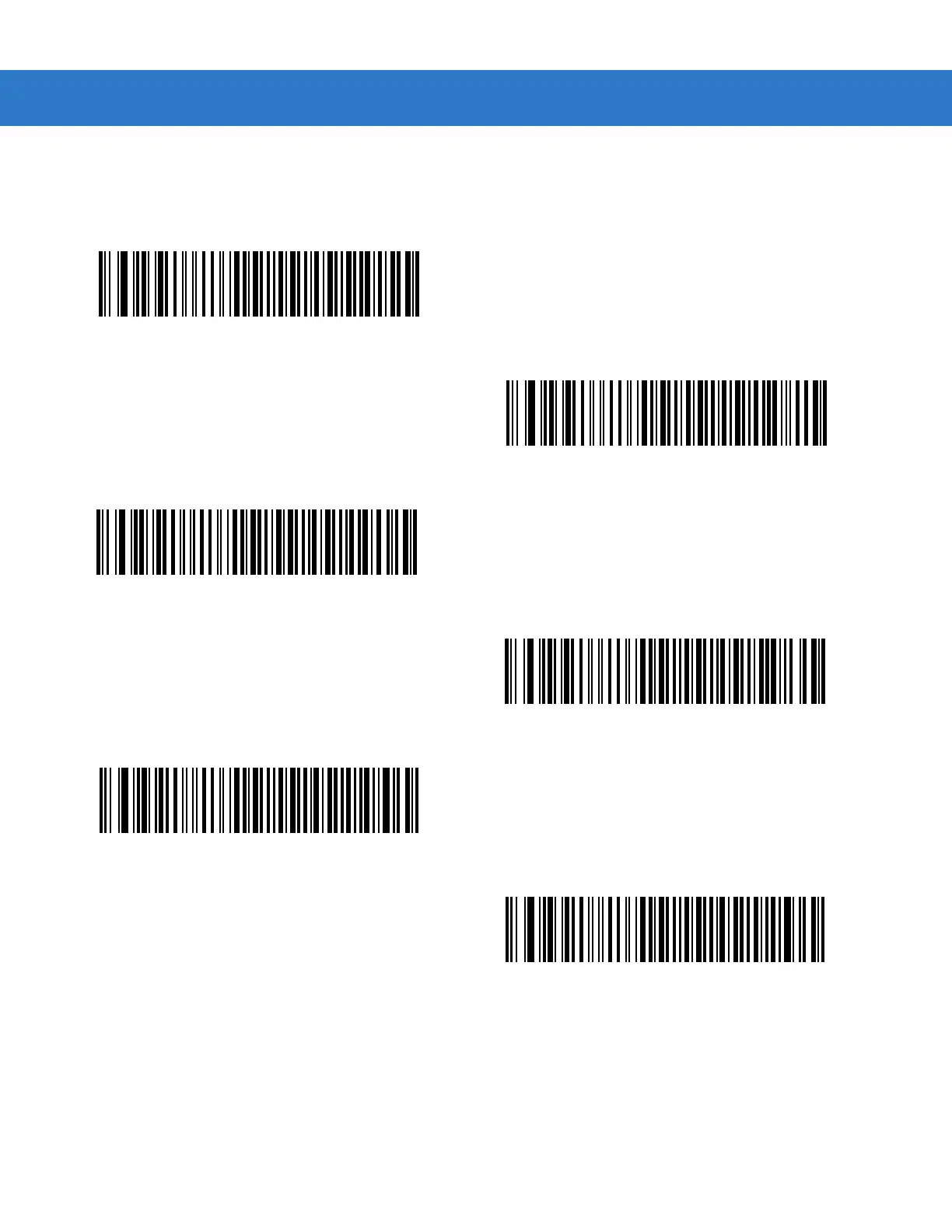
To select an RS-232 host interface, scan one of the following bar codes.
1
Scanning Standard RS-232 activates the RS-232 driver, but does not change port settings (e.g., parity, data bits,
handshaking). Selecting another RS-232 host type bar code changes these settings.
Standard RS-232
1
ICL RS-232
Wincor-Nixdorf RS-232 Mode A
Wincor-Nixdorf RS-232 Mode B
Olivetti ORS4500
Omron



 To Next Page