11 - 8 Symbol DS6708 Digital Scanner Product Reference Guide
Convert All Bar Codes to Code 39
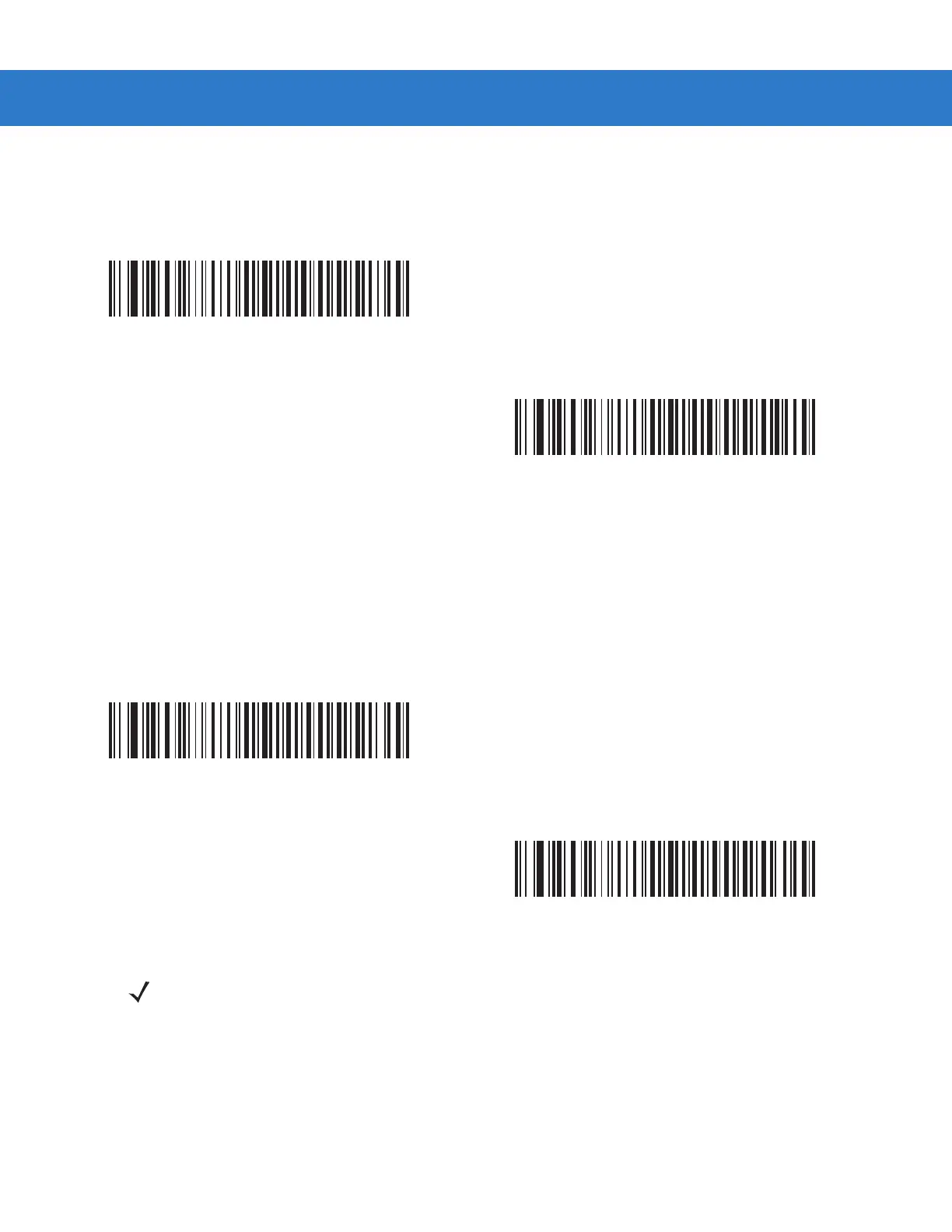
Scan a bar code below to enable or disable converting all bar code data to Code 39.
Code 39 Full ASCII Conversion
By default, a space replaces any characters that do not have a corresponding character in the Code 39 symbology
set. Enable this parameter to encode data sent to the Scanner Emulation host in Code 39 Full ASCII. The host
must be able to interpret Code 39 Full ASCII data.
This setting applies only if you enabled Convert to Code 39.
*Do Not Convert Bar Codes To Code 39
Convert All To Code 39
*Disable Convert Code 39 To Full ASCII
Enable Convert Code 39 To Full ASCII
NOTE Scanner Emulation emits an error beep and does not send any data if the scanned data exceeds the
maximum length for Code 39.



 To Next Page