Wand Emulation Interface 9 - 9
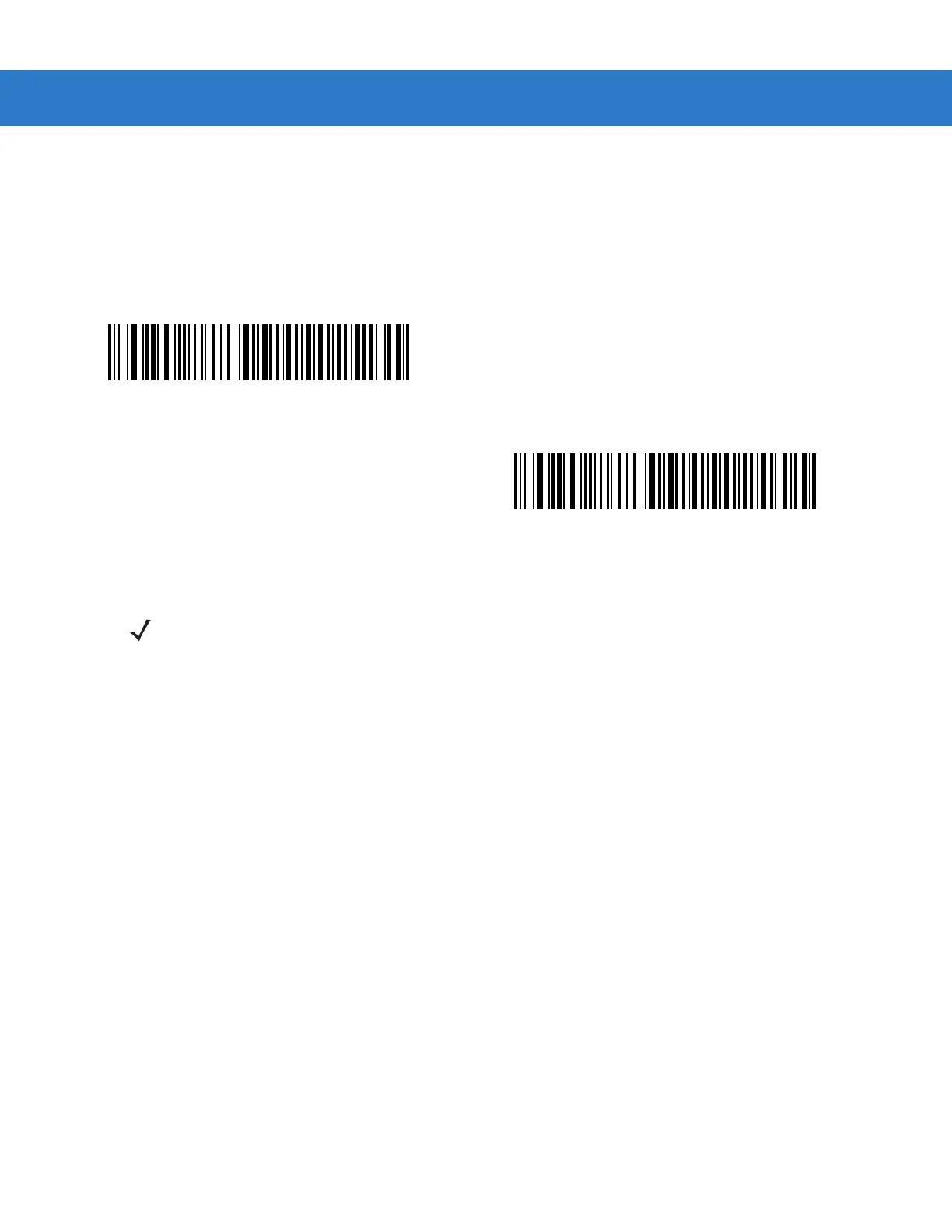
Convert Code 39 to Full ASCII
By default, a space replaces characters that do not have a corresponding character in the Code 39 symbology set.
Enable this parameter to encode data sent to the wand Interface in Code 39 Full ASCII. This setting requires that
the host be able to interpret Code 39 Full ASCII data.
This setting applies only if you enabled Convert to Code 39.
*Disable Code 39 Full ASCII Conversion
Enable Code 39 Full ASCII Conversion
NOTE Wand Emulation emits an error beep when there is an attempt to send composite data. No data transmits.



 To Next Page