4 - 10 Symbol DS6708 Digital Scanner Product Reference Guide
Picklist Mode
Parameter # F0h 92h
Picklist mode enables the digital scanner to decode only bar codes that are aligned under the laser crosshair.
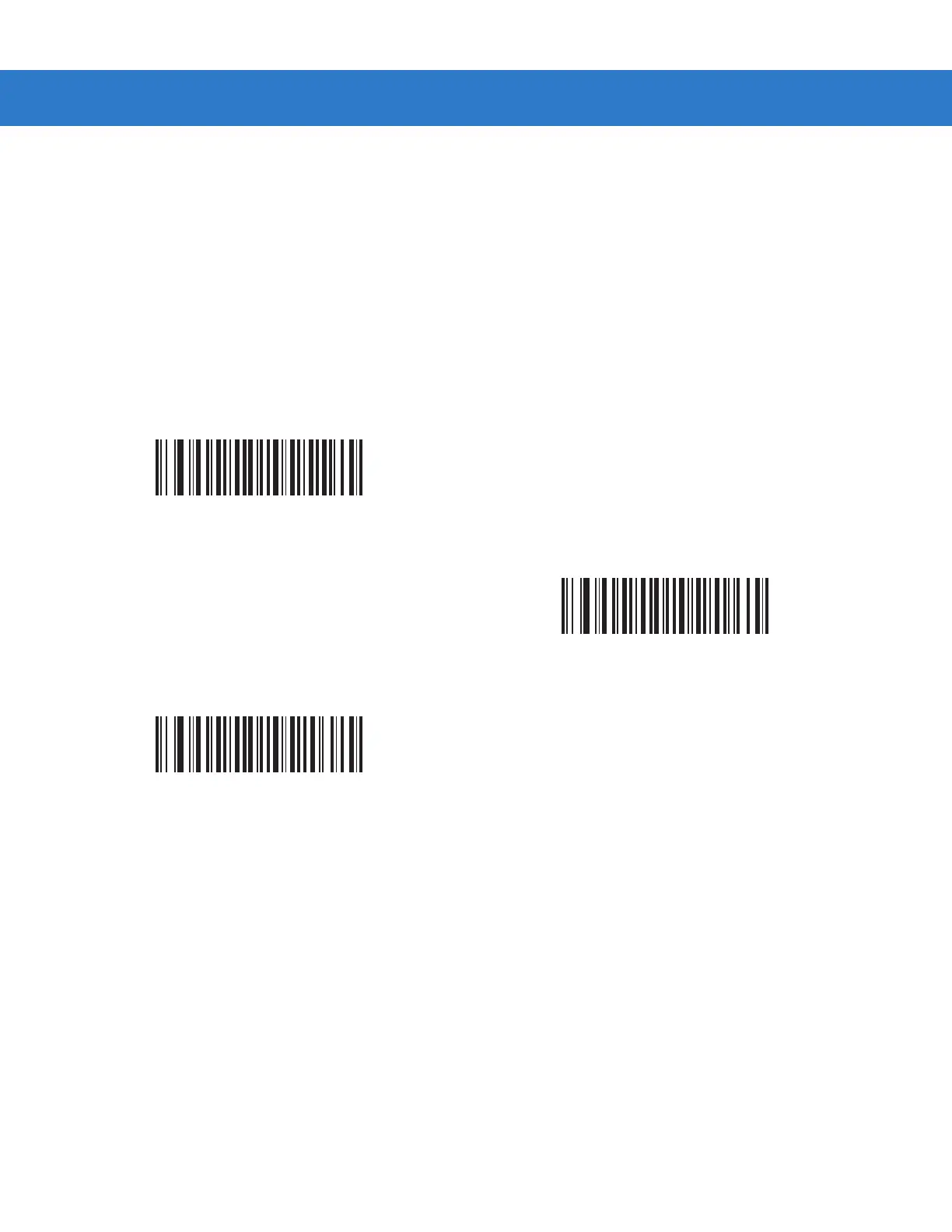
Select one of the following picklist modes for the digital scanner:
•
Disabled Always - Picklist mode is always disabled.
•
Enabled Out of Scanstand - Picklist mode is enabled when the digital scanner is out of presentation mode
and disabled when the digital scanner is in presentation mode.
•
Enabled Always - Picklist mode is always enabled.
*Disabled Always
(00h)
Enabled Out of Scanstand
(01h)
Enabled Always
(02h)



 To Next Page