User Preferences & Miscellaneous Digital Scanner Options 4 - 7
Beeper Volume
Parameter # 8Ch
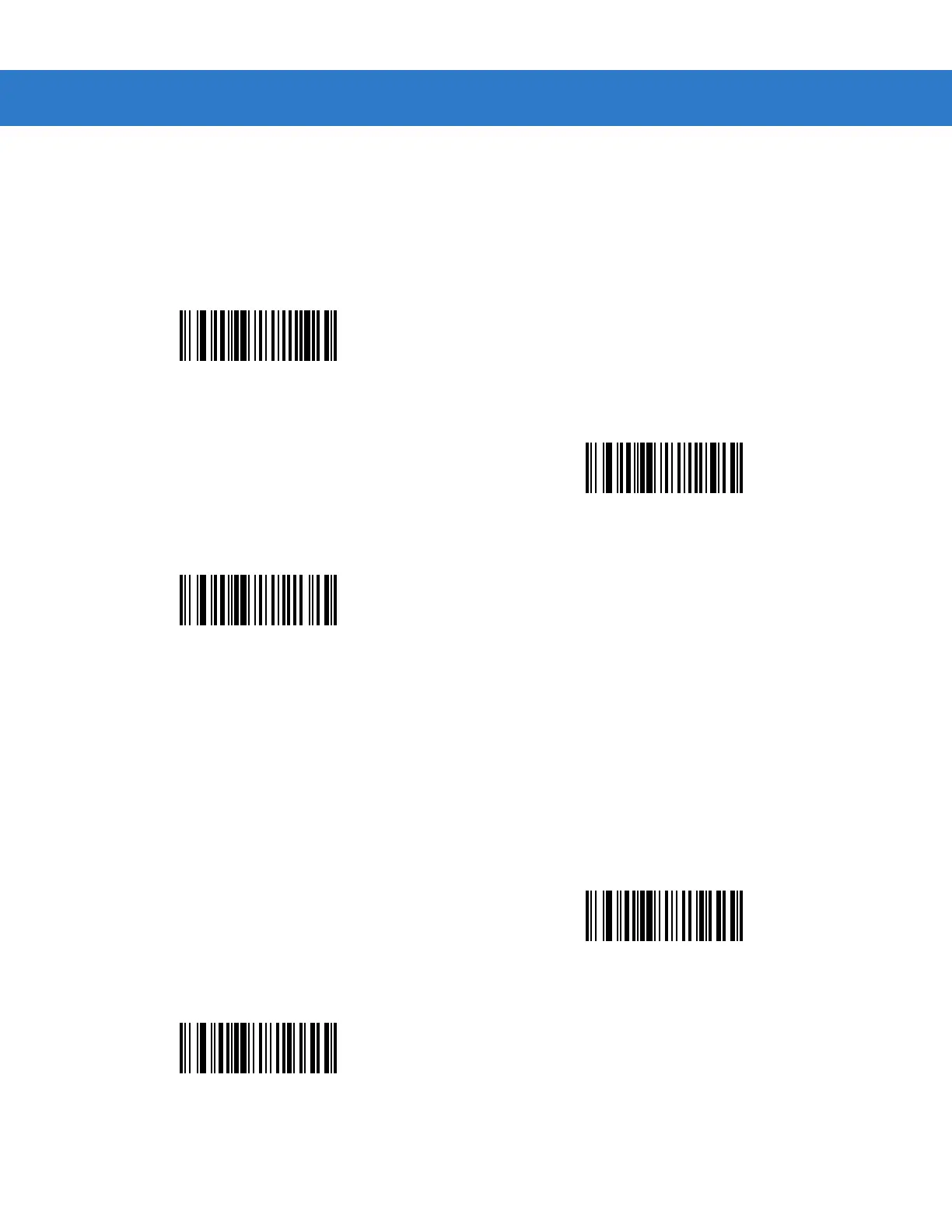
To select a beeper volume, scan the Low Volume, Medium Volume, or High Volume bar code.
Power Mode
Parameter # 80h
This parameter determines whether or not power remains on after a decode attempt. In reduced power mode, the
digital scanner enters into a low power consumption mode to preserve battery life after each decode attempt. In
continuous power mode, power remains on after each decode attempt.
Low Volume
(02h)
Medium Volume
(01h)
*High Volume
(00h)
*Continuous On
(00h)
Reduced Power Mode
(01h)



 To Next Page