User Preferences & Miscellaneous Digital Scanner Options 4 - 9
Trigger Mode
Parameter # 8Ah
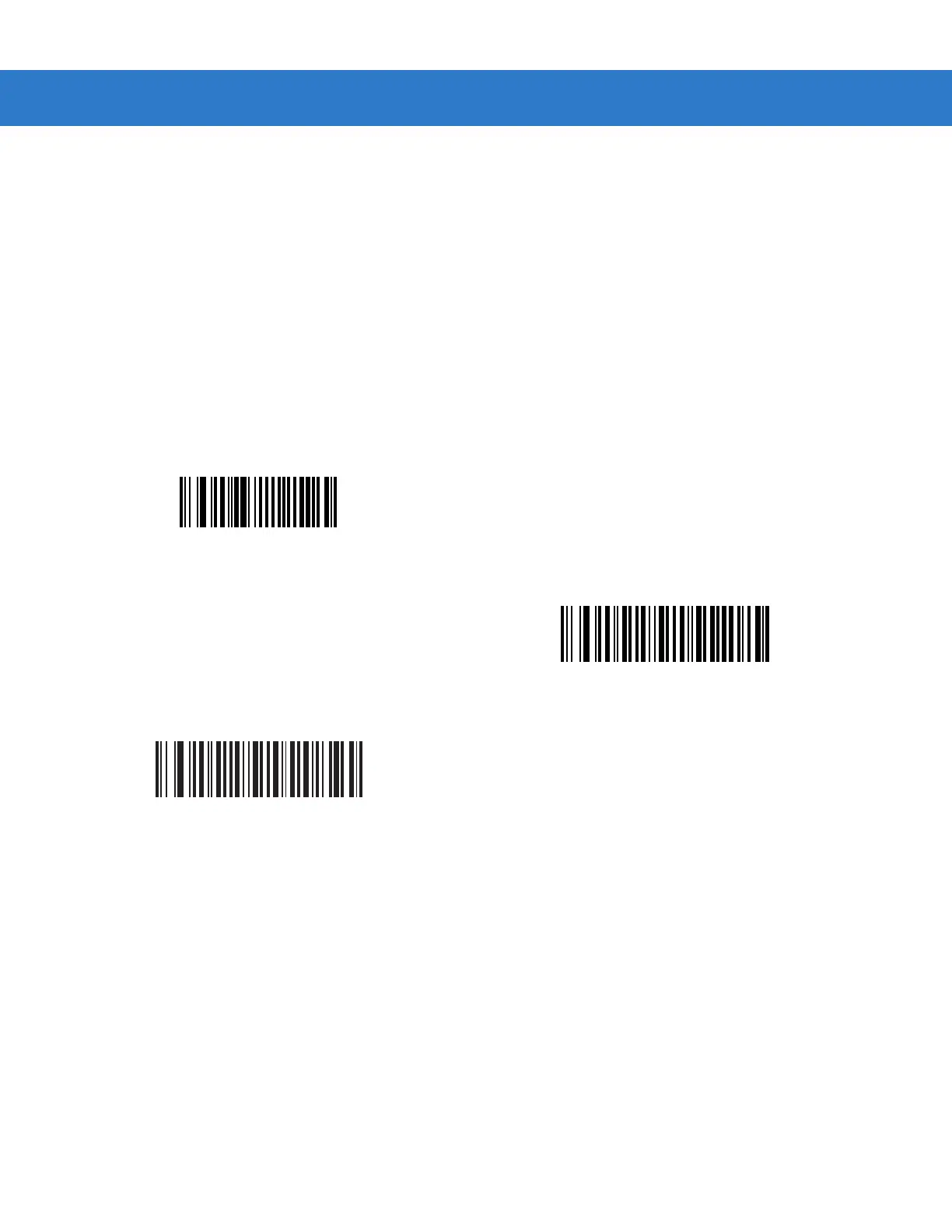
Select one of the following trigger modes for the digital scanner:
•
Level - A trigger pull activates decode processing. Decode processing continues until the bar code decodes,
you release the trigger, or the Decode Session Timeout occurs.
•
Blink - This trigger mode is used in presentation (scanstand) mode. The digital scanner activates decode
processing when it detects a bar code in its field of view. Decoding range is reduced in this mode.
•
Auto Aim - This trigger mode turns on the red laser aiming pattern when the digital scanner senses motion.
A trigger pull activates decode processing. After 2 seconds of inactivity the red laser aiming pattern
automatically shuts off.
Level
(00h)
Blink
(07h)
*Auto Aim
(09h)



 To Next Page