5 - 6 Symbol DS6708 Digital Scanner Product Reference Guide
Presentation Mode Field of View
Parameter # F1h, 61h
In presentation mode, the digital scanner searches for a bar code in a smaller region around the aiming pattern’s
center cross to speed search time.
To use a full field of view, scan Presentation Mode Full Field of View. This allows the digital scanner to search the
larger area of the aiming pattern.
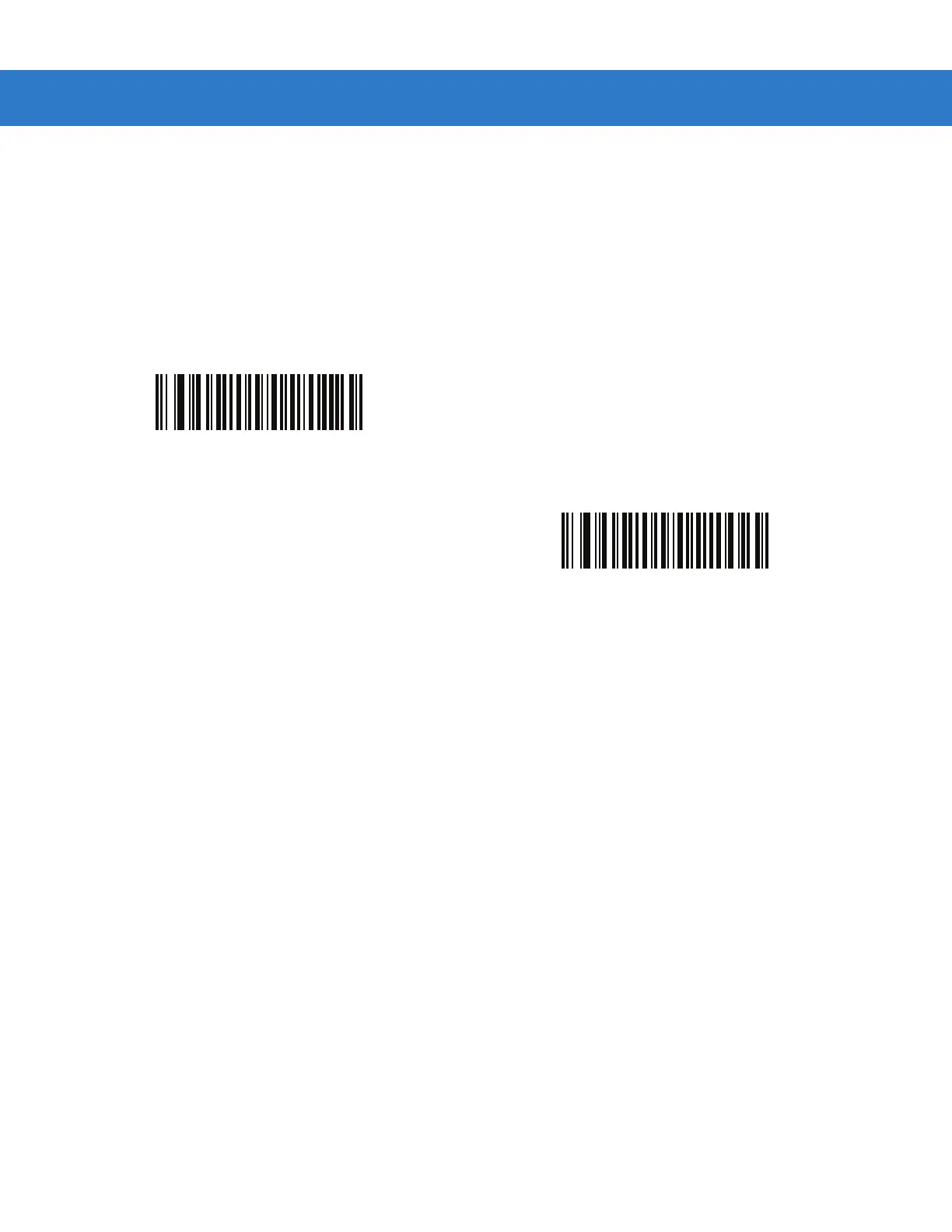
*Presentation Mode Default Field of View
(01h)
Presentation Mode Full Field of View
(02h)



 To Next Page