Chapter 12 123Scan
Introduction
123Scan is a Windows
®
-based utility that programs the digital scanner with all parameters including Advanced
Data Formatting (ADF) rules. An ADF rule modifies bar code data before it transmits to the host to ensure
compatibility between bar coded data and the host application. You can program digital scanners via PC download
or by scanning a sheet of bar codes generated by the 123Scan utility. Digital scanner programming is saved in a
file for electronic distribution. The 123Scan program includes a help file.
Communication with 123Scan
To communicate with the 123Scan program which runs on a host computer running a Windows operating system,
use an RS-232 cable to connect the digital scanner to the host computer (see Connecting an RS-232 Interface on
page 7-2).
123Scan requirements:
•
Host computer with Windows 98, Windows NT, Windows 2000, or Windows XP
•
Digital scanner
•
RS-232 cable.
123Scan Parameter
To communicate with the 123Scan program, load 123Scan, included in the documentation CD-ROM, onto the host
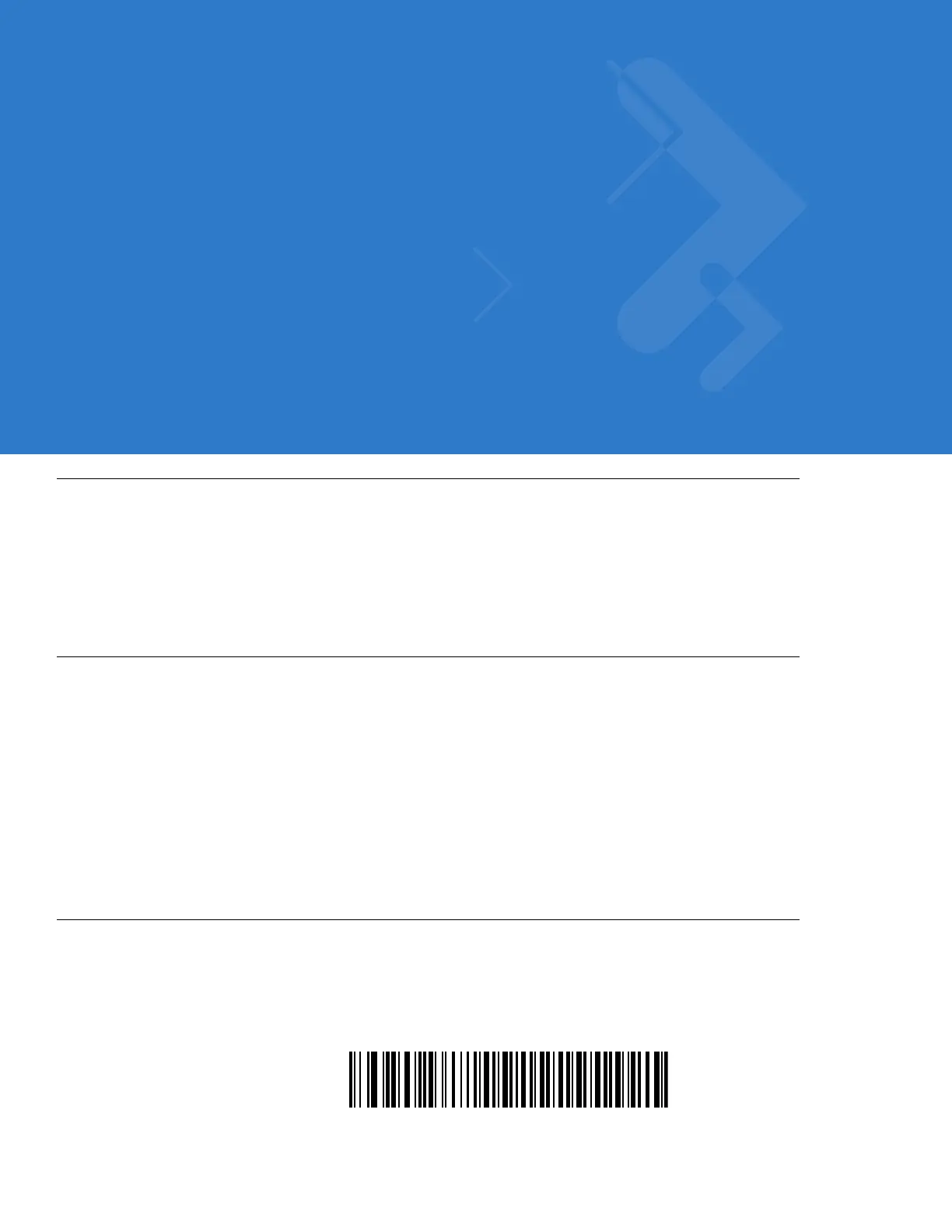
computer, and scan the bar code below. Refer to 123Scan instructions for programming the digital scanner.
Scan the bar code below to enable the 123Scan interface on the digital scanner.



 To Next Page