14 - 20 Symbol DS6708 Digital Scanner Product Reference Guide
Field Update Procedure
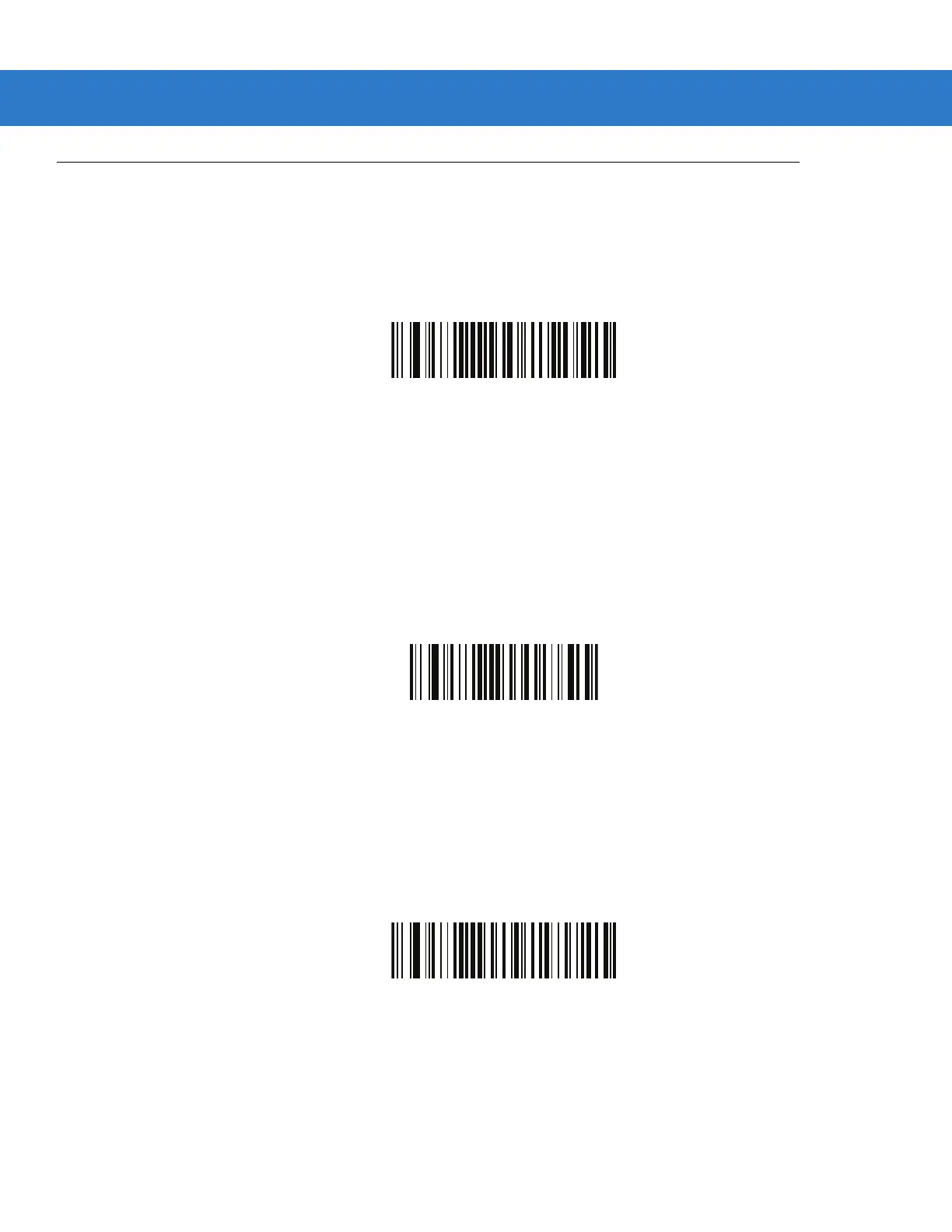
Scan the following bar codes in order to perform a field update.
This update COMPLETELY REPLACES any prior updates that were done and overrides any embedded parsing
software currently programmed in the digital scanner.
1. Field Update Start.
Field Update Start
2.
Scan the entire set of PDF bar codes provided separately.
3. Field Update End.
Field Update End
Scan Erase all Field Updates to completely remove all previous updates. It is not necessary to scan this bar code
before performing a normal field update. Scanning this bar code ensures that only the parsing software currently in
the digital scanner is used for parsing.
Erase all Field Updates



 To Next Page