Advanced Data Formatting 15 - 7
Special Commands
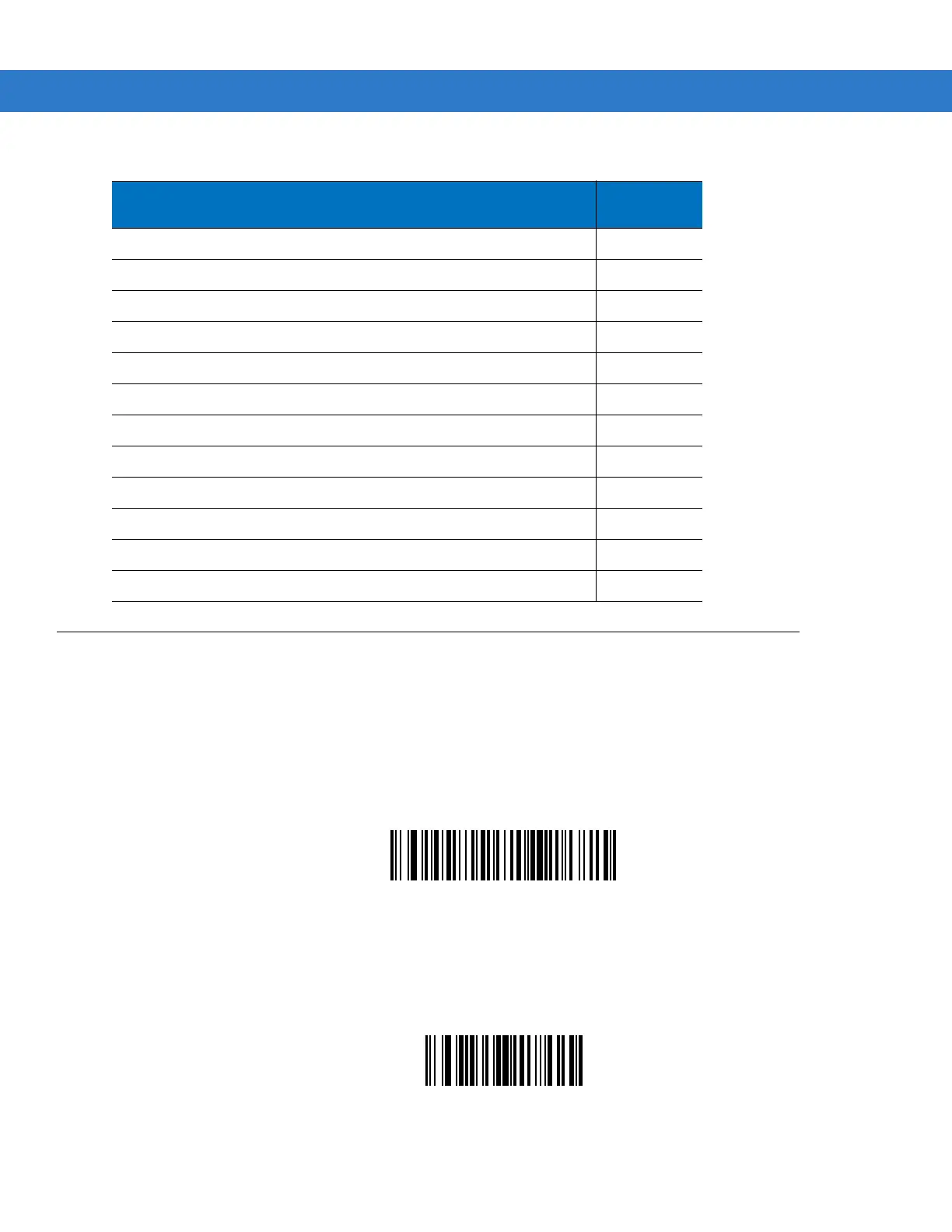
Pause Duration
Use this parameter, along with Send Pause on page 15-32, to insert a pause in the data transmission. Set the
pause by scanning a two-digit number (i.e., two bar codes) from Appendix D, Numeric Bar Codes representing a
0.1 second in the range of 0.1 to 9.9. For example, scanning bar codes 0 and 1 inserts a 0.1 second pause; 0 and
5 inserts a 0.5 second delay. The default is 1 second. To correct an error or change a selection, scan Cancel on
page D-2.
Pause Duration
Begin New Rule
Scan the bar code below to start entering a new rule
.
Begin New Rule
Send Graphic User Interface (GUI) Characters 15-84
Send GUI 0
-
Send GUI 9 15-84
Send GUI A
-
Send GUI Z 15-85
Turn On/Off Rule Sets 15-89
Alphanumeric Keyboard 15-91
Space
-
‘ 15-91
0
-
9 15-95
A
-
Z 15-96
Cancel 15-100
End of Message 15-100
a
-
z 15-100
{
-
~ 15-104
Table 15-1
ADF Bar Codes (Continued)
Parameter
Page
Number



 To Next Page