5 - 4 Symbol DS6708 Digital Scanner Product Reference Guide
Illumination Bank Control
Parameter # F1h 3Bh
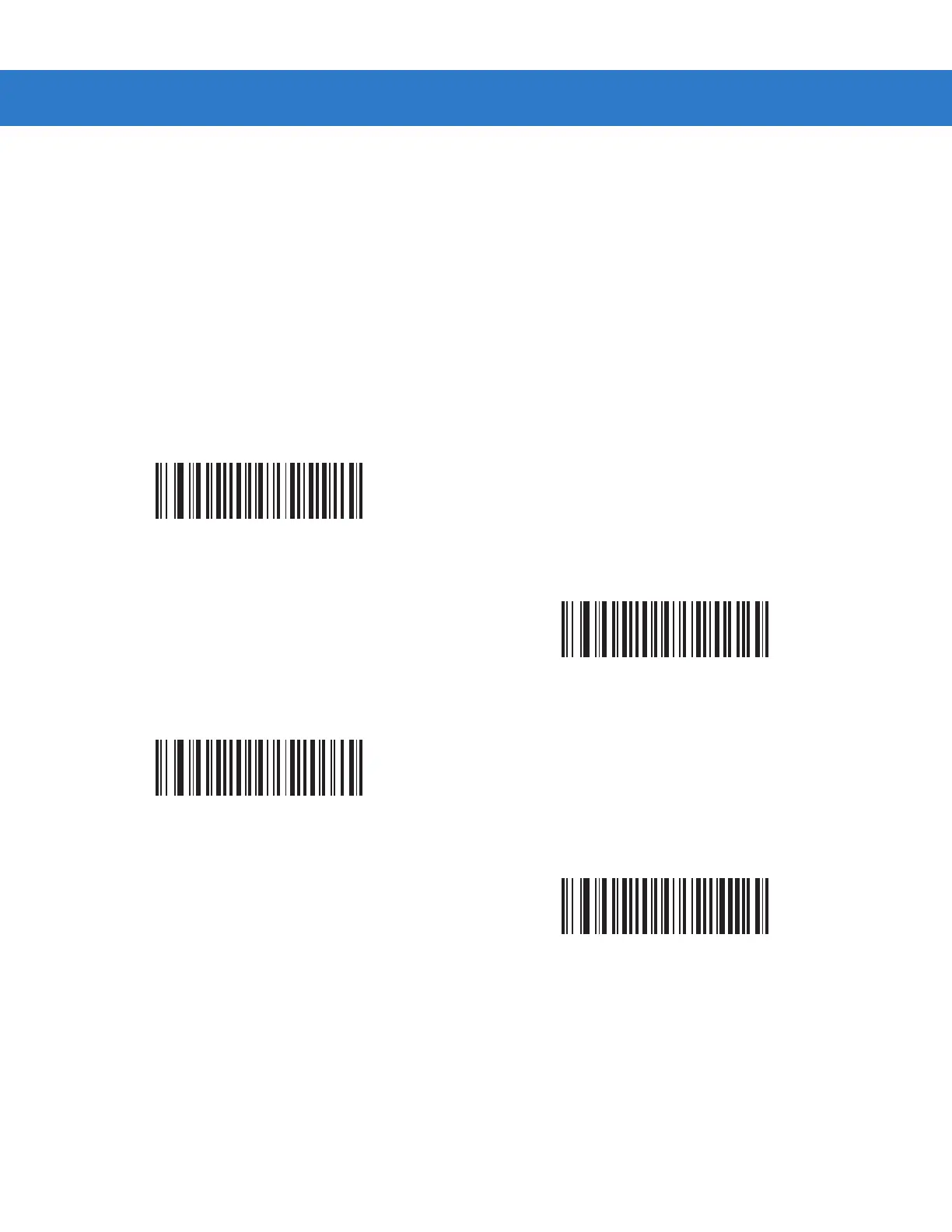
Select an illumination bank control parameter to control the illumination banks on the scan engine.
•
Full (0) (default): Enable the full illumination system.
•
Auto (1): The illumination system automatically switches from left to right banks.
•
Left (2): The left bank is enabled.
•
Right (3): The right bank is enabled.
*Full Illumination
(00h)
Auto Illumination
(01h)
Left Illumination
(02h)
Right Illumination
(03h)



 To Next Page