Advanced Data Formatting 15 - 31
Move Cursor
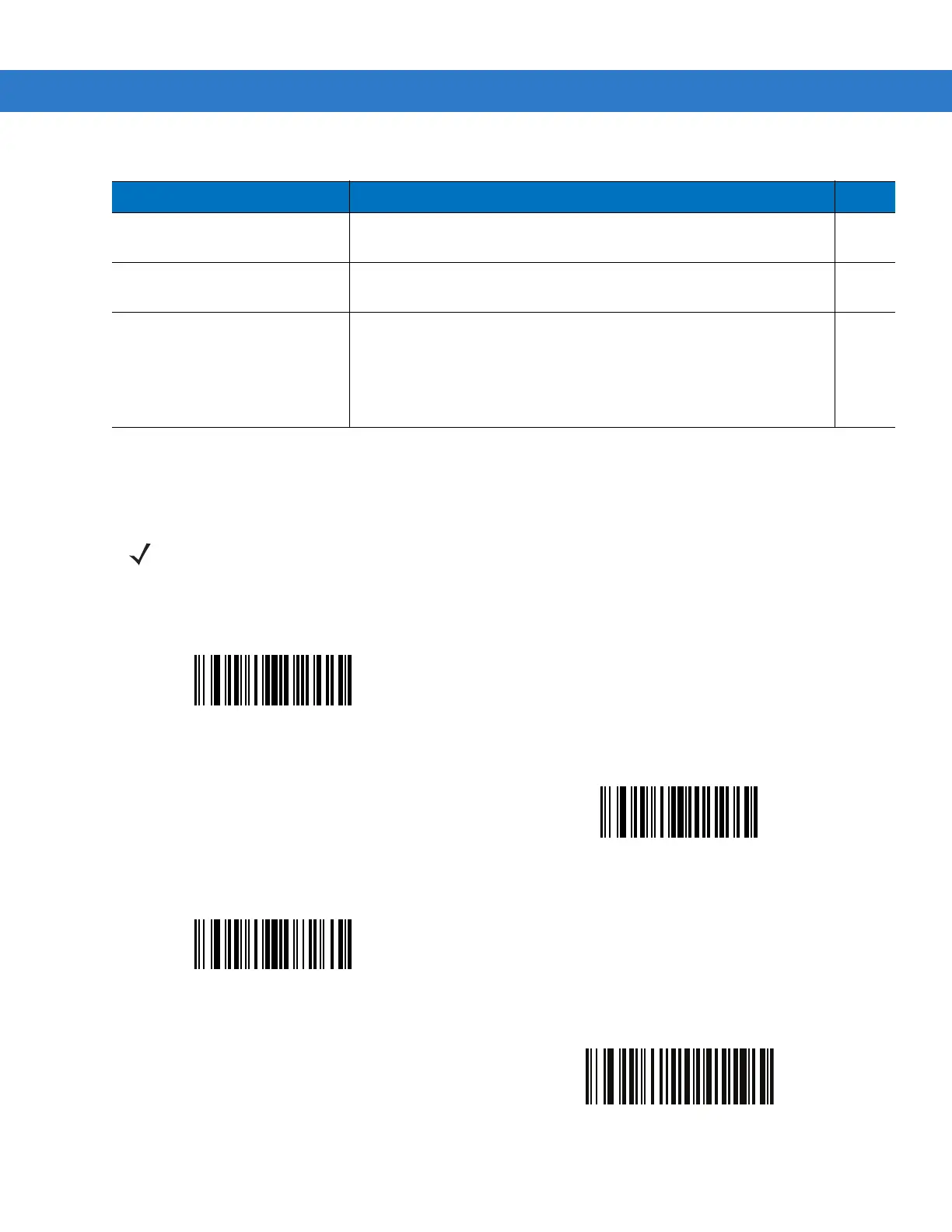
Scan a bar code below to move the cursor in relation to a specified character. Then enter a character by scanning
a bar code from the Alphanumeric Keyboard on page 15-91.
Skip Ahead “N” Characters
Scan one of these bar codes to select the number of positions ahead
to move the cursor.
15-33
Skip Back “N” Characters
Scan one of these bar codes to select the number of positions back to
move the cursor.
15-34
Send Preset Value
Send Values 1 through 6 by scanning the appropriate bar code. Set
these values using the prefix/suffix values in
Table 7-4 on page 7-20
.
Value 1 = Scan Suffix
Value 2 = Scan Prefix
Values 3-6 are not applicable
15-34
Table 15-2
Setup Field(s) Definitions (Continued)
Parameter Description Page
NOTE If there is no match and the rule fails, the next rule is checked.
Move Cursor To Character
Move Cursor To Start
Move Cursor Past Character
Move Cursor Past Specific String



 To Next Page