S100 User Guide – Rev. D – June 2005 41
2
5
3
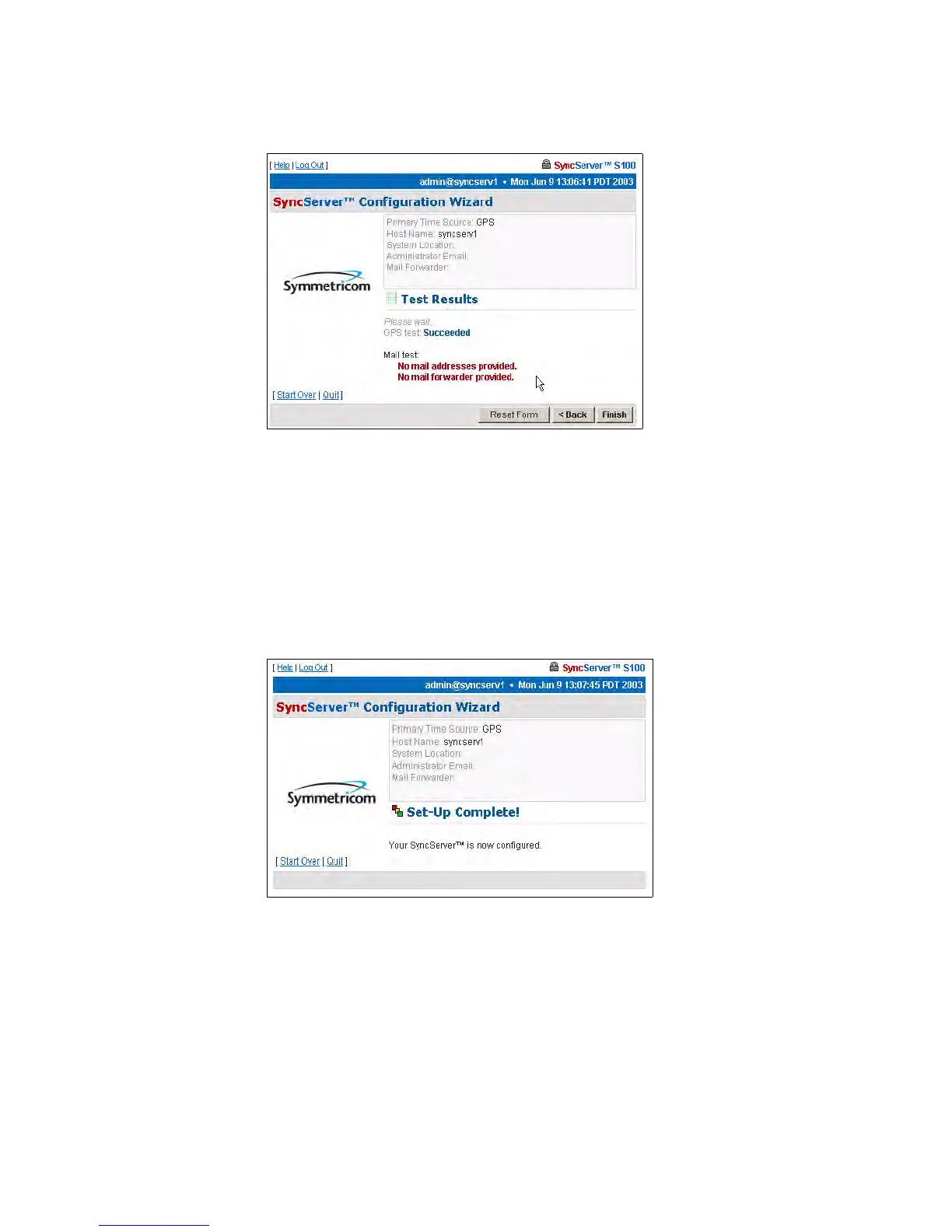
Test Results dialog
This screen tells you if the dial-up time source for your S100 is functioning properly. In this
example, failed tests are shown.
There is no output to the “Mail test” field. That is because mail is tested by sending an e-mail
to the address that you indicated earlier.
Click Finish.
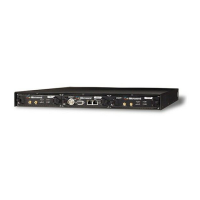
Setup Complete dialog
This screen verifies your configuration of the S100:
• Its time source
• Modem phone number
• Host name
• System location
• Administrator e-mail
Figure 3-27: Test Results shown
Figure 3-28: Your Dial-up set-up is complete



 To Next Page