AIRCRAFT
SA 160
AIRCRAFTA I R C R A F T
Symphony
The Electronic Checklist and Caution Advisory System EC 100
With reference to Figure 7-8, to select the desired category, press
the button to go forward or the button to go backwards.
When the desired category appears, press the button to select
itandagaintoseefurtherinformation.
In the event of an alert or warning, pressing any button will cause
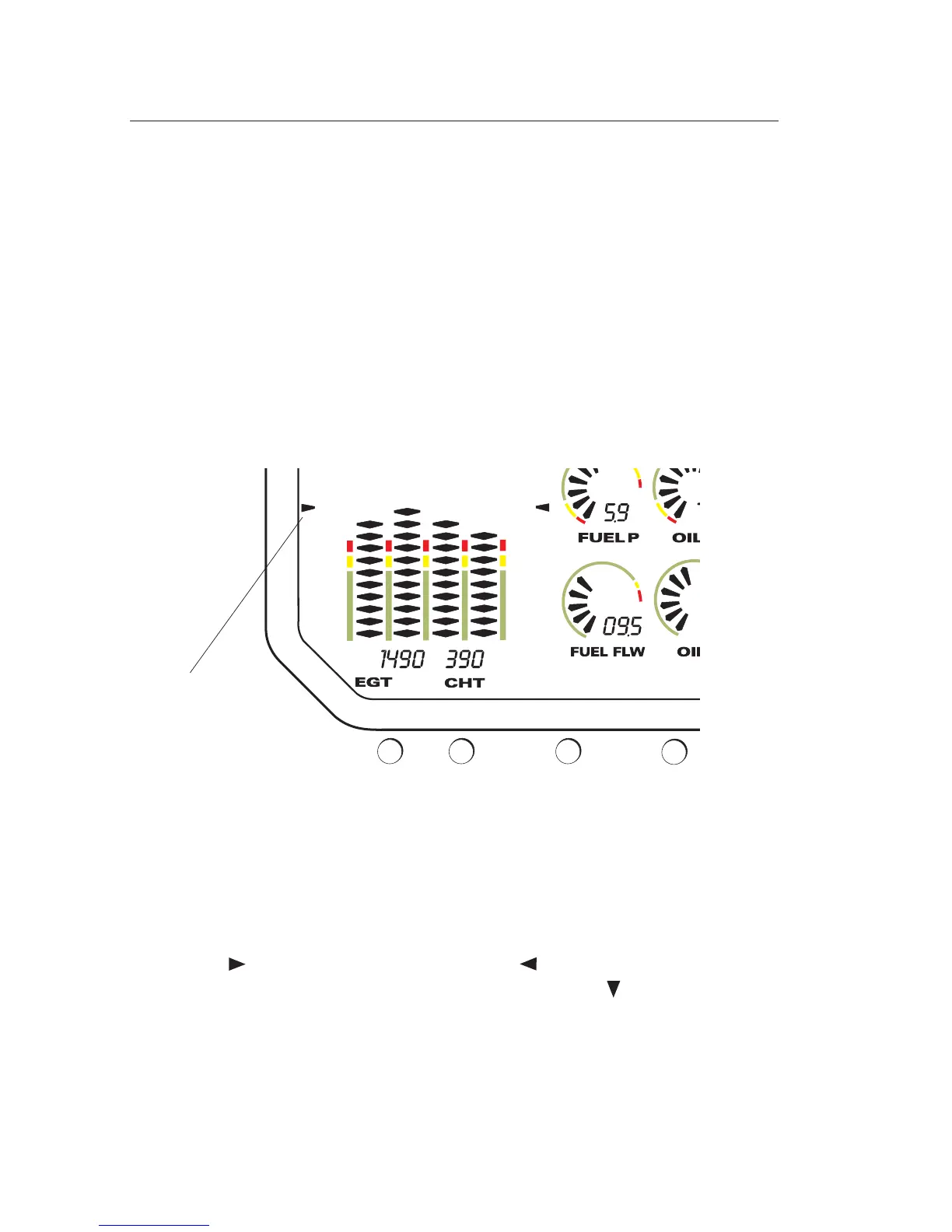
LeaningMode:
Leaning mode is selected by pressing BUTTON 1 while in normal
mode. The entire diamond graph display is temporarily used for
precisehighresolutionleaning.
A flashing EGT graph indicates that the leanest EGT has been
detected.
The display can be returned to the normal mode by pressing
BUTTON1again.
Figure 7-8
Leaning Mode
Brackets
SECTION 7
DESCR. & OPERATION
Feb 25, 2005
7-26



 To Next Page