14 TS-350i USER GUIDE
SIP CONFIGURATION
The SIP Configuration section contains parameters related to SIP accounts, line appearance, and other
paramters that allow the phone to register and, if required, subscribe for the line appearance with the
appropriate SIP server or PBX.
Lines are assigned to the phone’s flexible buttons in consecutive order from the first button. For each
line, the following parameters are available:
• Call Server IP address
• Authorization ID and password
•Line type
• Special line attributes
As a default, the maximum number of lines is two. When the IP phone requires more than two (2) lines,
use the Web Manager or configuration file to change the number of lines and line parameters.
SIP Configuration, Line Parameters
Assign parameters in this section for each SIP line.
SIP Server Address
The SIP Server Address is the IP address or FQDN of the SIP server or PBX. Different SIP servers can be
defined for each line.
To assign the Call Server address:
• Press the button, then select 2. SIP Configuration, then 1. Line Configuration.
• Enter the line button number or move the cursor using the Down softkey and press the Select softkey
to select a line.
•Select 1. SIP Server Address.
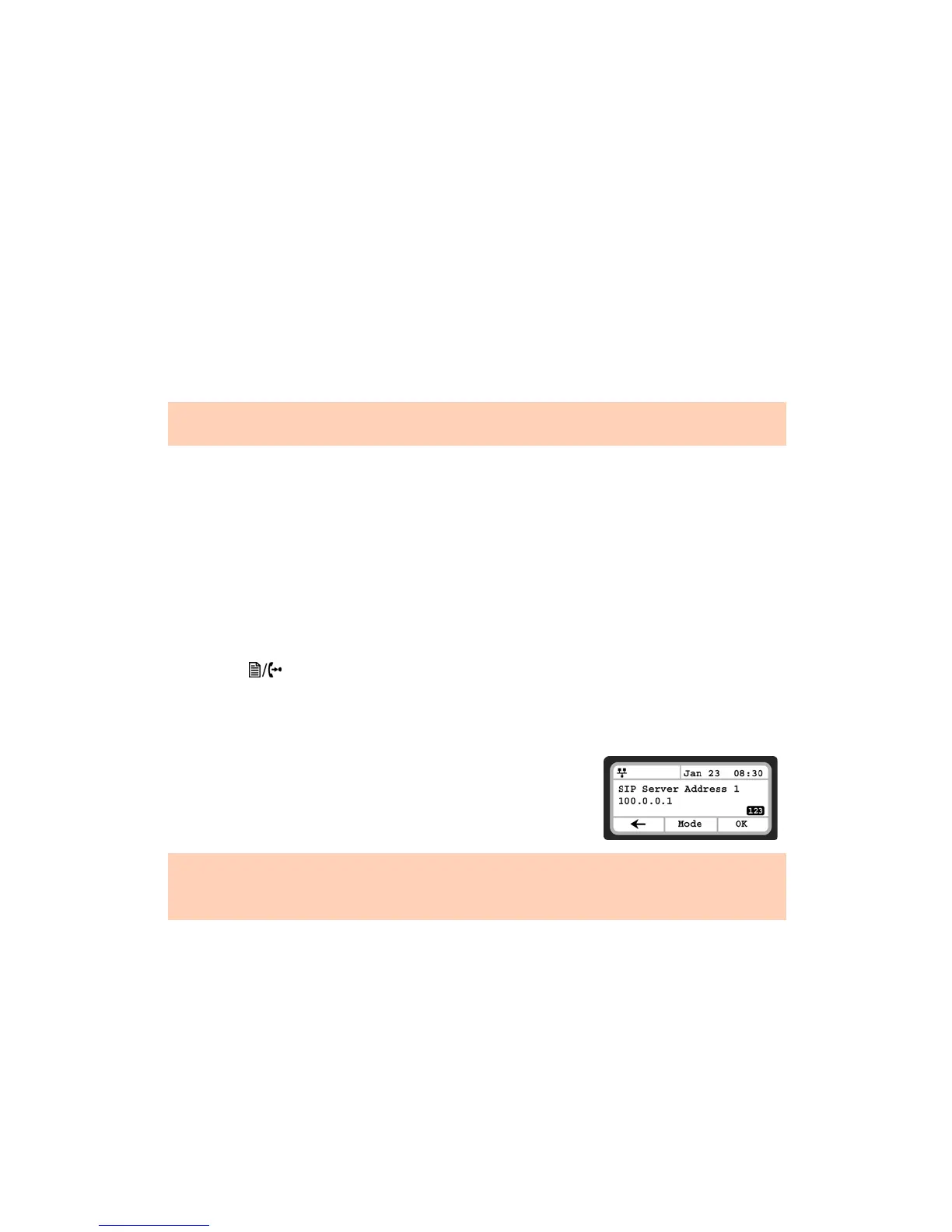
• Input the SIP Server Address or FQDN using the dial pad and press
the OK softkey to save your entry.
At a minimum, assign the first line button as an appearance of the user's line. For features where the IP phone uses
one-button line access such as Speed Dial, the IP phone uses the first line button for the call.
Changing the SIP Server Address requires a reboot of the phone. When you exit the menu, you will receive a
reboot notice.
To enter alphanumeric characters select the Mode softkey.


 To Next Page