46 TS-350i USER GUIDE
PHONE INFORMATION
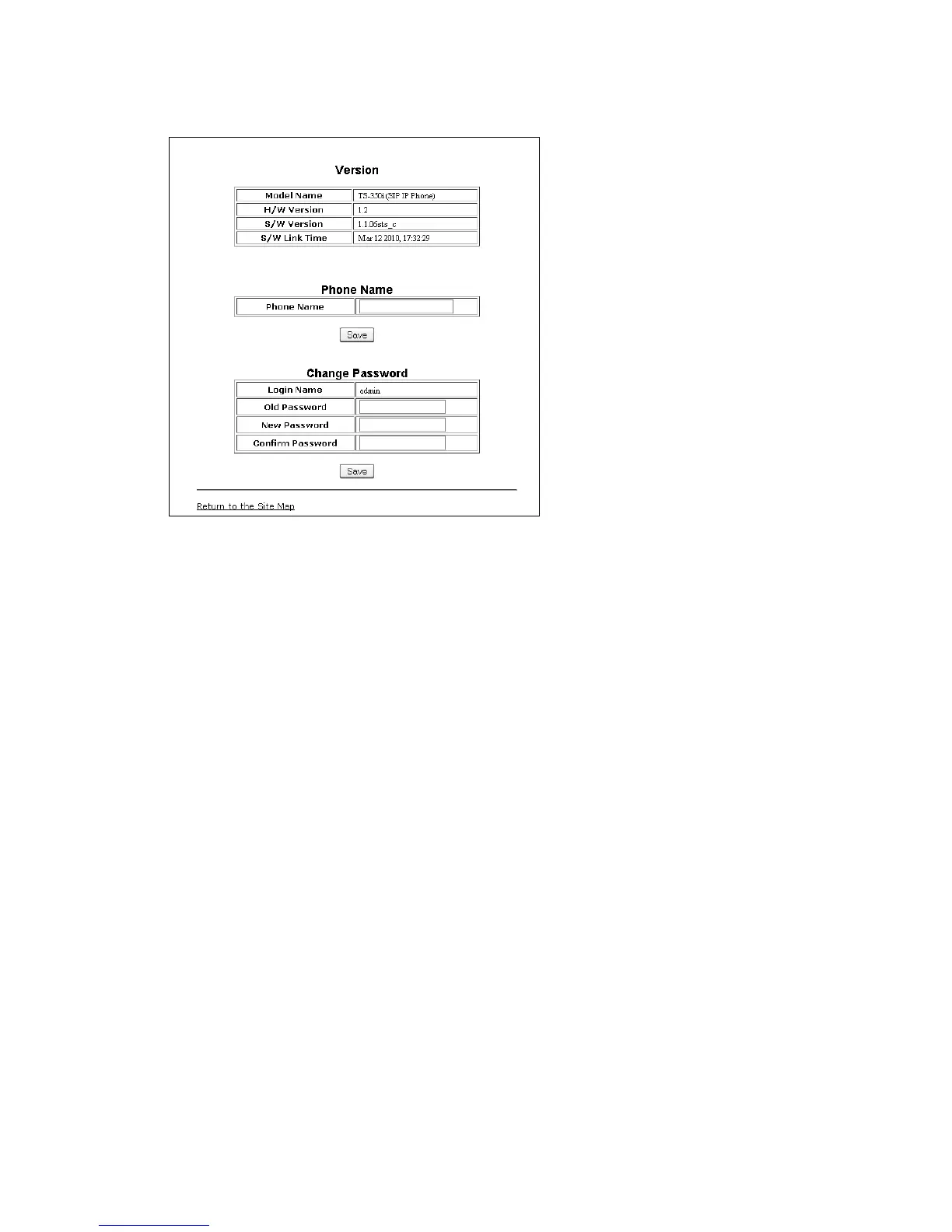
The Phone Information page displays useful information for the TS-350i phone. In addition, it is possible
to change the Web Manager password from this page.
To change the phone name:
• Enter the desired name.
• When complete, press the Save button.
To change the password:
• Enter the existing password.
• Enter the new password then confirm.
• When complete, press the Save button.


 To Next Page