EVERY CALL COUNTS 35
USING WEB MANAGER FOR CONFIGURATION
The Web Manager is a web-based tool for configuring phone parameters. The Web Manager has access to all
parameters including some not available through the LCD Configuration Menu. It also provides for an easier
method to view, make changes or load a contact list to the phone book. Please note that if used with a
TalkSwitch phone system (or other system) which automatically provides the configuration for the phone,
then many key parameters should not be changed as they will revert to their preconfigured settings after
the phone is rebooted and retrieves a configuration file.
LOGIN & SITE MAP
• Point your browser at the IP address currently assigned to the TS-350i phone.
Example: http://150.150.255.251.
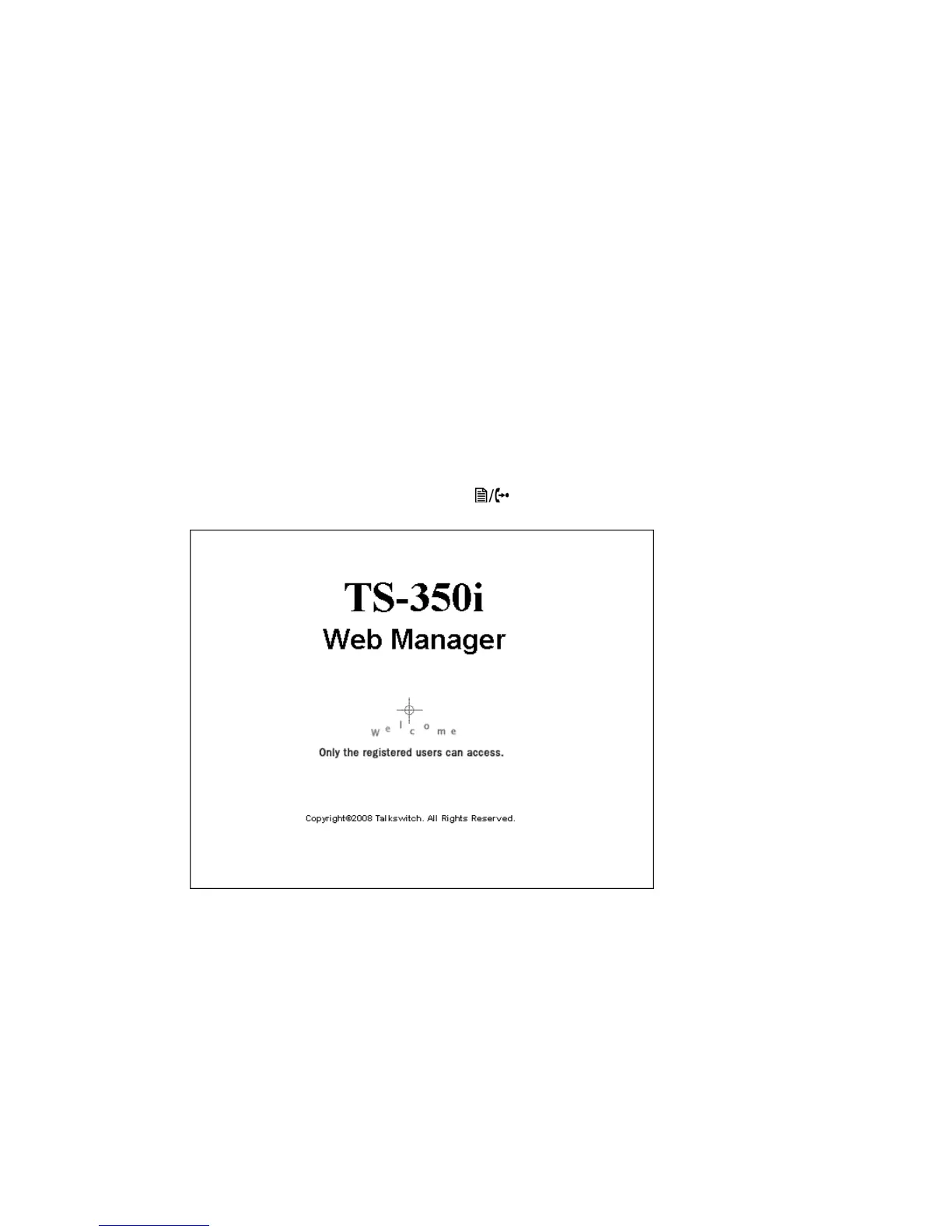
• To confirm the address from the phone, press the button, then 8. Upon a successful attempt, the
following page will be visible.
• Click LOGIN
•Enter admin for the User name and 23646 for the password to gain access.


 To Next Page