EVERY CALL COUNTS 25
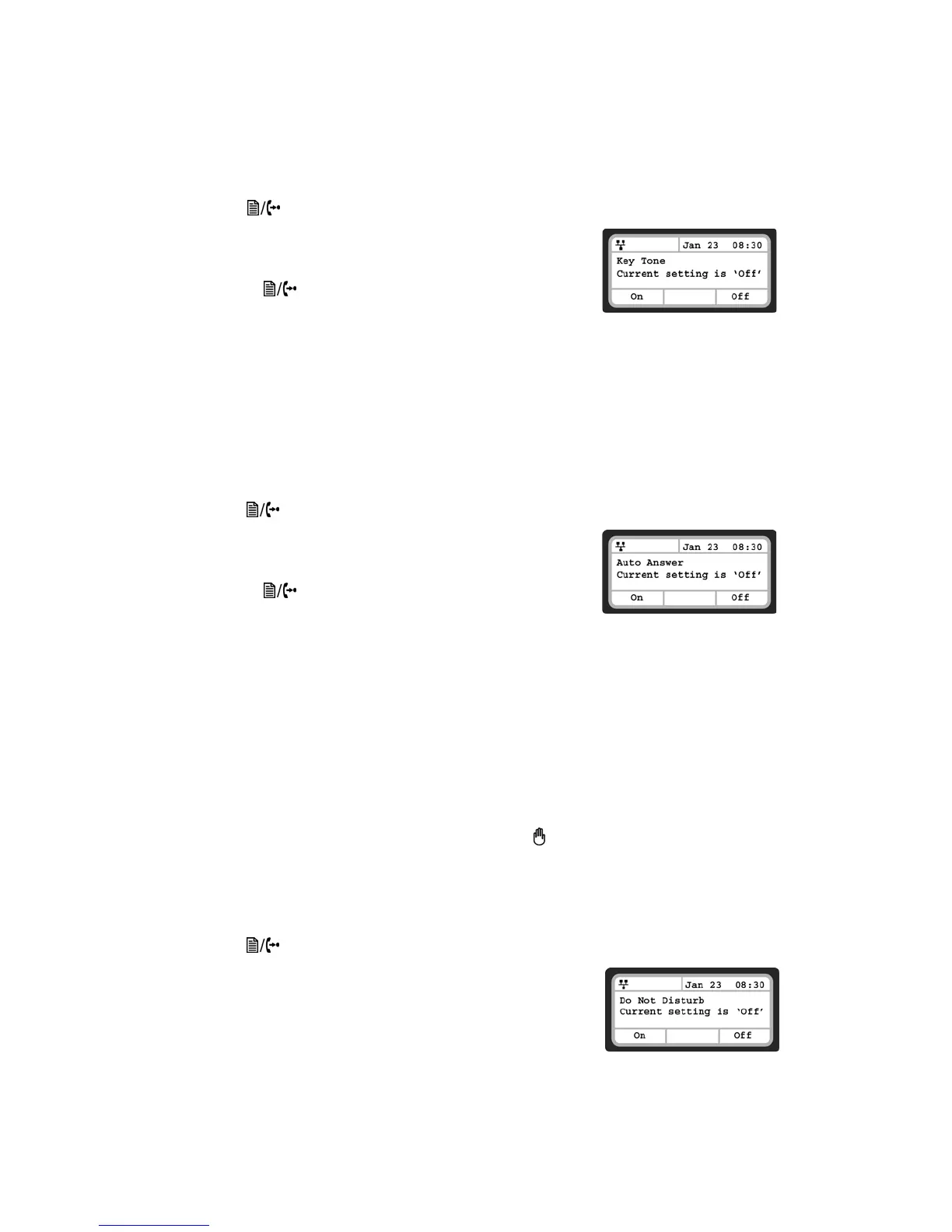
Key Tone
If desired, a tone can be played out when a button on the phone is pressed.
To enable/disable the Key Tone:
• Press the button, then select 3. Phone Settings, then 9. Key Tone.
• Press the On softkey to enable the Key Tone, or press the Off softkey
to disable the Key Tone.
• To configure another parameter, press the Back softkey to continue
or press the button to exit the configuration menu.
Language
The TS-350i ships with 3 supported languages — English, Spanish and French. The default language is
English. Languages are configured in the TalkSwitch management software for the extension. Please
contact your administrator.
Auto Answer
When idle, the phone can automatically connect an incoming caller to the speakerphone or headset.
To enable/disable Auto Answer:
• Press the button, then select 4. Call Preferences, then 6. Auto Answer.
• Press the On softkey to enable Auto Answer, or press the Off softkey
to disable Auto Answer.
• To configure another parameter, press the Back softkey to continue
or press the button to exit the configuration menu.
CALL PREFERENCES
Call Preferences define various call handling features of the phone.
Do Not Disturb
When the DND (Do Not Disturb) feature is active, the phone does not notify the user of an incoming call.
The phone system configuration determines routing of the incoming call while your phone is in DND mode.
Do Not Disturb is easiest enabled and disabled by pressing the button. When enabled, the LED on the
key will be on. The LCD will also show a DnD enabled message.
An alternative method to toggle DND on or off is via the Do Not Disturb menu under Call Preferences.
To enable the DND operation:
• Press the button, then select 4. Call Preferences, then 1. Do Not Disturb.
• Press the On softkey to enable DND, or press the Off softkey to
disable DND.


 To Next Page