EVERY CALL COUNTS 33
• Optionally, select a ring tone that will be used when the Call ID is matched for inbound calls. Set to
Defaults will use the default ring cadence and tone. Press Select to continue.
• Assign an available 2-digit speed dial number (00–79), then press OK. This number can be used to quick
dial. For example, if stored as 02, simply dial 02 then lift the receiver to place the speed dial call.
SET TO DEFAULTS
If required, the phone configuration can be returned to the original factory default settings.
To default the configuration:
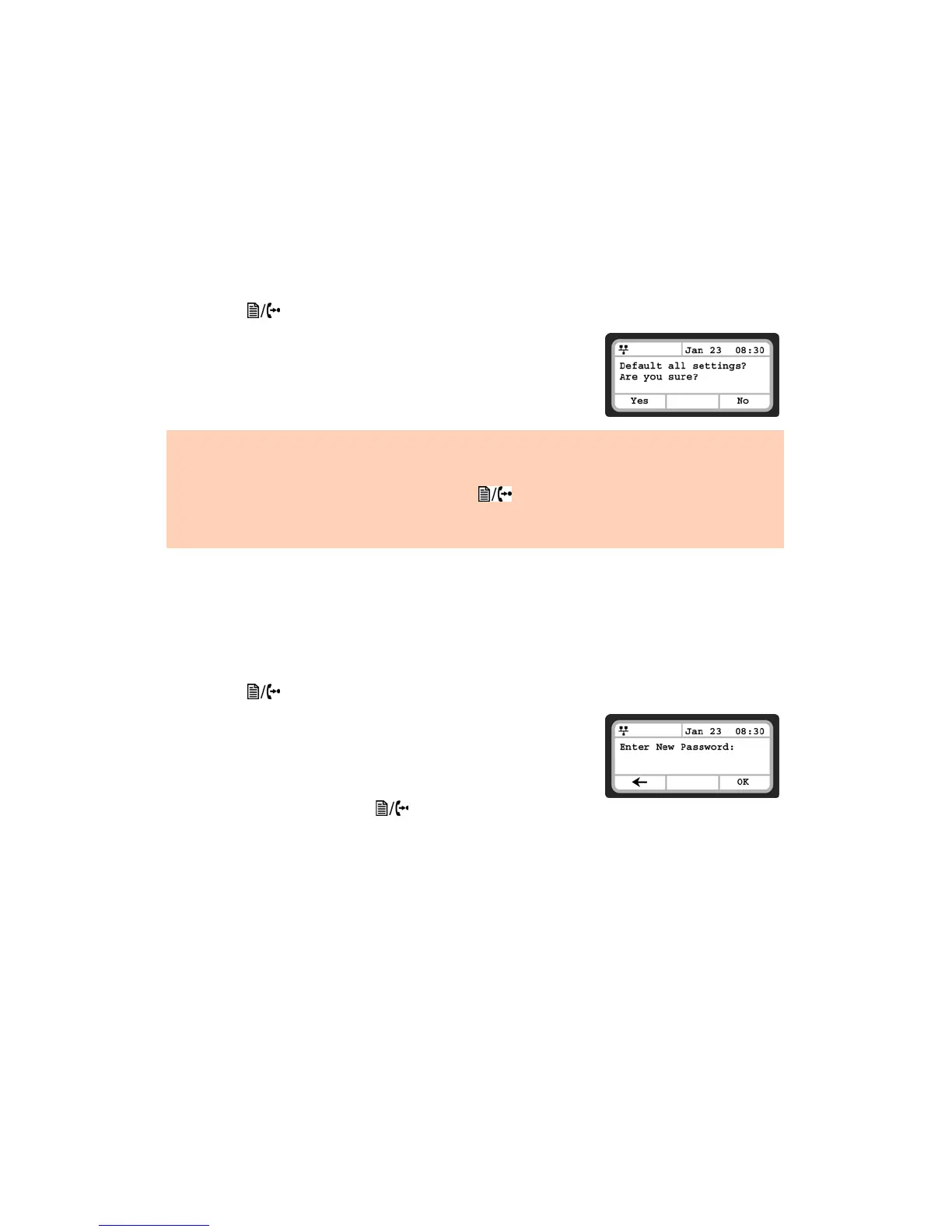
• Press the button, then select 6. Default.
• Press the Yes softkey to set the phone to factory defaults, or press
No to cancel.
LOCK/UNLOCK CONFIG
If required, some of the critical configuration parameters can be locked to prevent accidental changes.
These include Network settings, SIP setting and Flexible key assignments.
To lock portions of the configuration:
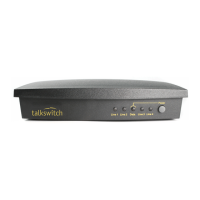
• Press the button, then select 7. Lock/Unlock Config.
• Enter a password then press OK.
• Confirm the password then press OK.
• Store the password somewhere for future reference.
• Once assigned, select 7. Lock/Unlock Config to lock the config.
• To unlock the config, press the button, then select 7. Lock/
Unlock Config.
• Enter the password, then press OK.
Defaulting the phone requires a reboot. When you leave the menu (press the Back softkey), you will receive a reboot
notice. Press the Yes softkey to reboot the phone now. The configuration will not use default values until the phone
is rebooted. If looking to re-register the phone that has been preconfigured as an extension to a TalkSwitch system
on the same LAN, reboot the phone again by pressing the button, then select 9. Reboot. Press the Yes
softkey to reboot the phone.
Returning the phone to factory defaults deletes any previously customized settings.


 To Next Page