EVERY CALL COUNTS 3
PROGRAMMABLE/FLEXIBLE KEY STATES
The flexible keys access lines, extensions and features based on the IP phone configuration. Flexible keys
assigned for line, extension or queue appearances will monitor the state of those resources and allow access
to those resources at anytime unless the call is engaged by another user or the system. Keys designated to
monitor lines, extensions or queues indicate call status as indicated below.
Flexible keys not assigned for line access may access features such as Speed dial, Intercom, Park and others.
LCD LAYOUT
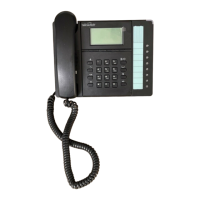
The TS-350i phone has a 140x48 dot graphic LCD arranged to show 5 lines of text and is used to display
information to the user. The top-bar status line displays icons, date and time. The bottom line shows
choices associated with the three context-sensitive softkeys located just below the LCD.
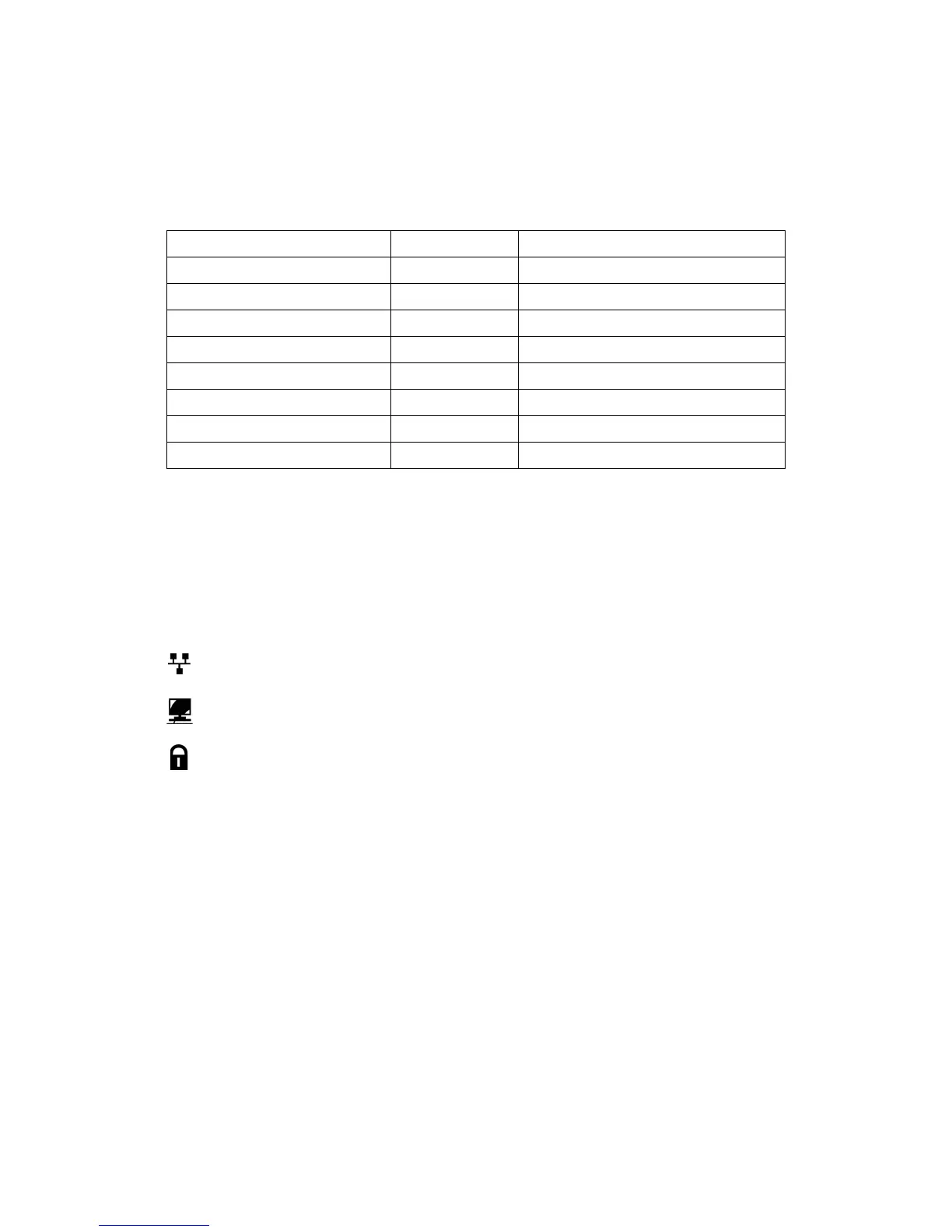
Below is a list of icons and their meaning.
LAN or Network connection icon, indicates the status of the LAN connection to the IP phone. If the
icon is blinking, check the LAN connection.
PC port icon, when displayed, indicates a device such as a PC is connected to the PC port of the
IP phone.
Locked icon, indicates the IP phone is locked and a password is required to place calls.
Status LED Color LED Pattern
Incoming call Green Flashing approx. once every 1/2 second
Line in use on this phone Green On solid
Call on hold at extension Green Flashing approx. once every second
Line/Extension/Queue ringing Green Flashing approx. once every 1/2 second
Line/Extension/Queue in use Red On solid
Line/Extension/Queue on hold Red Flashing approx. once every second
Extension/Line not registered Red/Yellow Alternating Red and Yellow
Do Not Disturb (DND) enabled Yellow On solid


 To Next Page