GTS Technical Manual
15. March 2010 Edition: V1.00/2010 6-9
Copyright © 2010, Diversey Inc.
06.0 swingo 855 B Power - electronics.fm
6.2.2 Dashboard service menu
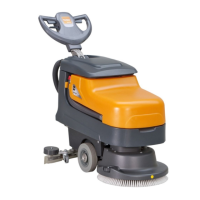
The swingo 855B has no dashboard service functionality except the reset of the serv-
ice hour counter.
6.2.2.1 Reset service LED
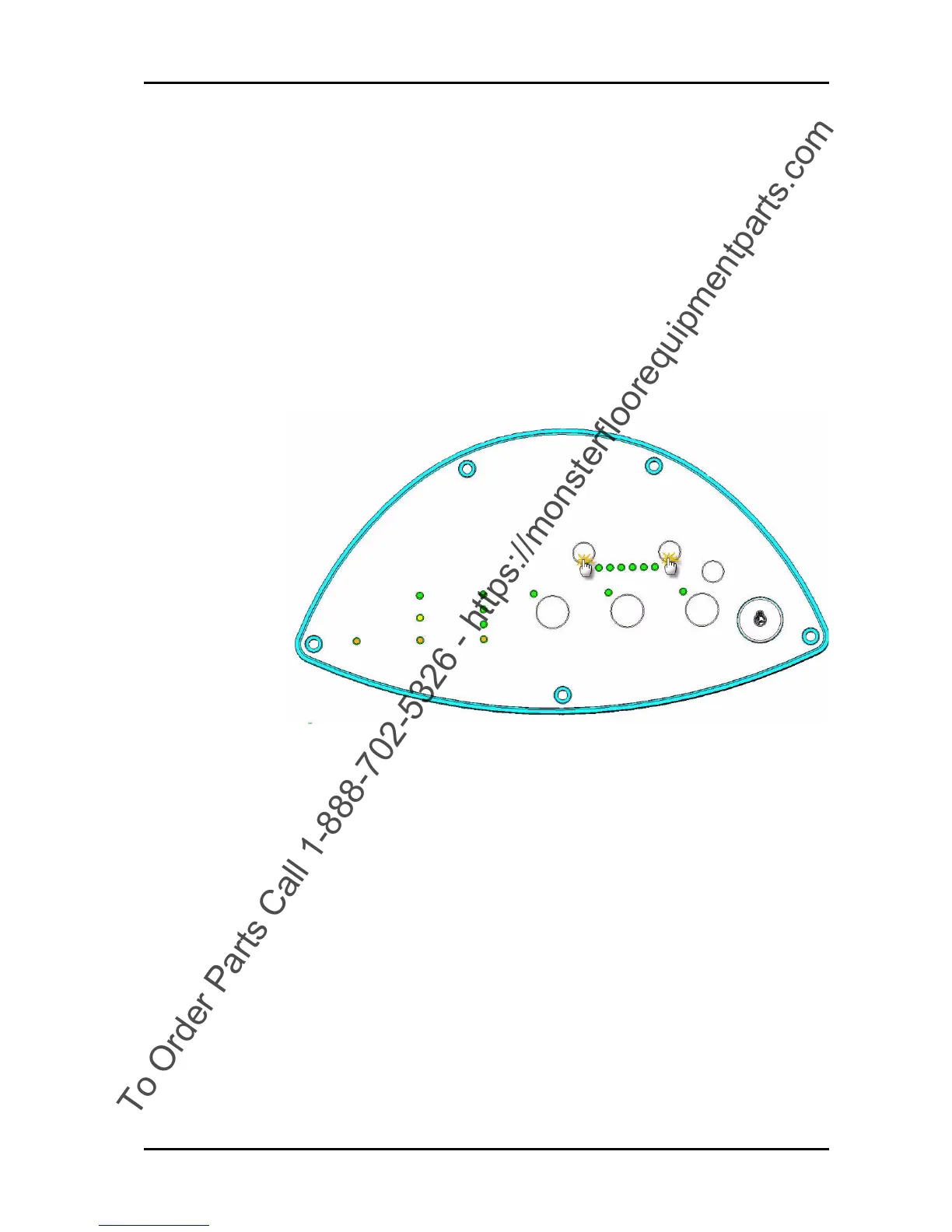
To reset the service hour counter LED you have to perform following steps:
Picture 5: Reset service hour LED
• Switch ON the machine
• Service hour counter LED has to be ON.
• Press the buttons dosing (+) and dosing (-) until the service
LED switches OFF.
• After approximately 3 seconds it starts flashing.
• Flashing stops after approximately 2 seconds.
• Service hour counter is reset.
Remarks
You also can reset the service hour counter with the Service Tool
online. Please refer to the Service Tool Manual for this and
additional explanations.



 To Next Page