Home
Technika
Media Player
MP-111
Page 8 (Synchronising Files - Part 2)
Technika MP-111 - Synchronising Files - Part 2
51 pages
Manual
Save Page as PDF
To Next Page
To Next Page
To Previous Page
To Previous Page
Loading...
8
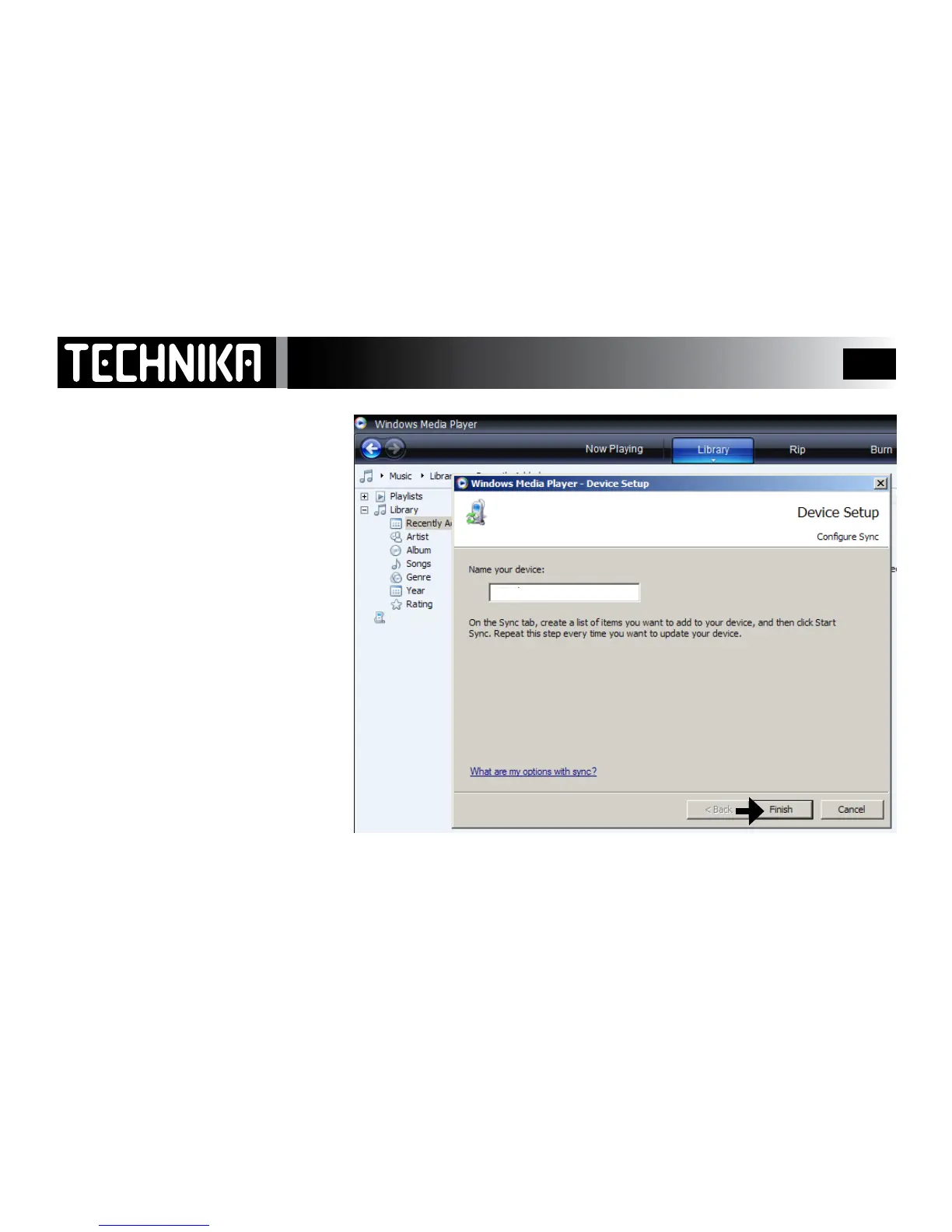
Windows Media Play
er will now set the
player up for S
ynchronization
Y
ou may
, if you wish choose to give the
player a name for easy future recognition
Click “FINISH’ to continue
S
ynchr
onising Files t
o the Pla
y
er -
2
My MP4 Player
PMP351
PMP351
7
9
Table of Contents
Main Page
Table of Contents
2
Safety Information
3
About Your Player
5
Getting Started
6
Connecting the Player to the PC
6
Transferring DRM Files in WMP
10
Synchronising Files to the Player in WMP
11
Deleting Files in WMP
11
Restoring Files in WMP
11
Player File Structure
13
Transferring Other Files
14
Switching the Player on and off
15
Locking and Unlocking the Player
15
Accessing Player Modes
16
Playing Music
17
Play Modes
19
EQ Settings
20
Using Lyrics
21
Playlists
22
Viewing Movies
24
Viewing Photos
26
The FM Radio
28
Recording FM Programmes
30
Voice Recording
31
Replaying Voice and FM Recordings
32
The Text Reader
33
Bookmarks
34
The Calendar
35
Further Options
36
System Settings
37
Screen Settings
38
Lyrics Display
39
Setting the Time and Date
41
Setting the Alarm
42
Using the Alarm
43
Using a Mini SD Card
44
Deleting and Restoring Other Files
48
Warranty
49
Specifications
49



 To Next Page