9
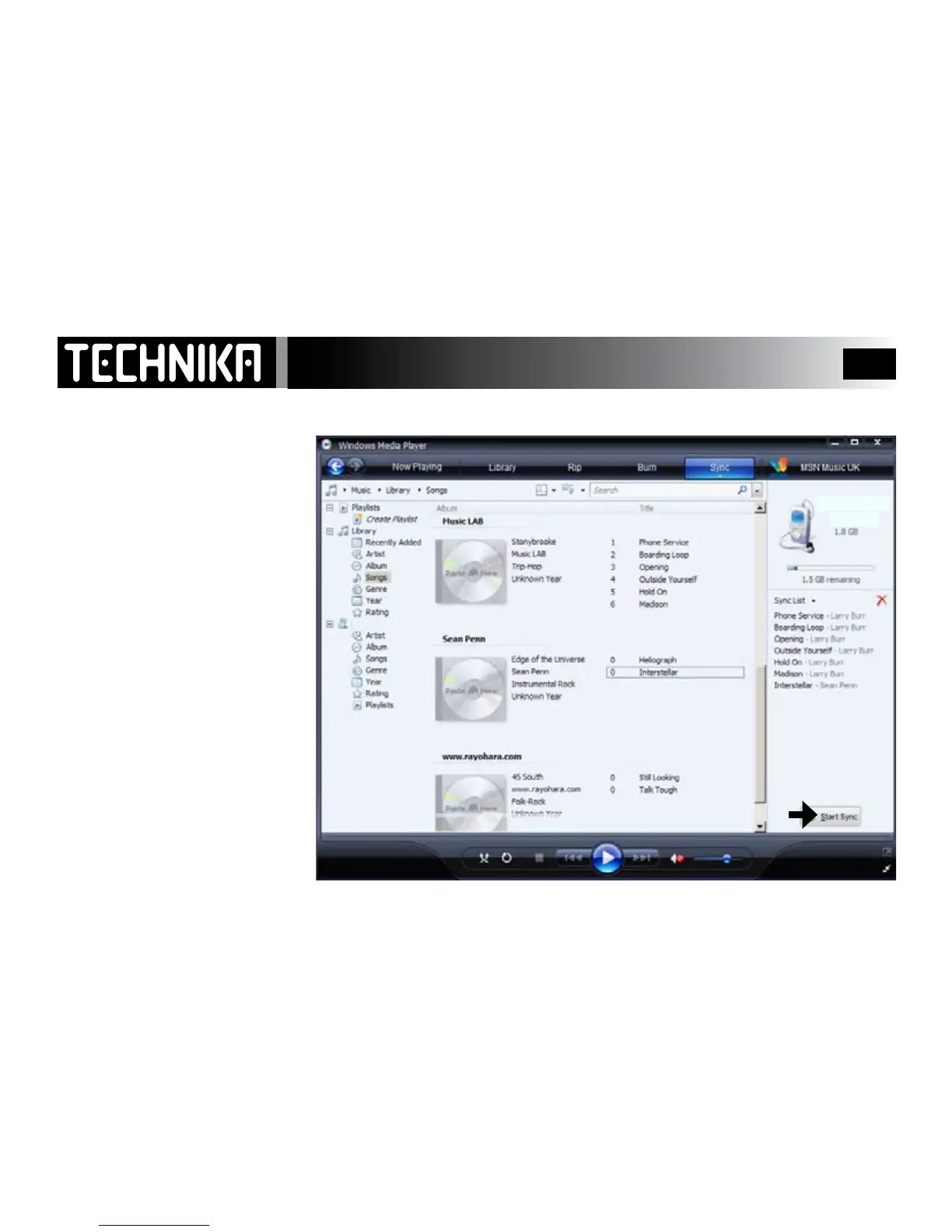
Windows Media Player 11 is divided
into two panes.
Therightpanehastheimageof
yourplayer’sharddrive.
Theleftpanecarriesdetailsofall
thelesonyourPC.
Youcannowlocatethelesyou
wanttocopytotheplayerand
dragthemtotherightpane.
Youcandragacompletealbumor
selectedtracks.
When all the les have been trans-
ferred: Click‘STARTSYNC’
Please NOTE: This player does not
support DRM.
MP3 Player
Synchronising Files to the Player -3
PMP351
My MP4 Player
PMP351



 To Next Page