RUN EXCITE-2008: Service & Maintenance Manual - rev. 1.3
Page 3.18
3.4. EMERGENCY STOP MANAGEMENT
3.4.1. CONTROL
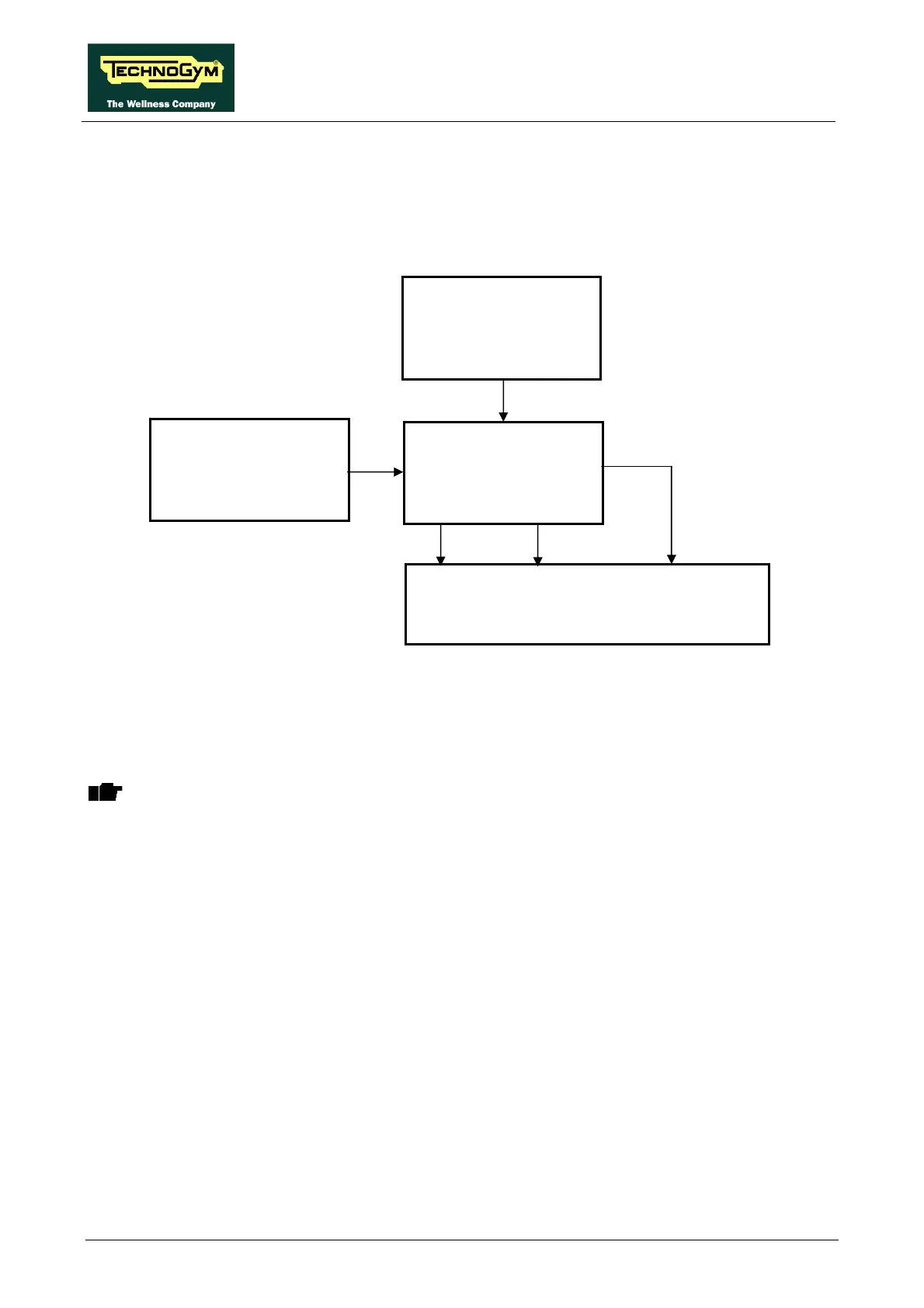
The control block diagram is as follows:
When the user presses the emergency button, the display board stops the exercise, displays the
message “PRESS ANY KEY …” and sends to the ALE/AT UL driver the Emergency signal and
the commands for halting the motors over the 485 serial link. When the ALE/AT UL driver receives
these signals, it stops driving both the tread belt and elevation motors.
ATTENTION: the “PRESS ANY KEY…” message is displayed even in case the serial
communication between the upper assembly and the lower assembly is lost.
Once the ALE/AT UL driver has received an alarm signal, even if the emergency reverts to the non-
tripped state, the alarm condition will persist until the display board sends the reset signal resulting
from any key being pressed. This forces the ALE/AT UL driver to reinstate the serial
communication to the display board and after that to redo the reset procedure.
If the serial communication fails, the machine will try several time to reinstate it. Each attempt is
recorded increasing the value of the COM.FAUL counter that can be checked as indicated at
paragraph: 9.4.4.3 “COM.Fault”. After about 30 seconds it will interrupt and will display the error
message “THE EQUIPMENT IS BLOCKED (COM)”.
Display Board
Emergency
4-6/CN6
Emergency
Clear
Keyboard
Contact
2-6/CN6
-
Reset
5-6/CN6
RS-485
ALE/AT UL driver
9-12/J3 10-12/J3









 To Next Page