RUN EXCITE-2008: Service & Maintenance Manual - rev. 1.3
Page 6.22
6.7. THE TOUCH SCREEN DOES NOT WORK / IT’S NOT
CALIBRATED
TOUCH SCREEN
DOES NOT WORK /
NOT CALIBRATED
Carry out the Touch Screen
calibration procedure.
Does it work correctly?
YES
NO
Touch Screen not
calibrated
Defective Touch Screen
Replace CPU board
Check and update the HW
and SW related to the
Touch Screen
2
Replace the Touch Screen.
Does it work correctly?
NO
YES
1
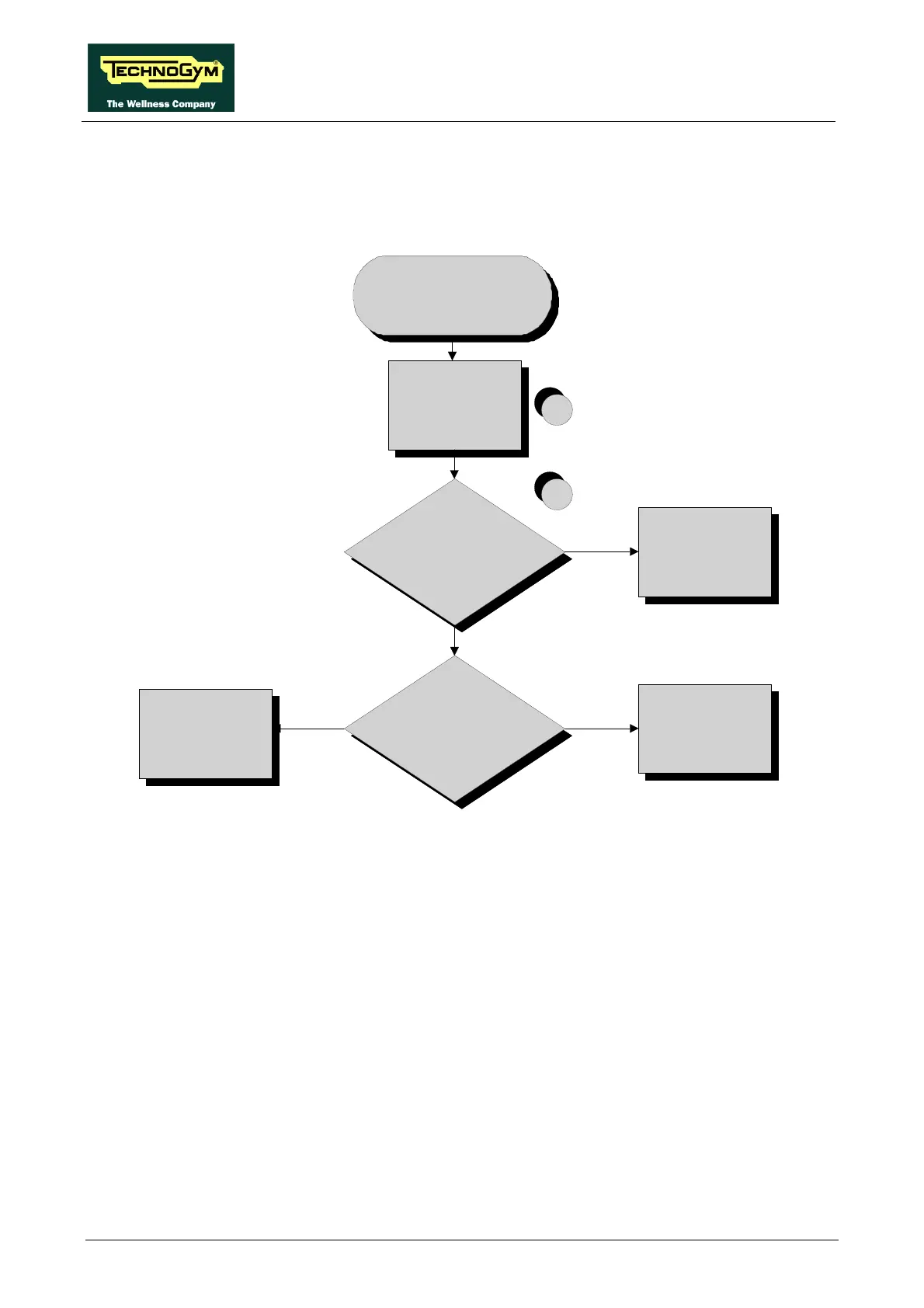
Follow the procedure step by step to correctly diagnose the problem. Take particular care with the
checks highlighted by circled numbers, which are described in detail below:
(1) It’s recommended to upgrade the HW and SW of machine display to the last version, due to
the steady work on the product for its improvement. Please refers to the proper section of the
TG Direct web site: “Parts catalogue” and “Product release”.
(2) Carry out the Touch Screen calibration procedure as detailed at paragraph: 9.9. “Touch
screen calibration”.









 To Next Page