RUN EXCITE-2008: Service & Maintenance Manual - rev. 1.3
Page 6.3
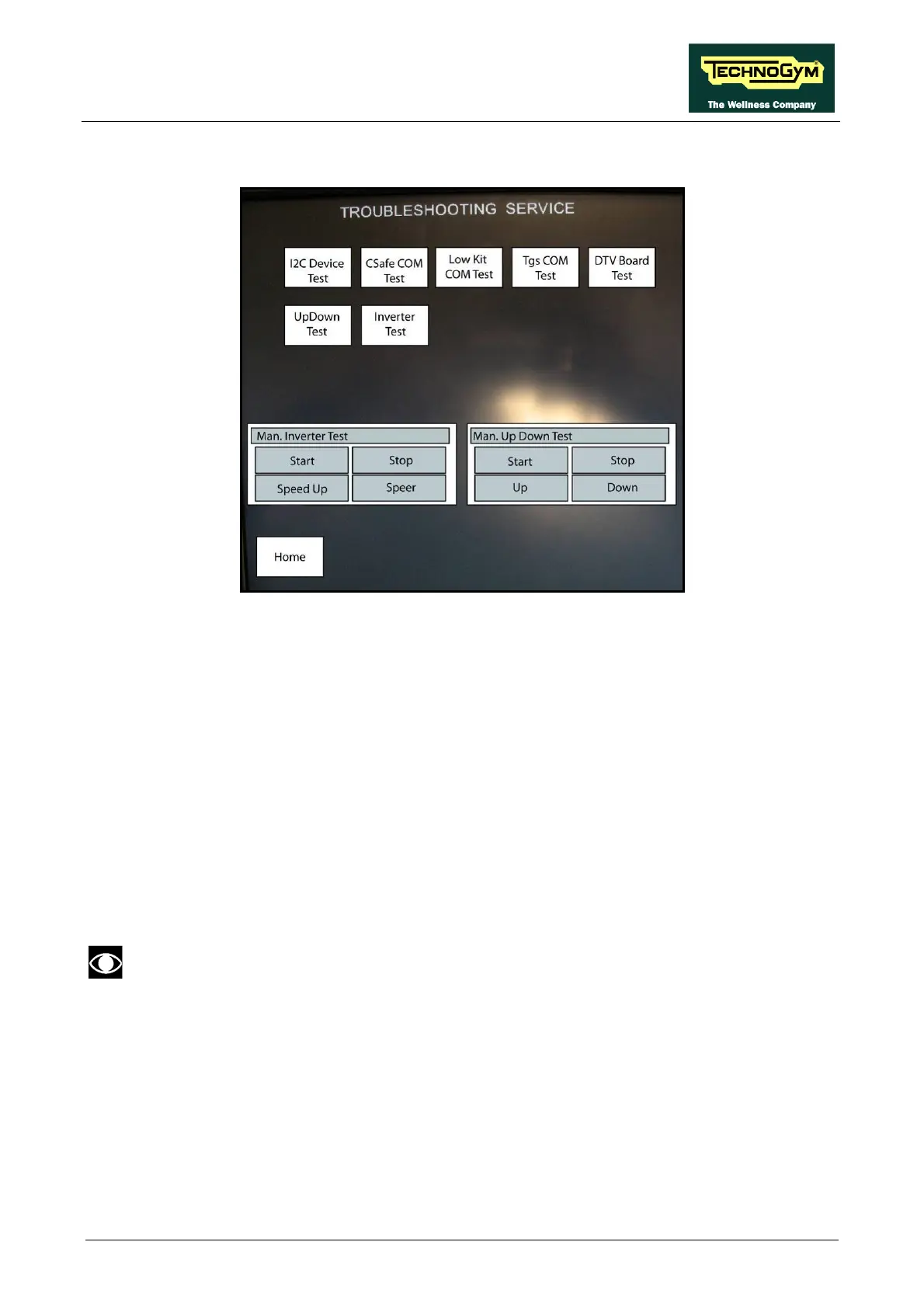
Here below have been detailed all the parameters of the menu.
6.1.1. I2C DEVICE TEST
The I2C Device test checks the communication following the 32K and 256K memories. The test
can have two outcomes:
• “Test Successful”: Signifies that data packets were successfully transmitted and received
toward the display board.
• “EEPROM Error”: Signifies that the display board has communication problems with the memories.
6.1.2. CSAFE COM TEST
The test checks the communication on CSafe ports. The test can have two outcomes:
• “Test Successful”: This means that the test was completed successfully, i.e. that serial
communications on the selected port are correct.
• “Error COM1”: This means that the outcome of the test was negative.
The “CSafe COM test” done on a machine which CSafe port is not plugged with the
monitor plug described at paragraph 4.4. “Monitor plug for CSafe port”.
6.1.3. LOW KIT COM TEST
The test checks the communication with the Low kit. The test can have two outcomes:
• “Test Successful”: This means that the test was completed successfully, i.e. that serial
communications on the selected port are correct.
• “Error COM2”: This means that the outcome of the test was negative.









 To Next Page