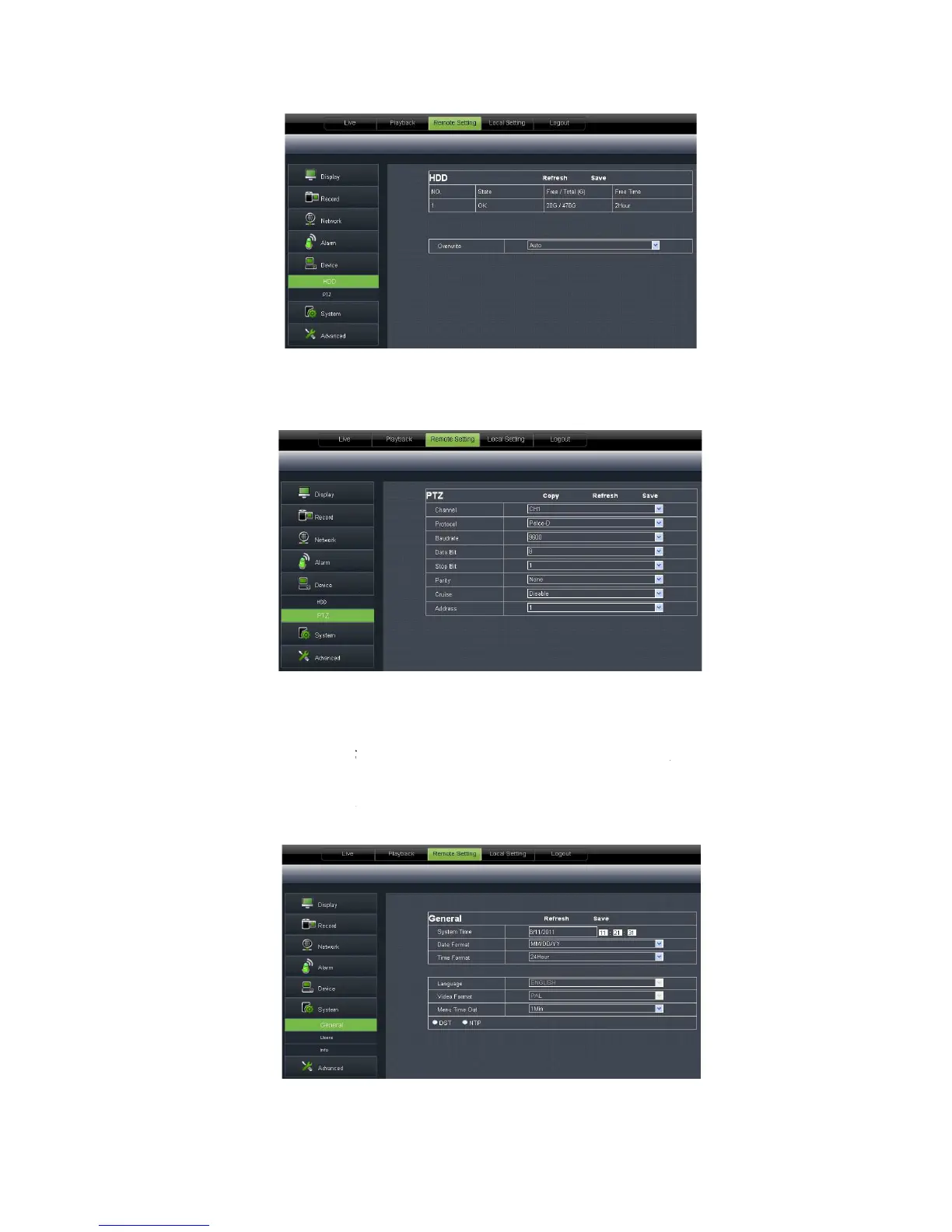
PTZ Configuration (shown as Picture 6
local setting.
6.3.3. 6 System
Click <System> option to unfold its
format, DST and NTP shown as Picture 6
PTZ Configuration (shown as Picture 6
29): details setting should be consistent with DVR
Click <System> option to unfold its
options: General, Users and information.
s language and video system, and also set system time, date
format, DST and NTP shown as Picture 6
30. Details setting should be consistent with DVR
29): details setting should be consistent with DVR
options: General, Users and information.
s language and video system, and also set system time, date
30. Details setting should be consistent with DVR



 To Next Page