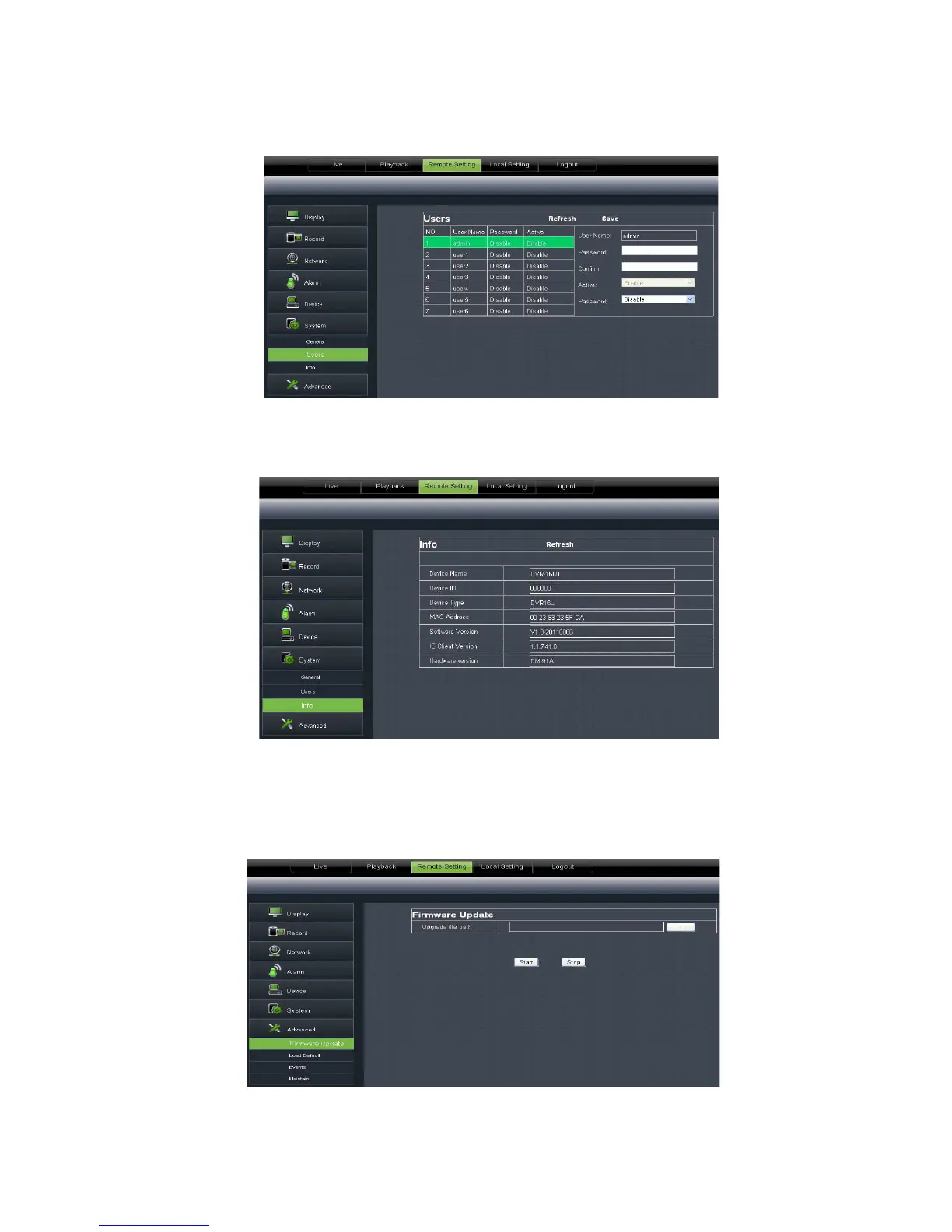
you configure user name and password shown as Picture 6
should be consistent with DVR local setting.
you check out device name, number, type, MAC address, software
version, IE version and h
ardware version shown as Picture 6
Click <Advance> to unfold its sub
maintain etc.
1、 System update:
allow you upgrade DVR system remotely shown as Picture 6
you configure user name and password shown as Picture 6
should be consistent with DVR local setting.
you check out device name, number, type, MAC address, software
ardware version shown as Picture 6
Click <Advance> to unfold its sub
options: System update, Load default, Events and system
allow you upgrade DVR system remotely shown as Picture 6
you check out device name, number, type, MAC address, software
options: System update, Load default, Events and system
allow you upgrade DVR system remotely shown as Picture 6



 To Next Page